building AI agent harnesses with Strands Agents — course narrative
Creator: Morgan Willis | Videos: 14 | Total duration: ~92 min
Source: this is a written companion to Morgan Willis’s free 14-video course. Read her announcement and course notes at Building AI agent harnesses with Strands Agents on AWS Builder Center. Watch the videos there or from the carousel below.
 11:06
01
How AI Agents Really Work
 3:26
02
Switching Model Providers
 6:44
03
Give Your Agent Tools Using MCP
 3:23
04
Adding Callbacks & Response Streaming
 5:52
05
Control Your Agent With Hooks
 5:10
06
Agent Plugins & Skills
 8:29
07
Improve Agent Reliability with Strands Steering
 8:47
08
Context Engineering & Conversation Management
 5:33
09
Persistent Memory with Session Managers
 5:04
10
Multi-Agent Patterns: Agents as Tools
 5:19
11
Multi-Agent Patterns: Graph Workflows
 5:56
12
Multi-Agent Patterns: Agent Swarms
 7:13
13
Evaluating Agents
 10:29
14
Deploying Agents to the Cloud
what this course builds
Morgan Willis takes you from a stateless language model to a production-deployed agent system in 14 progressively layered videos. The through-line: the agent harness — the runtime that wraps a model in tools, memory, lifecycle controls, and observability, then deploys the whole thing to the cloud. Every video builds on the last. By the end, the four-line agent from video one has grown into a multi-agent system with persistent memory, evaluation pipelines, and a single-command cloud deployment.
course map
| ch | title | duration | core concept |
|---|---|---|---|
| 01 | how AI agents really work | 11:06 | the agent loop + harness abstraction |
| 02 | switching model providers | 3:26 | provider-agnostic architecture |
| 03 | give your agent tools using MCP | 6:44 | MCP protocol + tool ecosystem |
| 04 | adding callbacks and response streaming | 3:23 | event observation + async streaming |
| 05 | control your agent with hooks | 5:52 | lifecycle interception + guardrails |
| 06 | agent plugins and skills | 5:10 | composable behavior packages |
| 07 | improve agent reliability with steering | 8:29 | structured output + retry patterns |
| 08 | context engineering and conversation management | 8:47 | sliding window + compression + offloading |
| 09 | persistent memory with session managers | 5:33 | cross-session state via DynamoDB/file |
| 10 | multi-agent patterns: agents as tools | 5:04 | hierarchical delegation |
| 11 | multi-agent patterns: graph workflows | 5:19 | DAG-based deterministic orchestration |
| 12 | multi-agent patterns: agent swarms | 5:56 | autonomous peer coordination |
| 13 | evaluating agents | 7:13 | LLM-as-a-judge + multi-turn eval |
| 14 | deploying agents to the cloud | 10:29 | Bedrock AgentCore deployment |
foundations (01–05)
01 — how AI agents really work
11:06 · watch
A title card fills the frame: Agent Harnesses and the Agent Loop. Morgan stands at a desk with a laptop and plant behind her, speaking directly to camera.
The core problem lands immediately. AI models are continually becoming more capable — reasoning through complex problems, writing code, analyzing data, making decisions — but capability alone does not make them useful in production. A model by itself is stateless. It processes one request, produces a completion, and forgets everything before the next turn. It cannot take action in the real world, access real-time information, or coordinate across a multi-step workflow on its own. This is why so many modern AI systems are being built as agents.
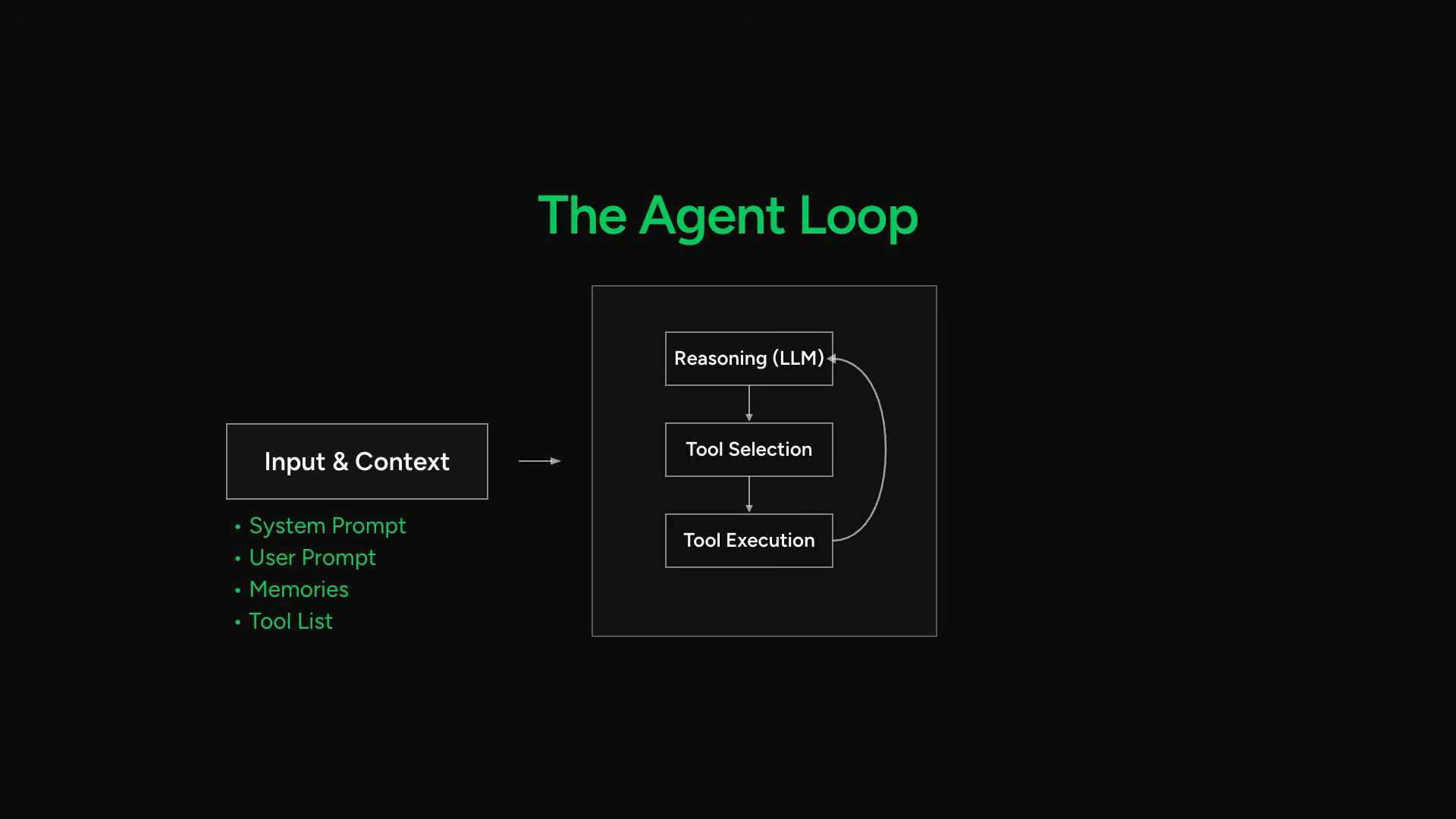
A diagram fills the screen showing the agent loop — boxes connected by arrows forming a cycle. The text overlay reads The Agent Loop. The sequence runs through five stages:
- the model receives context: system prompt, user prompt, relevant memories from previous interactions, and a tool list
- it reasons over that information
- it decides whether to call any tools
- if so, the tools execute and results feed back into context
- the model reasons over those results
- this cycle repeats until the task is complete
The slide shifts to The Agent Harness.
Coding assistants are the most visible examples of agent harnesses today. They are models wrapped in systems that give them tools, memory, context management, execution environments, and the ability to operate in a loop. A good agent harness helps verify whether the actions an agent took actually worked.
The same patterns that build resilient coding assistants apply to any agent use case: customer support systems, research agents, workflow automation, business operations. The harness is the universal layer — the model provides intelligence, the harness provides structure and control. Together, the model and the harness create an agent.
The screen cuts to code. A simple Python file appears in the editor:
from strands import Agent

agent = Agent()
agent("Explain what an AI agent is in 2 sentences")
Three overlay cards flash in sequence: Pip Install Strands-Agents-Tools, Default Provider Amazon Bedrock, Model-Provider Agnostic. The SDK’s shape established in seconds — install with pip, default to Bedrock, swap providers freely.
The terminal shows execution: python3 simple_agent.py. A response streams back token by token.
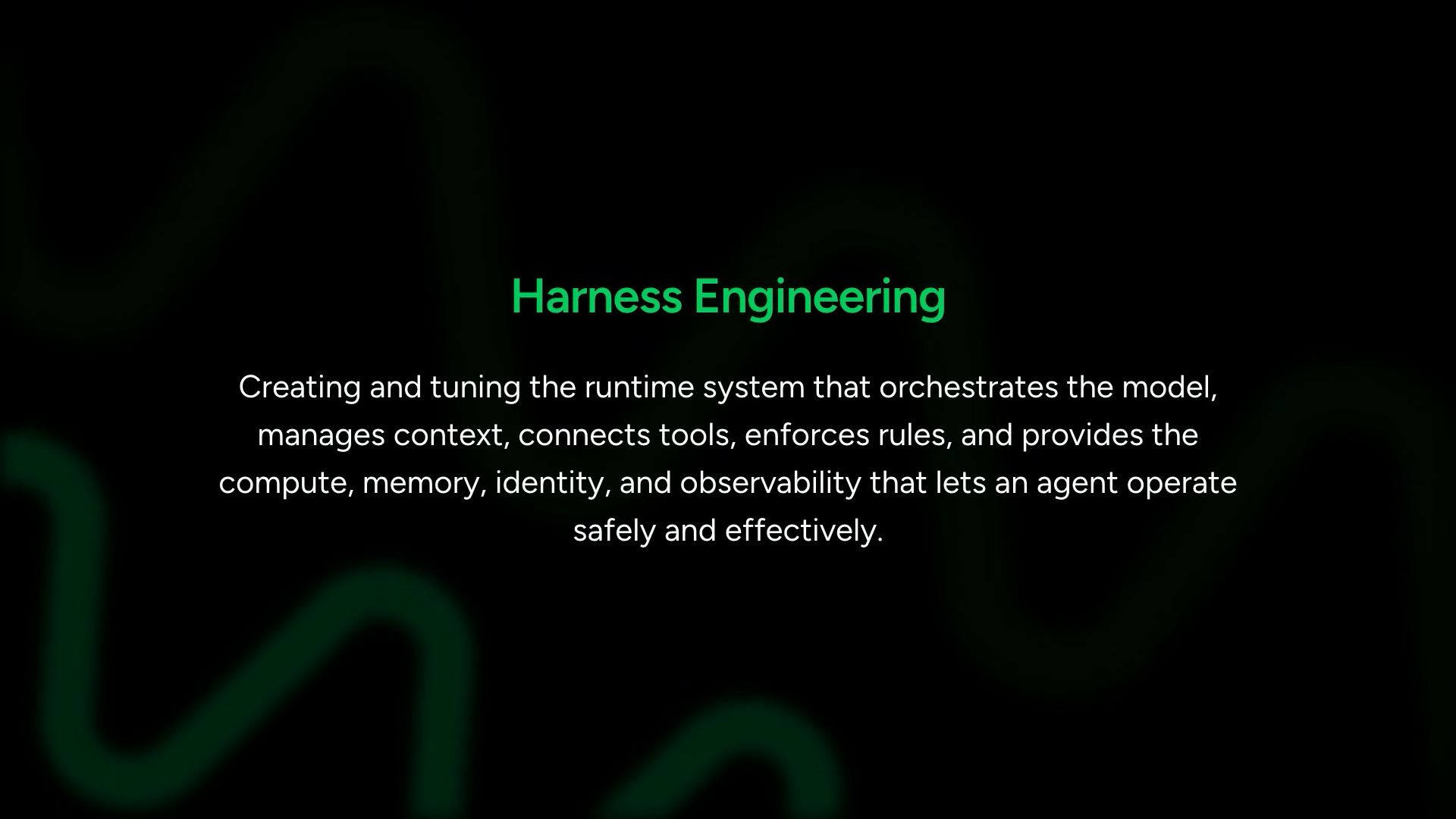
Three layers of engineering emerge. Prompt engineering focuses on instructions, examples, and constraints that drive model behavior. Context engineering focuses on what additional information — beyond the prompt — enters the model’s context window, when, and in what form. Harness engineering sits above both: creating and tuning the runtime system that orchestrates the model, manages context, connects tools, enforces rules, and provides compute, memory, and observability that keeps the agent operating safely.
These layers are not competing approaches — they are nested. Good prompt engineering lives inside good context engineering, which lives inside good harness engineering. You need all three. But the harness is the one you build as software. The harness is the one you test, deploy, monitor, and version. The harness is what makes the difference between a model that answers questions and a system that reliably executes multi-step workflows in production.
The goal: let agents handle more on their own while maintaining control over the boundaries. Run deterministic code where you need predictable behavior, add validation layers to verify outcomes, and when the stakes are high, interrupt a running agent and bring a human into the loop.
The Strands Agents SDK card appears. Open source. Building blocks for constructing your own harness end to end. Components for tools, context engineering, lifecycle hooks, plugins, memory, session management, evaluations, observability. You compose them into whatever system your use case requires.
Strands ships with pre-configured defaults that give a capable agent out of the box: built-in tools for file operations, shell, search and web access. Automatic context management that compresses proactively. Sub-agent delegation. Start with those defaults and customize, or build from scratch using the primitives. The course covers both paths.
Strands itself came out of production systems at AWS. Teams building agents kept running into the same problem — the abstractions and rigid orchestration layers in existing frameworks were not keeping up with what newer models could do natively. Strands was built around a simple idea: let the model drive.
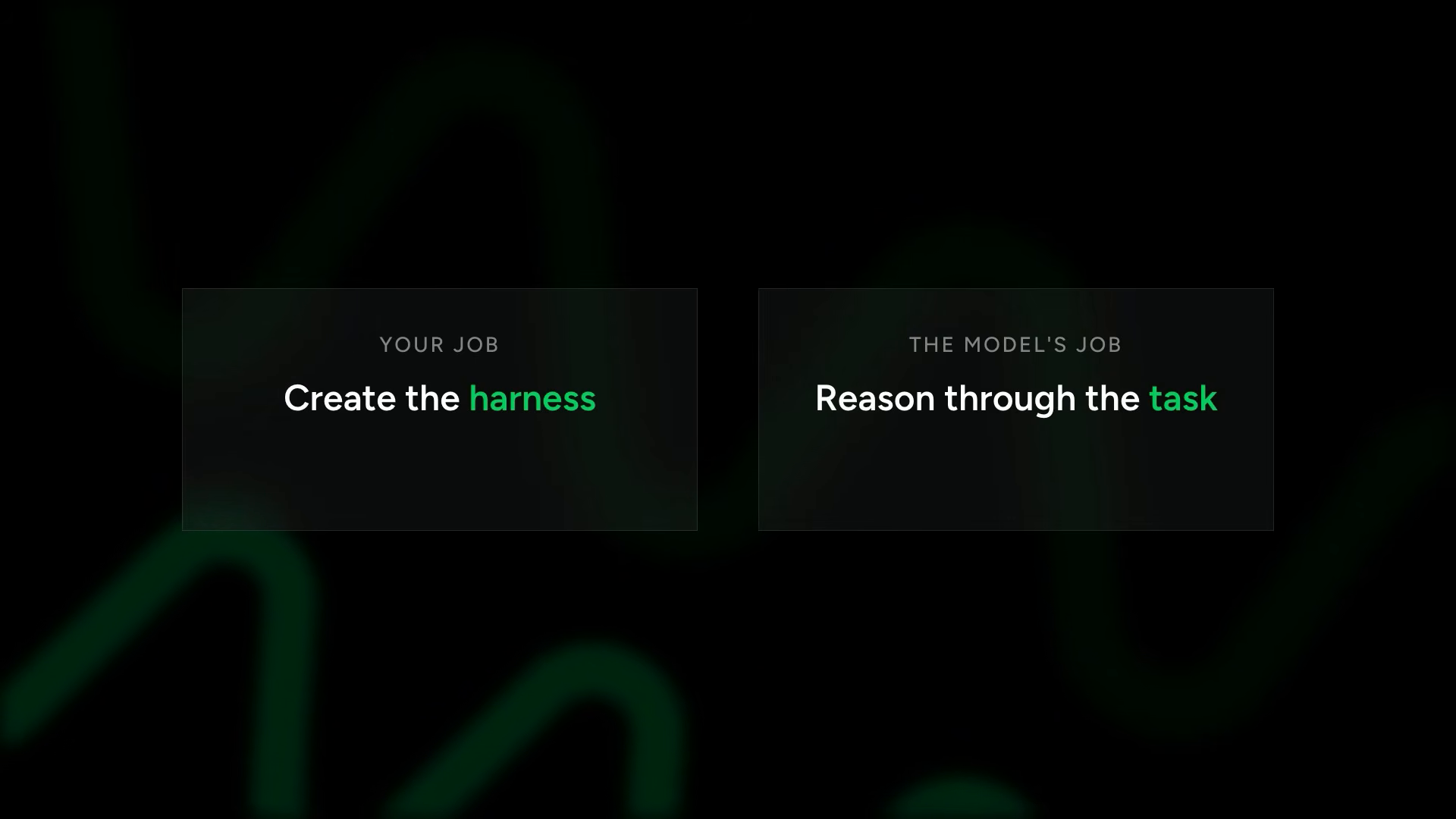
You give the model tools and context. The model reasons through what to call, in what order, and when to stop. Your job: define the environment, capabilities, boundaries, and guardrails. The model’s job: reason through the task.
The screen fills with a more substantial example. A market research agent that compares internal product listings to competitors:
from strands import Agent, tool
from strands_tools import http_request, file_write

@tool
def query_product_database(category: str) -> dict:
    """Query internal product database for current listings in a category.

    Args:
        category: The product category to search.

    Returns:
        Dictionary containing product listings.
    """
    # In production: database query or internal API call
    return {
        "products": [
            {"name": "ProSound X1", "price": 199, "rating": 4.5},
            {"name": "BassWave Elite", "price": 299, "rating": 4.8}
        ]
    }

system_prompt = """You are a product research analyst. When given a research task:
1. Gather market data using available tools
2. Query internal product database for comparison
3. Write a competitive positioning summary
4. Save the report to a file"""

agent = Agent(
    tools=[http_request, file_write, query_product_database],
    system_prompt=system_prompt
)

agent("Research what wireless headphones are trending on the market "
      "and compare it against our offerings. Write a short competitive "
      "positioning summary and save it to report.md")
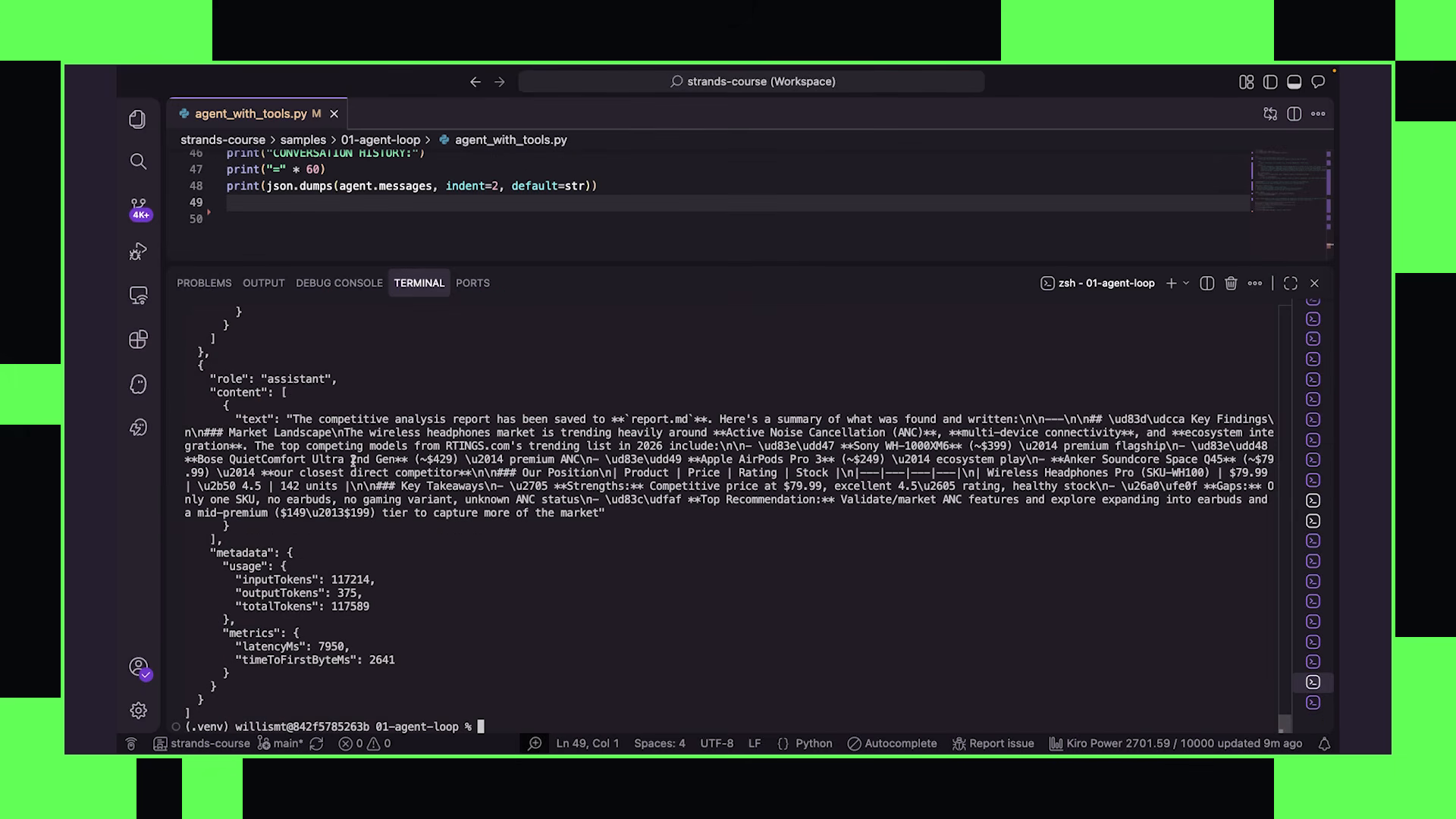
The @tool decorator turns any Python function into an agent-callable tool. Strands reads the docstring as the tool description the model sees. It reads the type hints and generates the input schema automatically. Write a function, add a decorator, Strands handles the rest. MCP is covered in a later video — for now, the mechanics of the SDK and creating a simple agent.
The agent kicks off in the terminal. HTTP requests fire to gather market data. The query_product_database tool returns product listings. When certain websites block scraping, the agent pivots — uses a more accessible public data source. The agent loop allows adaptability. Errors trigger another iteration, and the agent takes a different path.
This adaptability is not scripted. No error-handling code tells the agent what to do when a website blocks it. The model sees the error in the tool result, reasons that it needs market data from somewhere else, and tries a different approach. The loop gives it the opportunity to recover. The harness gives it the context to know what happened. The model gives it the intelligence to adapt.
Then a pause. The file_write tool has built-in human-in-the-loop capabilities: “Can I proceed with writing this file?” Type yes. The file writes to a local directory containing the full competitive positioning report.
To see what the agent did in more detail, step by step, inspect agent.messages — the full context of what the agent saw and did with every loop.
The terminal fills with the full message history printed as structured data. Every user message. Every assistant response. Every tool call and tool result that occurred during the agent loop. The output is long — dozens of entries for even a moderate task — because every tool invocation adds two entries (the request and the result).
Morgan: “When I first started building agents, this is what I wish someone had shown me first, because it answers the question — why did my agent do that — almost every time.”
The message structure is visible: tool_use blocks where the model requested a tool with specific inputs. Strands invokes those tools and sends responses back as additional context. The model reasons over results and decides what to do next. This accumulated conversation state is sent to the model on every request because models are stateless by default. They only know what you send them during every single invocation.
The structure of agent.messages reveals the raw mechanics of what an agent actually is at runtime. It is not magic — it is a growing list of messages. Each loop iteration adds to the list. The model sees the entire accumulated history on every invocation. The harness decides what stays, what gets compressed, and what gets dropped when the context window fills. This is context engineering in its most literal form.
The message types visible in the output:
user— the original prompt or follow-upassistant— the model’s response, which may includetool_useblockstool_result— what the tool returned after execution
Every tool_use block contains the tool name, a unique ID, and the input parameters the model chose to pass. The corresponding tool_result references that ID and contains whatever the tool returned. The model then reasons over that result — and may call another tool, or produce a final response. This is the agent loop made visible as data.
The course roadmap appears on screen: long-running conversations, memory systems, orchestration workflows, customer support agents, multi-agent systems, evaluations, monitoring and observability, cloud deployment patterns. The goal is building a mental model for how agent harnesses work and how Strands primitives compose into real systems. In the age of AI coding assistants, syntax matters a lot less than understanding the systems and the patterns.
To get started:
pip install strands-agents        # Core SDK
pip install strands-agents-tools  # Community tools package
Default provider is Amazon Bedrock — AWS credentials configured means ready to go. But Strands is model-provider agnostic. OpenAI, Anthropic, Ollama for local models all supported. The next video covers how to swap between providers.
02 — model providers
3:26 · watch
The frame opens on Morgan at the desk, then cuts immediately to the code editor — green text on black background. The shift from presentation to code is faster here. The concepts are crisp and the demos are tight.
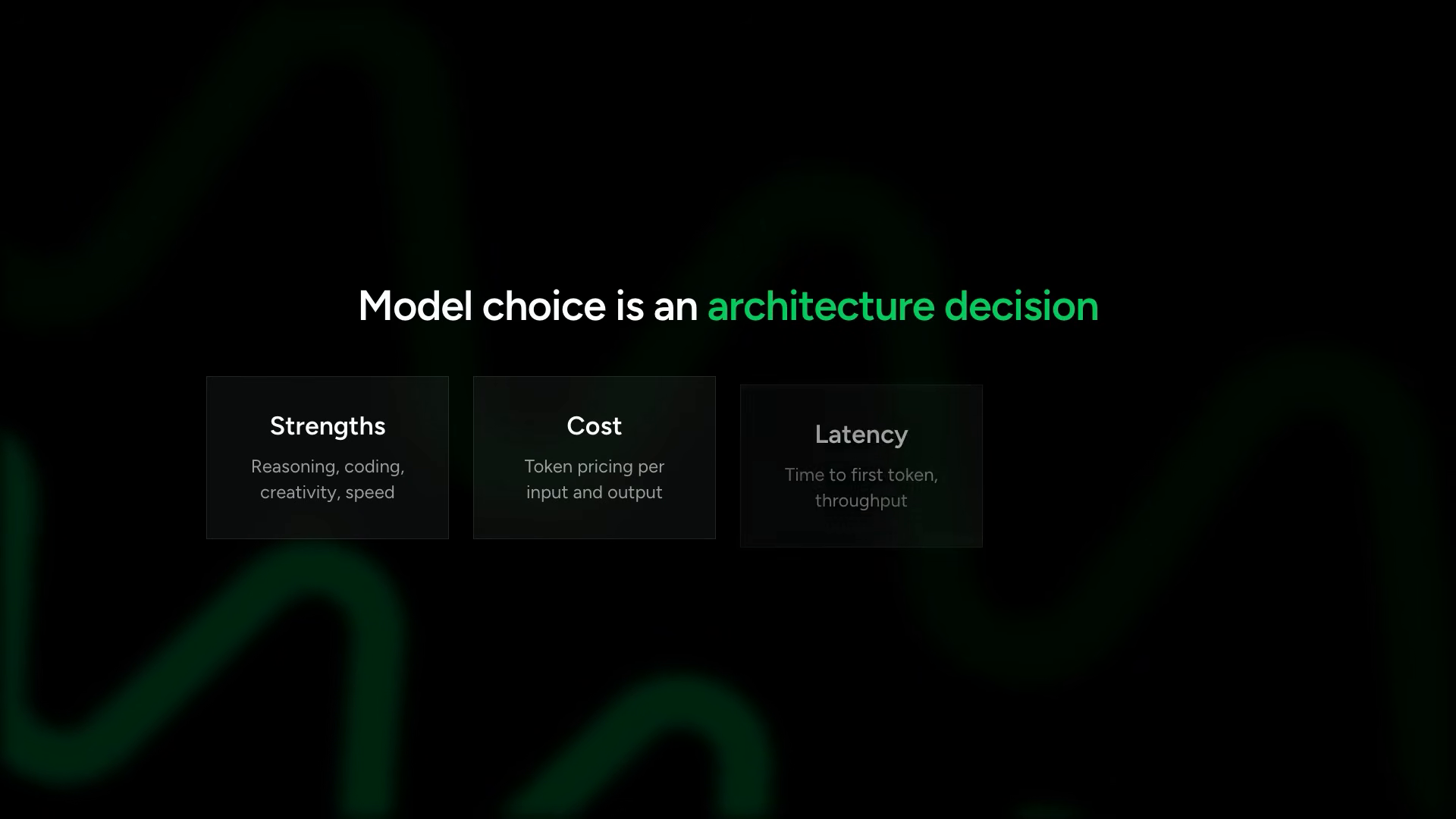
As the agent systems you build become more sophisticated, it is common to use different models powering different agents within the same system. One model for orchestration. Another for specialized coding tasks. Another for validation or evaluation steps.
In some cases, it is useful to use a completely different model provider for different tasks, like evaluations — so you are not relying on the same model and training patterns for both generation and verification.
This separation matters architecturally. If the same model generates an output and evaluates it, the evaluation inherits the same blindspots as the generation. Using a different provider for evaluation creates genuine independence in verification — different training data, different failure modes, different biases. A Claude-generated response evaluated by GPT-4o catches patterns a self-evaluation would miss, and vice versa.
The strategies here go deeper than just “use different models.” Production multi-model systems route based on task characteristics:
- high-stakes reasoning tasks → deep-reasoning model (Opus, o1)
- high-volume, low-latency tasks → fast model (Haiku, GPT-4o-mini)
- code generation → code-specialized model (Sonnet, GPT-4o)
- evaluation/verification → different provider entirely from the generator
- cost-sensitive batch work → smaller model with sufficient capability
The harness decides which model handles which subtask. The SDK makes the swap trivial. The architectural decision is yours.
Strands abstracts model providers behind a common interface. Instantiate a model class. Pass it to the agent. Everything else stays the same. The interface is deliberately minimal — the fewest concepts needed to select and configure a model. Everything above the model layer (tools, prompts, hooks, callbacks) remains untouched when you swap providers.
The code demonstrates the default:
from strands import Agent

# Default: no model arguments
# Uses Bedrock with Claude Sonnet 4 in us-west-2
agent = Agent()
agent("Explain what an AI agent is")
When you create an agent with no model arguments, Strands uses Bedrock with Claude Sonnet 4 in US West 2. This is a sensible default — capable enough for most tasks, fast enough for interactive use, available through standard AWS credentials. But in production, explicit configuration is the standard practice. You want to know exactly which model runs where, and you want that documented in code — not left to a framework default that might change between SDK versions.
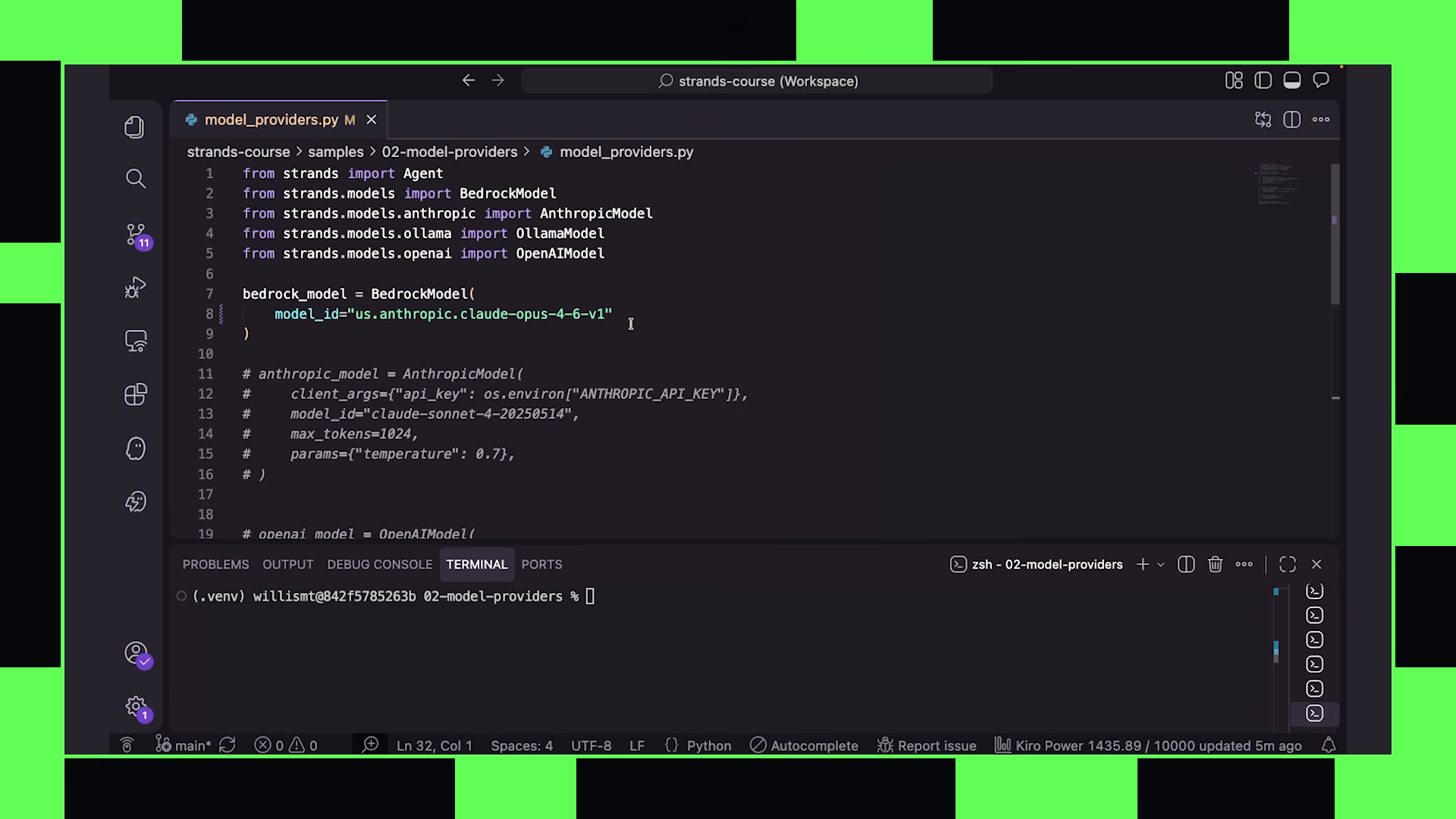
The code changes to show explicit model instantiation. The pattern is three lines:
from strands import Agent
from strands.models import BedrockModel

# Explicit model configuration
model = BedrockModel(model_id="us.anthropic.claude-opus-4-0-20250514")

agent = Agent(model=model)
agent("Explain quantum computing in simple terms")
Import BedrockModel. Create an instance with a specific model ID — Claude Opus in this case. Pass that directly to the agent instance when you create it. Three lines that make the model choice explicit and reproducible. The terminal shows the agent running with Opus instead of the default.
The terminal shows the agent running with Opus instead of the default.
The code editor shows the Anthropic provider — same structure, different import:
from strands import Agent
from strands.models import AnthropicModel

model = AnthropicModel(model_id="claude-sonnet-4-20250514")
agent = Agent(model=model)
agent("Explain quantum computing in simple terms")
The pattern holds for every provider. OpenAI:
from strands import Agent
from strands.models import OpenAIModel

model = OpenAIModel(model_id="gpt-4o")
agent = Agent(model=model)
Ollama for local models — running entirely on your machine with no network calls:
from strands import Agent
from strands.models import OllamaModel

model = OllamaModel(model_id="llama3.1:8b")
agent = Agent(model=model)
Local models via Ollama are particularly useful for development and testing. No API costs during iteration. No network latency. No rate limits. You can run your agent loop hundreds of times while tuning prompts and tools without touching a production endpoint. Then swap to a cloud provider for deployment — change one line.
The architectural principle is clean. Every provider shares the same interface. Import the model class. Instantiate with a model ID. Pass to the agent. Agent code never changes. Tool definitions never change. System prompts never change. Only the model object swaps.
This decoupling enables the multi-model architectures production systems require. A planning agent backed by a deep-reasoning model. A coding agent on something fast and capable with code. A validation agent on a different provider entirely for independent verification. Each instantiated with its own model object, all composing into one system through the same Strands primitives.
Configuration parameters are available across providers — temperature, max_tokens, top_p — passed as keyword arguments:
model = BedrockModel(
    model_id="us.anthropic.claude-sonnet-4-20250514",
    max_tokens=4096,
    temperature=0.7
)
Provider-specific parameters route through additional config when needed. The interface stays clean — common parameters at the top level, provider-specific ones namespaced.
The pattern that emerges: harness architecture decides which model class for which agent role, based on the task’s requirements. Reasoning depth. Speed. Tool-use reliability. The SDK makes swapping trivial so the architectural decision stays purely about capability fit. You will never be locked into a single provider or model. The abstraction layer ensures that when a better model appears — for any task — you change one line and everything else remains stable.
Multi-model systems are not theoretical. They are the production pattern. An orchestrator agent using a high-reasoning model to decompose complex tasks. A fast model handling routine tool calls. A different provider entirely validating outputs so the evaluation does not share training biases with the generator. The common interface makes this composition natural — each agent is just another instance with its own model object.
The terminal output confirms: same agent logic, same tools, same system prompt. Different model underneath. The response quality and style shift with the model, but the harness does not care. It manages the loop identically regardless of which model drives the reasoning.
The default region for Bedrock is us-west-2. You can override with region configuration in the BedrockModel constructor. Cross-region inference profiles are supported for workloads that need geographic distribution or failover. The SDK handles the routing — your agent code stays provider-agnostic.
The foundation is now set: the model is a pluggable component. The harness is the constant. Tools, prompts, callbacks, and hooks compose around whatever model you choose. Provider abstraction is not a convenience feature — it is an architectural principle that enables the multi-model systems covered in later chapters.
One practical note visible in the code: authentication varies by provider. Bedrock uses AWS credentials (IAM roles, profiles, or environment variables). Anthropic and OpenAI use API keys. Ollama runs locally with no authentication. The SDK handles each provider’s auth mechanism internally — you configure credentials according to the provider’s standard pattern, and Strands routes requests appropriately.
The provider you start with is rarely the provider you end with. Models improve. New providers appear. Pricing changes. Capabilities shift. The abstraction layer means these changes are configuration updates — not rewrites of your agent logic. The harness stays stable while the model layer evolves underneath.
03 — MCP and tools
6:44 · watch
The title card reads MCP and the Tools. Morgan appears briefly, then the frame shifts to overlay slides explaining the tool ecosystem.
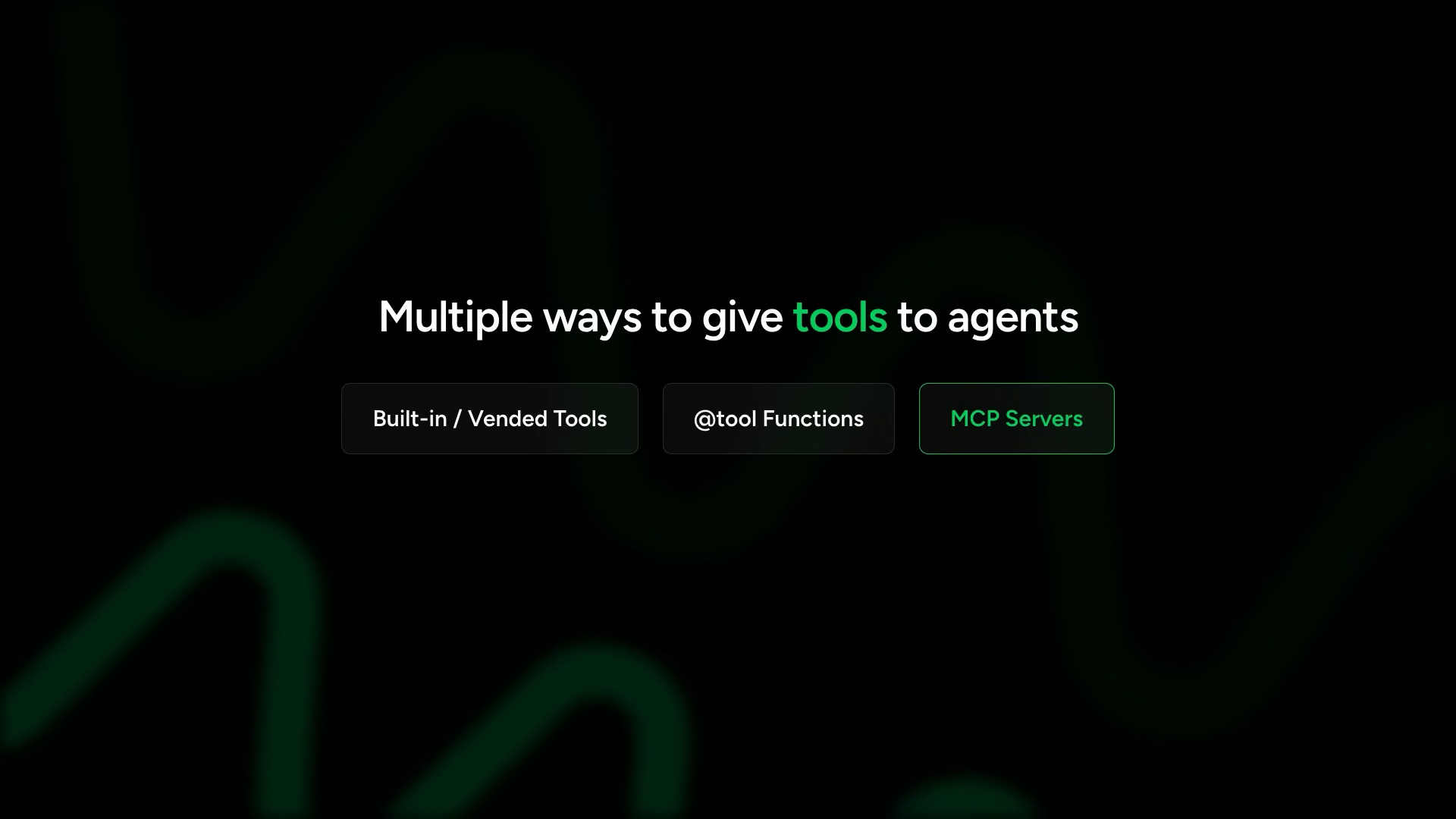
A slide fills the screen: Multiple Ways to Give Tools to Agents. Three categories appear:
- Built-in/vendored tools (community tools package —
strands-agents-tools) - Tool functions (Python functions with the
@tooldecorator) - MCP servers (external capabilities via open standard protocol)
You have already seen built-in vended tools and turning Python functions into tools with the decorator. The third pattern — MCP — is the one that scales agent capabilities beyond what you can write yourself.
The use cases: interacting with GitHub, AWS APIs, browser tools, internal company systems. Instead of manually wiring up every capability one tool at a time, you connect to an MCP server that already exposes those capabilities using a standard protocol. The server owner maintains the implementation. You connect and use.
The slide reads: Use MCP to Connect Agents to Externally Managed Tool Servers. Modern agent systems rely on runtime access to external knowledge and capabilities instead of encoding everything into prompts or local tools. The shift is fundamental — from static knowledge baked into prompts toward dynamic, on-demand capability access.
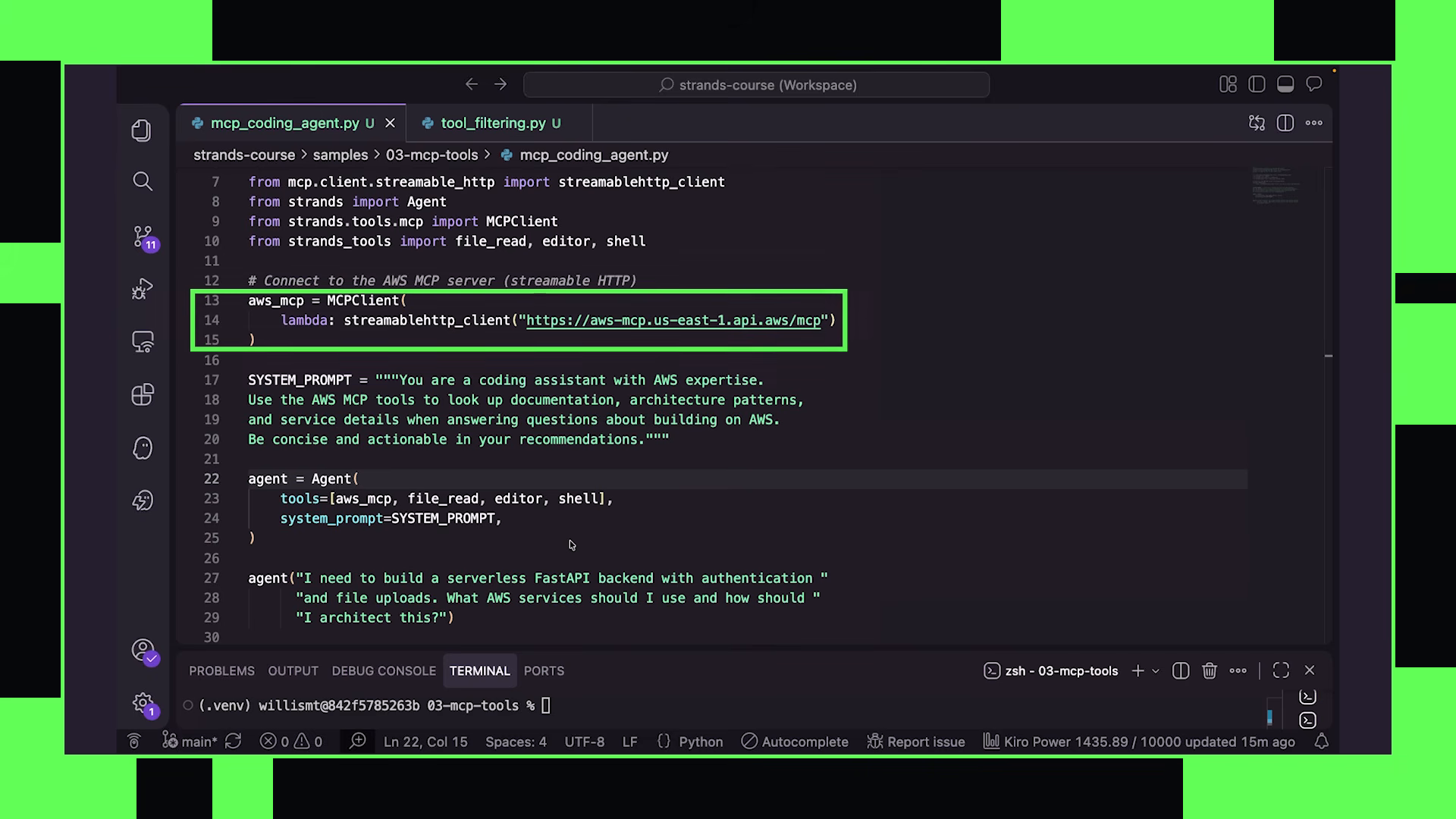
The example: a coding assistant with deep AWS capabilities. AWS has an MCP server as part of the AWS Agent Toolkit that exposes AWS capabilities directly to agents.
The difference from the @tool approach is fundamental. A tool function embeds specific logic you write. An MCP server exposes an entire surface area of capabilities maintained by someone else — in this case, AWS documentation, service descriptions, best practices, and architecture guidance. The agent can ask questions about any AWS service without you writing a tool for each one.
The connection code appears:
from mcp import StreamableHTTPClient
from strands.tools.mcp import MCPClient
from strands import Agent

# Create MCP client pointing to AWS MCP server
mcp_client = MCPClient(
    StreamableHTTPClient("https://mcp.aws.amazon.com/")
)

# Pass MCP client into agent's tool list
agent = Agent(tools=[mcp_client])

agent("I need to build a serverless FastAPI backend with "
      "authentication and file uploads. What AWS services "
      "should I use and how should I architect this?")
Strands provides an MCP client that connects to either remote or local MCP servers. Import the StreamableHTTPClient from the MCP package — this handles the HTTP transport layer. Import MCPClient from Strands — this wraps the transport in a Strands-compatible tool interface. Create the client, point it at the endpoint. Pass it into the agent’s tool list — just like any other tool. The MCP client looks identical to a list of @tool functions from the agent’s perspective.
The connection can use different transports depending on how the MCP server is deployed. StreamableHTTPClient for HTTP-based remote servers. StdioClient for local servers that communicate over stdin/stdout. The transport is a deployment detail — the tool interface presented to the agent stays the same regardless.
When the agent initializes, Strands automatically discovers the tools exposed by the MCP server and makes them available to the model. The agent does not need to know in advance what tools exist — discovery happens at connection time. The MCP server declares its capabilities via the protocol, and Strands translates those declarations into the same tool schema format the model expects. From the model’s perspective, an MCP-sourced tool looks identical to a local @tool-decorated function.
This runtime discovery is what makes MCP powerful for evolving systems. The MCP server can add new capabilities, and connected agents gain access immediately without code changes. The server can deprecate tools, and agents stop seeing them. The protocol handles versioning, capability negotiation, and schema description — all at connection time.
Agents can connect to multiple MCP servers simultaneously. Local servers running on the same machine. Remote servers across the network. Third-party hosted services. Internally developed company tools. All coexist in the same tool list. The agent sees a flat namespace of capabilities regardless of where they originate.
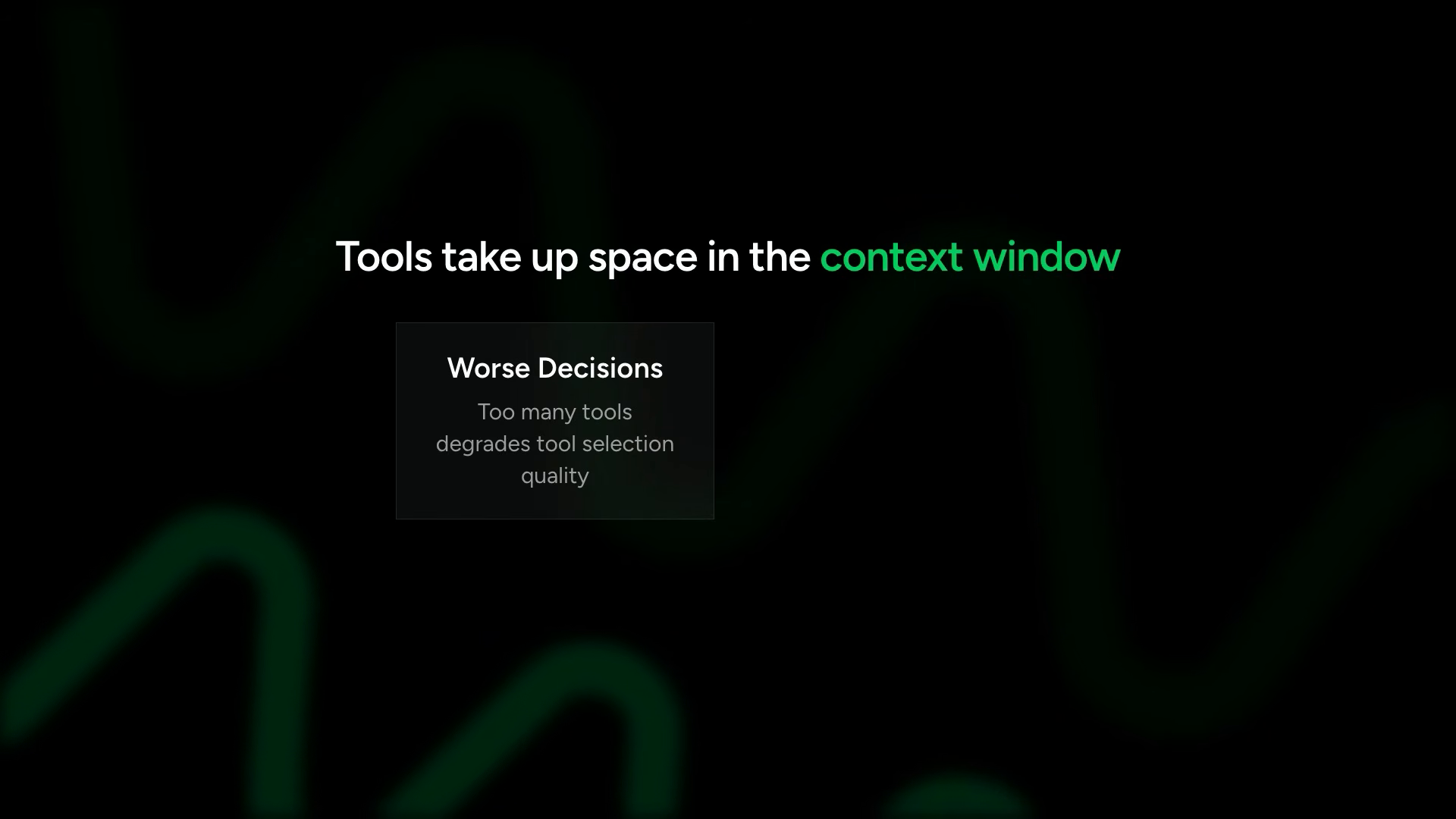
The overlay shifts to a critical warning: Tools Take Up Space in the Context Window. Tool descriptions, schemas, and MCP server metadata all consume tokens when loaded. The problem surfaces immediately in practice:
Part of good harness design: exposing the right capabilities without overwhelming the model. The slide reads Tool Filtering.
Some MCP servers expose dozens of tools, but your agent only needs a few. With tool filtering, you select only the relevant tools — reducing context bloat, avoiding confusion, and saving cost.
from strands.tools.mcp import MCPClient
from mcp import StreamableHTTPClient

# Connect to MCP server
mcp_client = MCPClient(
    StreamableHTTPClient("https://mcp.aws.amazon.com/")
)

# Show all available tools
print(f"Total tools on server: {len(mcp_client.tools)}")

# Filter to only what this agent needs
filtered = mcp_client.filter_tools(
    allowed=["describe_service", "get_best_practices"]
)
print(f"Filtered tools: {len(filtered)}")

agent = Agent(tools=[filtered])
The terminal runs. 11 tools listed on the MCP server. After filtering: 2 tools provided to the agent. Context footprint drops from 11 tool schemas to 2.
You can pass allowed lists, rejected lists, or reject patterns. The filtering API is flexible enough to handle servers with hundreds of tools where only a handful apply to any given agent role. For large MCP ecosystems — internal company servers with dozens of capabilities — filtering is not optional. It is a requirement for reliable tool selection by the model.
Dynamic filtering takes this further. Imagine routing different tool subsets based on the user’s role, the current task type, or the conversation context. The harness can inspect the incoming request and configure the tool list before the agent loop begins. Static filtering is the baseline. Dynamic filtering is the production pattern for complex systems.
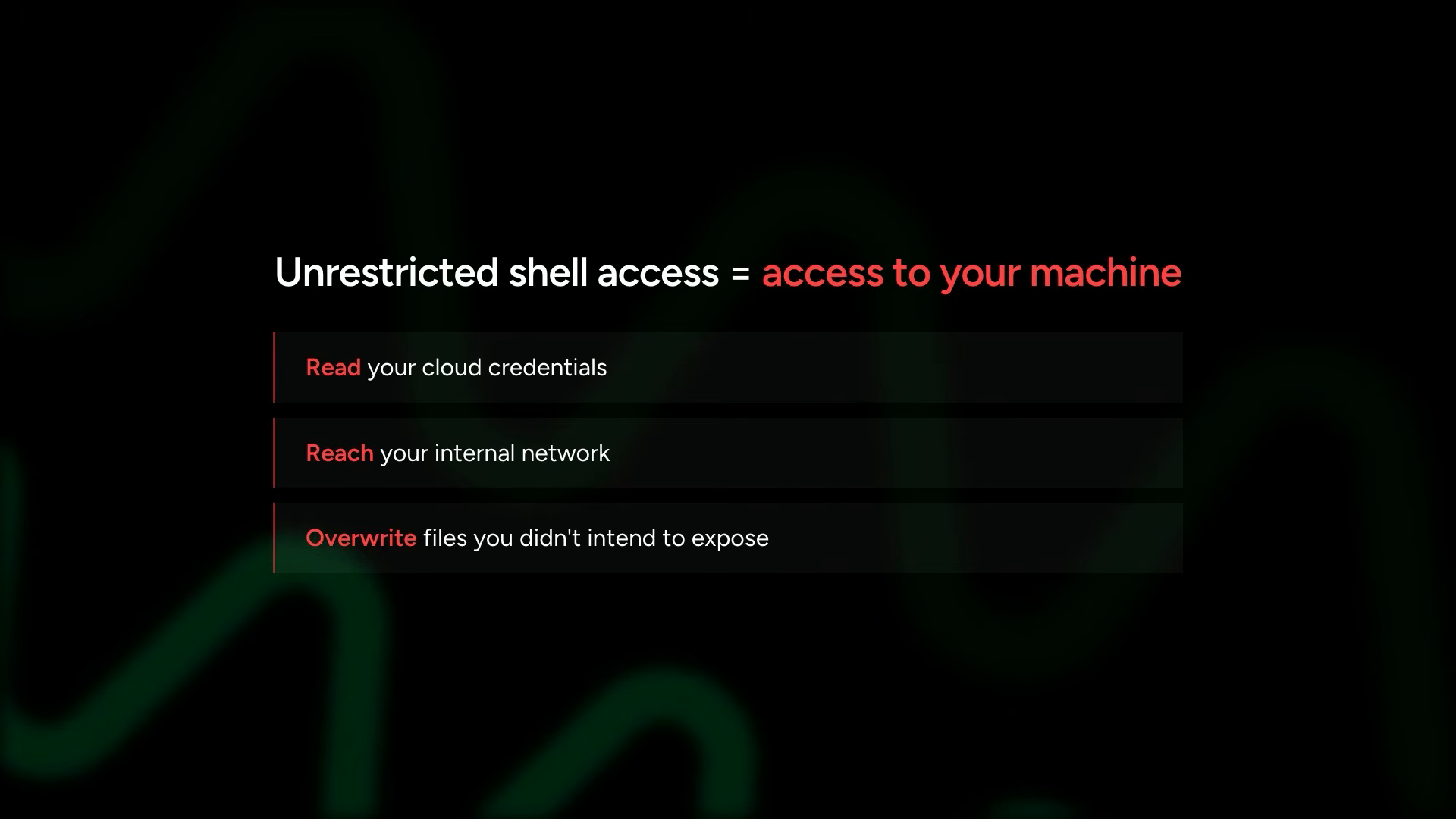
The overlay shifts to Strands Shell — the security boundary for local tool execution. Tools execute with the permissions of the host process. An agent with unrestricted shell access effectively has access to the entire machine. This is not a theoretical risk — it is the default behavior if you give an agent a shell tool without sandboxing.
Strands Shell restricts shell processes to run inside an isolated sandbox that you control. Declare what the agent can reach — files, URLs, credentials — upfront. Everything else does not exist as far as the agent is concerned. The sandbox is explicit: capabilities are opt-in, not opt-out. The agent cannot reach what you did not declare.
This sandboxing philosophy extends beyond just the shell. The principle applies to all tool access: give the agent the minimum capabilities it needs for its task, and nothing more. MCP filtering is one expression of this principle. Strands Shell is another. Together they form the security model for agentic systems — explicit capability grants rather than implicit full access.
MCP security carries a different threat shape. When plugging MCP tools into your agent, these are potentially tools someone else controls. They could swap out tool logic, alter return formats, or add new tools you did not intend to give your agent access to. A compromised or malicious MCP server could inject harmful tool definitions that look benign but execute dangerous operations.
The security model for tools is the security model for your entire agent system. An agent can only act through its tools — so controlling tools means controlling the agent’s real-world footprint. The harness is the enforcement layer for this boundary.
This applies equally to custom tools, built-in tools, and MCP tools. The @tool decorator on a local function runs with your process permissions. A shell tool without Strands Shell restrictions runs with your user permissions. An MCP server you trust gives your agent whatever capabilities that server exposes. Each layer requires conscious scoping decisions — what can this agent reach, and what should it never touch?
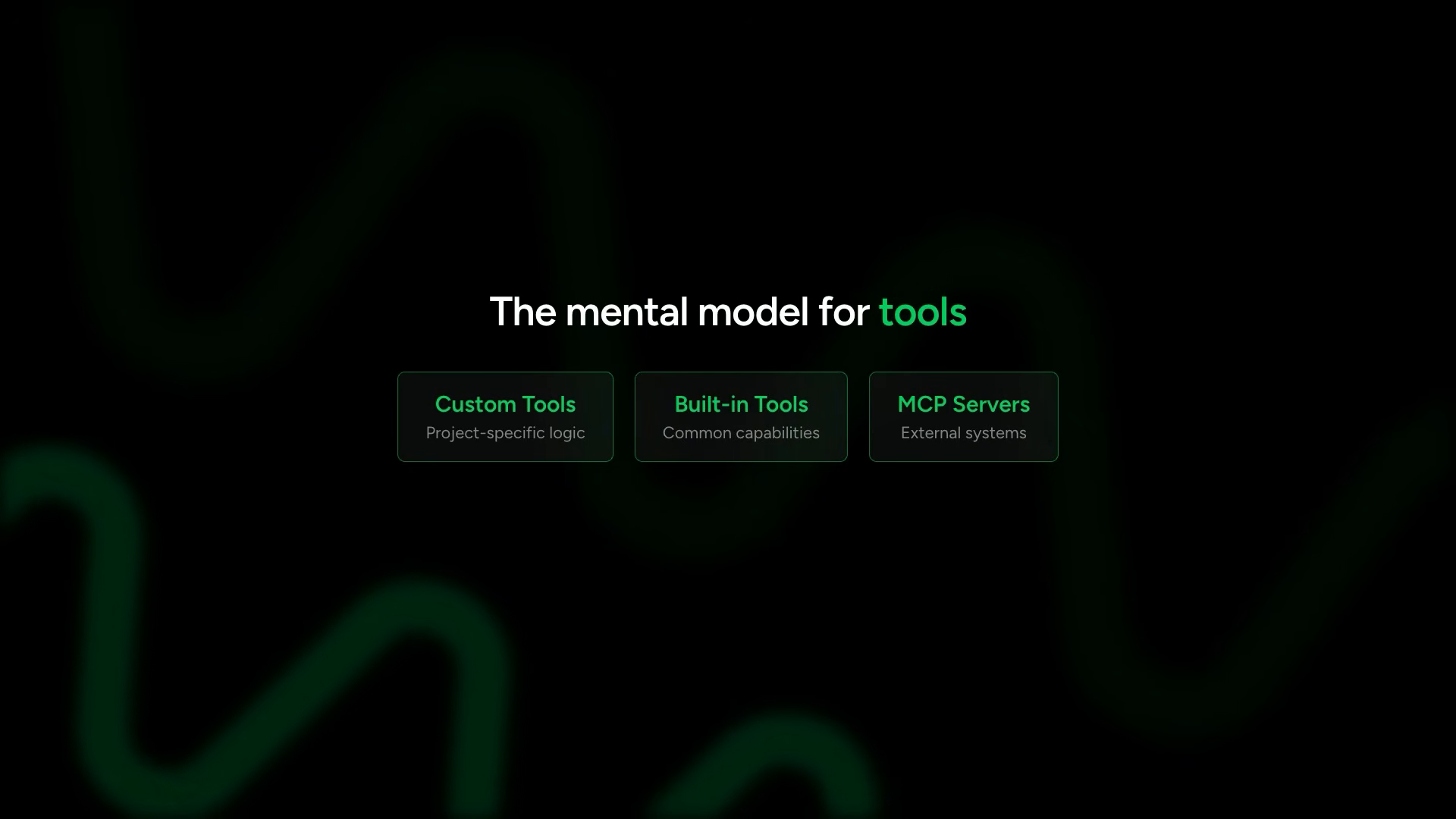
The final slide: The Mental Model for Tools. Your harness gives the agent access to:
- Custom tools for project-specific logic and integrations
- Community or vended built-in tools for common capabilities
- MCP servers for connecting to external systems
All coexist within the same agent’s tool list. Custom tools, built-in tools, and MCP tools are peers — the agent sees them identically. The model decides which to call based on the task. A single agent might use a custom @tool function to query an internal database, a built-in http_request tool to fetch external data, and an MCP-connected GitHub server to create issues — all in one conversation, all through the same interface.
agent = Agent(
    tools=[
        query_product_database,  # Custom @tool function
        http_request,            # Built-in community tool
        file_write,              # Built-in community tool
        mcp_client,              # MCP server (multiple tools)
    ]
)
The model sees all of these as available tools with names, descriptions, and input schemas. It does not know or care which are local functions, which are imported packages, and which come from a remote MCP server. The abstraction is complete at the model interface level.
04 — callbacks and streaming
3:23 · watch
The scene is the desk again. A green text title card flashes briefly.
Every agent we’ve built so far has been streaming text to the terminal as the model generates it, but we did not configure that. It just works out of the box that way.
The question beneath the surface behavior: how does this work under the hood?
Strands provides a callback handler — a function that gets called for every event the agent produces. Text chunks as they generate token by token. Tool call notifications when the model decides to invoke a tool. Lifecycle signals marking the start and end of operations. The final assembled result. Every event the agent loop produces flows through this handler.
The default callback handler prints text to stdout and shows tool usage information inline. That is what you have been seeing when running Python files from the command line — text streaming character by character with tool names appearing as the agent calls them.
The implication: callbacks are not just about printing. They are the output interface. They determine where agent events go and how they are formatted. Swap the callback and you swap the entire output behavior — same agent logic, completely different presentation.
The code editor fills the screen. Three patterns demonstrated side by side — three agents, three different output behaviors from the same underlying execution:
from strands import Agent
from strands_tools import http_request

# ─── Pattern 1: Default streaming ───
# Built-in callback prints tokens as they arrive
agent_default = Agent(tools=[http_request])

# ─── Pattern 2: Custom callback ───
def custom_callback(**kwargs):
    """Buffer text, only display on complete message."""
    if kwargs.get("complete"):
        print("\n📋 Final result:")
        print(kwargs.get("data", ""))

agent_custom = Agent(
    tools=[http_request],
    callback_handler=custom_callback
)

# ─── Pattern 3: Silent mode ───
agent_silent = Agent(
    tools=[http_request],
    callback_handler=None
)
A callback handler is a function that accepts keyword arguments. The custom one shown buffers text and only displays when a complete message generates. Useful for tighter control over how responses present to users — suppressing the tool call noise, showing only the finished output.
The keyword arguments passed to the callback carry everything the agent produces:
data— a text chunk (partial response from the model)tool_name— name of a tool being calledtool_input— parameters passed to the tooltool_result— what the tool returnedcomplete— boolean signaling end of responseerror— any error that occurred
You filter on these keys to build exactly the output behavior your application needs. Show only text chunks for a chat interface. Log only tool calls for debugging. Capture only errors for alerting. The callback receives everything — you choose what to surface.
Pass it through the callback_handler parameter. Set the callback to None and nothing prints when the agent runs. The agent executes, you get the result back as a variable, and you do whatever you want with it.
This will be more important when we get to multi-agent systems and you will have sub-agents running behind the scenes.
Sub-agents should not dump their intermediate reasoning into the parent’s output stream. Silent mode captures their work without polluting the user-facing response. The orchestrator agent streams its response to the user. The worker agents execute silently. Their results flow back to the orchestrator as data — not as terminal output. This separation of output channels is what makes complex multi-agent systems feel cohesive to the end user.
The three modes map to architectural roles:
- Default streaming → user-facing agent that needs real-time feedback
- Custom callback → coordinator that filters what the user sees
- Silent mode → background worker whose output is consumed programmatically
# Running all three to compare behavior
print("=== Default Streaming ===")
agent_default("What's the weather in Seattle?")

print("\n=== Custom Callback ===")
agent_custom("What's the weather in Seattle?")

print("\n=== Silent Mode ===")
result = agent_silent("What's the weather in Seattle?")
print(f"\nCaptured result: {result}")
The terminal runs all three. Default streaming: tokens appear one by one as the model generates them, tool call names print inline showing which tools are being invoked, the response builds in real time. You see the agent’s thought process happening live — tool calls interleaved with text generation.
And then for our custom callback handler, we really do not want to see those tools being called. So you can see it just gives us the result that comes back.
Custom callback: tool calls suppressed entirely — only the final assembled result appears, clean and formatted. The user does not see the sausage being made. They get the finished product.
Silent mode: nothing prints during execution at all. The agent runs to completion in the background. The result object captures everything. You print it manually after the fact — or forward it to a database, another agent, a message queue, or anywhere else.
These are callback handlers, and you should know that they are synchronous. They work great for CLI tools and scripts, but if you are building a server with something like FastAPI, aiohttp, or anything async, you will want to use the async iterator pattern instead.
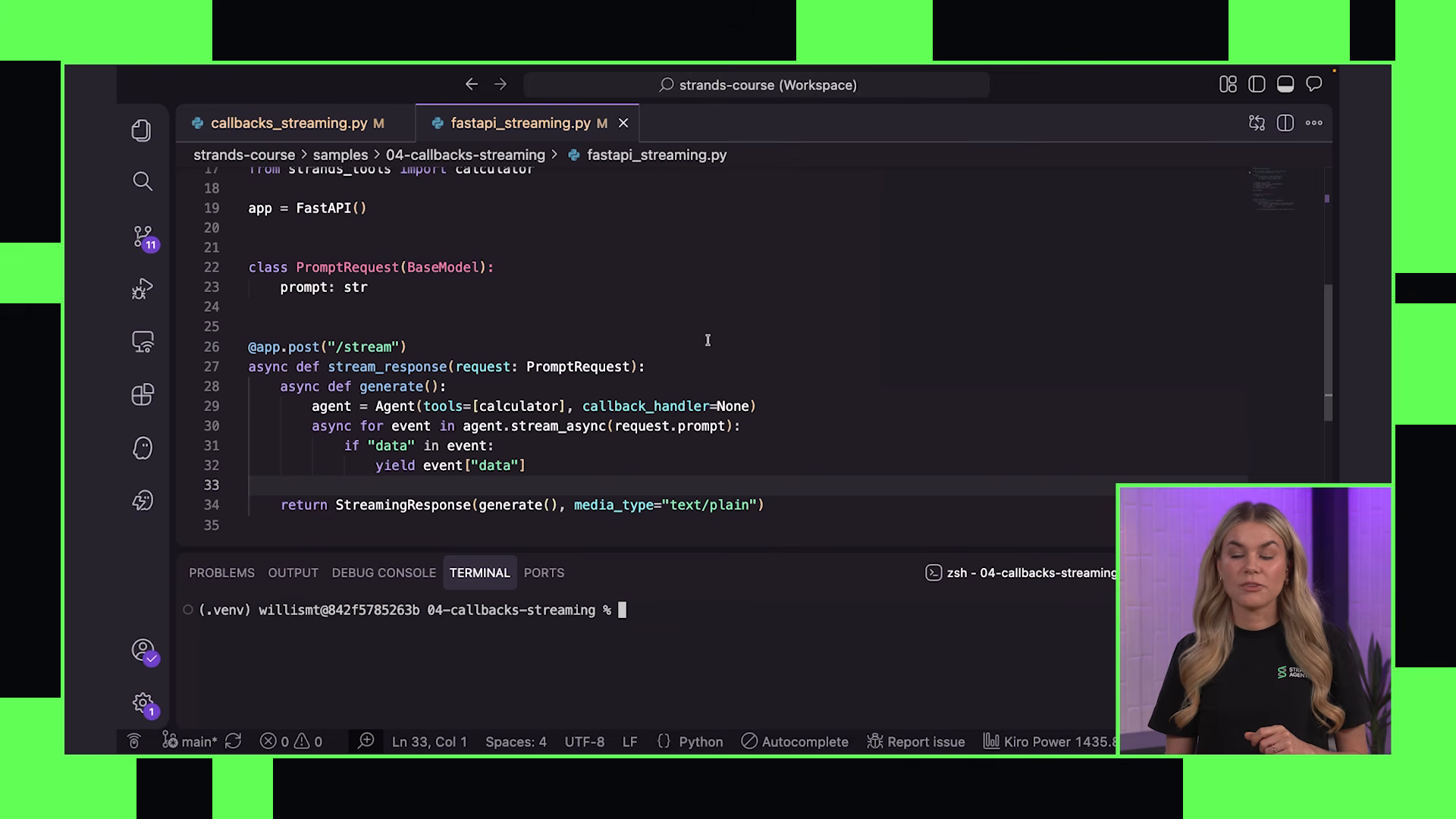
The async iterator provides programmatic access to the same events but through a different execution model. The code editor shows a complete FastAPI streaming endpoint:
from fastapi import FastAPI
from fastapi.responses import StreamingResponse
from strands import Agent

app = FastAPI()

@app.post("/chat")
async def chat(prompt: str):
    # No default callback — we control the output channel
    agent = Agent(callback_handler=None)

    async def generate():
        """Yield only data chunks to stream back to client."""
        async for event in agent.stream_async(prompt):
            if "data" in event:
                yield event["data"]

    return StreamingResponse(
        generate(),
        media_type="text/plain"
    )
A FastAPI endpoint accepts a prompt, creates an agent, and streams the response back to the client. The generate function yields only data chunks — the user sees text appearing in real time, like a chat interface. The callback handler is set to None on the agent itself because you do not want the default handler also printing to your server’s stdout.
The async iterator is your output channel.
The terminal splits: one pane shows the FastAPI server starting with uvicorn, the other shows a request hitting the endpoint. Text streams back chunk by chunk. The same real-time experience as the terminal demo, but now serving over HTTP to any client — browser, mobile app, another service.
The pattern matters because production agents almost never run interactively. They run behind APIs. Behind WebSocket connections. Behind message queues. The callback handler is the development-time pattern — good for testing, scripting, quick experiments. The async iterator is the deployment-time pattern — how your agent surfaces its work to the systems that consume it.
You can also build more sophisticated streaming by inspecting event types within the async iterator. Forward text chunks to the client in real-time. Log tool calls to a monitoring system. Capture the full response for persistence. All from the same event stream, routed to different destinations by type.
Two patterns, one principle. Callbacks for synchronous tools and scripts — simple, direct, good for development and CLI applications. Async iterators for servers and web applications — event-driven, non-blocking, production-grade. Both give access to the same event stream: text chunks, tool calls, lifecycle signals. The difference is execution model, not capability.
The events available in both patterns share the same structure. A data event carries text content — a chunk of the model’s response as it generates. A tool_call event fires when the model decides to invoke a tool — with the tool name and input parameters. A tool_result event carries what the tool returned. A complete event signals the end of a response cycle. You can filter, transform, log, or redirect any of these events based on your application’s needs.
The choice is environmental. Building a CLI tool? Use a callback. Building an API server? Use the async iterator. Building a multi-agent orchestration system? Silent mode for sub-agents, custom callback for the coordinator. The harness gives you the output surface — you decide where the data goes.
In production, the async pattern integrates with WebSocket connections for bidirectional streaming, server-sent events for unidirectional push, and message queues for decoupled processing. The agent’s output channel is just another stream in your application’s event architecture.
05 — hooks
5:52 · watch
A slide fills the screen in bold: CAPABILITY IS NOT THE SAME AS RELIABILITY. Below it, a table with three columns: Destructive Actions, Infinite Loops, Bad Inputs to APIs. The failure modes that capable models still produce without structural guardrails.

You cannot guarantee the model will not do something destructive. Call the same tool in an infinite loop. Pass bad inputs to a sensitive API. Without guardrails, capable means uncontrolled.
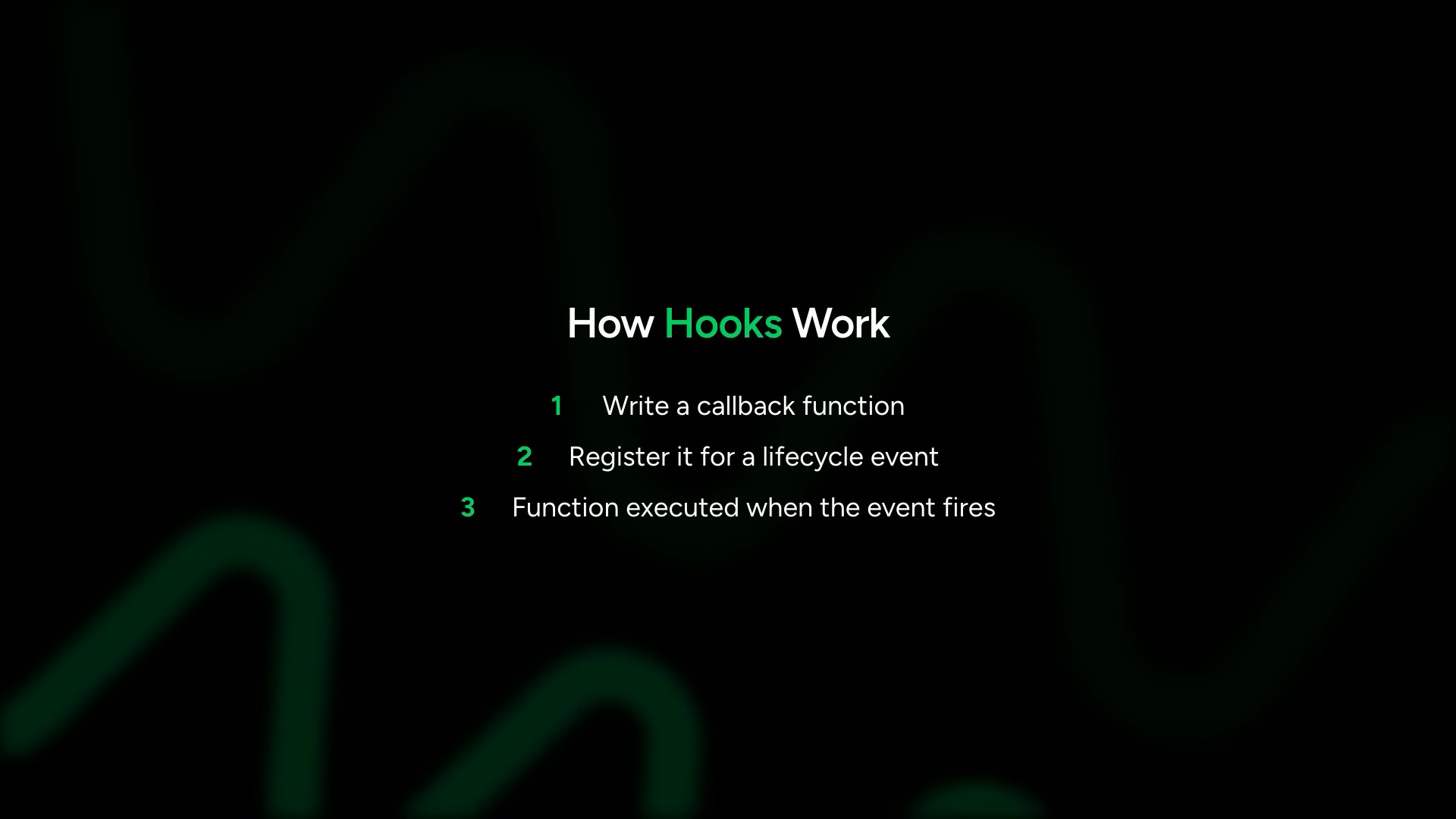
A slide lists what hooks enforce — the things that cannot be left to probability:
- approval gates
- rate limits
- input validation
- audit logging
- safety checks
Morgan: “Hooks are like the middleware for the agent lifecycle. They exist for the same reason web frameworks have middleware. You don’t just trust every request handler to check auth or log correctly, so you put that in a middleware layer that’s guaranteed and it’s applied reliably. Hooks are that layer, but for agents.”
The mechanics are straightforward. Write a callback function. Register it for a lifecycle event. Your function gets called whenever the event fires. Multiple hooks can listen to the same event — stack behaviors. One hook for logging, another for validation, another for approval gates. They do not step on each other or interfere. The execution order is deterministic — hooks fire in the order they were registered.
This composability is the key insight. You do not build one monolithic safety system. You build many small, focused hooks — each handling one concern — and compose them together. An agent in production might run with five or six hooks simultaneously: audit logging on every tool call, rate limiting on expensive tools, approval gates on destructive tools, input validation on user-facing tools, budget tracking across the session. Each hook is independent. Each can be tested in isolation. Each can be reused across different agents.
Human-in-the-loop is the most common reason to use hooks. The example: an agent that runs locally on someone’s machine. One of its tools manipulates files. A hook pauses the agent before any file deletion and asks for approval. The user sees what is about to be deleted. Approves or denies. The agent continues or cancels based on the response.
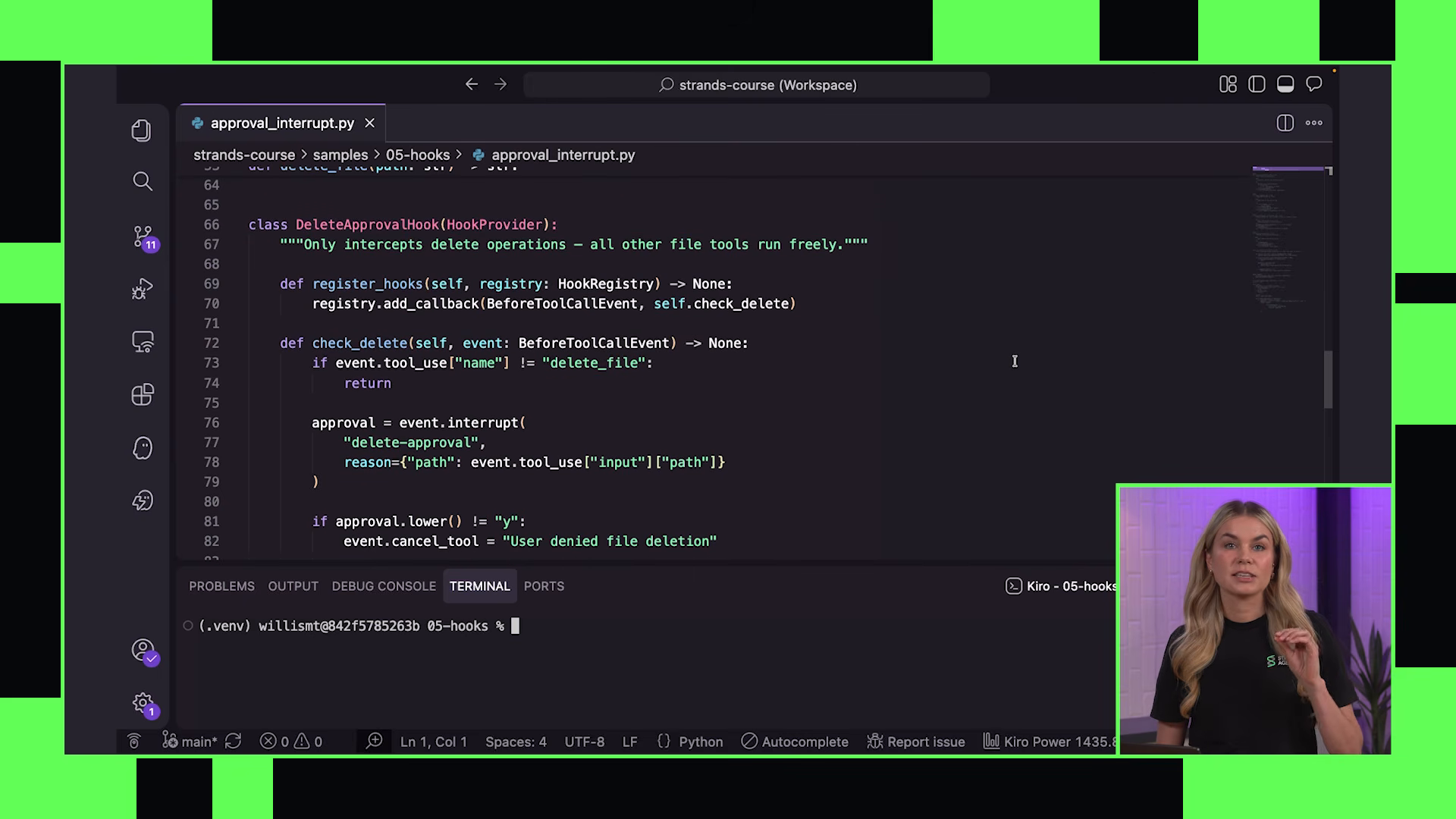
The code appears — first the tools, then the hook:
from strands import Agent, tool
from strands.hooks import HookProvider

@tool
def create_file(filepath: str, content: str) -> str:
    """Create a file with the given content."""
    with open(filepath, "w") as f:
        f.write(content)
    return f"Created {filepath}"

@tool
def delete_file(filepath: str) -> str:
    """Delete a file at the given path."""
    import os
    os.remove(filepath)
    return f"Deleted {filepath}"
Then the hook itself:
class DeleteApprovalHook(HookProvider):
    """Hook that pauses agent before file deletion for user approval."""

    def register_hooks(self):
        self.register("before_tool_call", self.check_delete)

    def check_delete(self, event):
        # Only intercept delete operations
        if event.tool_name != "delete_file":
            return  # Allow all other tools immediately

        # Pause the agent loop — return control to application
        event.interrupt()

        # Application prompts user...
        # If user denies:
        event.cancel_tool(
            "User denied file deletion. The file was not deleted."
        )
DeleteApprovalHook subclasses HookProvider — a base class that gives structured registration of hook callbacks. Inside register_hooks, wire the callback to before_tool_call. Inside check_delete: inspect the tool name. If not delete_file, return immediately — execution continues uninterrupted. If it is a delete operation, call event.interrupt().
This pauses the agent loop and returns control to your application. The application prompts the user for approval. If the user declines, event.cancel_tool() fires with a message explaining why the tool was blocked. That cancellation message passes back to the agent loop as a tool result — the model sees it and adapts behavior.
Agent instantiation wires the hook:
agent = Agent(
    tools=[create_file, delete_file],
    hooks=DeleteApprovalHook()
)

# Test the flow
agent("Create a file called data.txt with some sample data")
agent("Now delete the data.txt file")
The harness handles the interrupted lifecycle — checking if the agent paused, prompting the user, feeding the response back until the request completes. The hook does not need to know about the UI layer. It calls event.interrupt() and the harness takes care of the rest — pausing the loop, surfacing the interruption to whatever interface is running, and resuming or canceling based on the response.
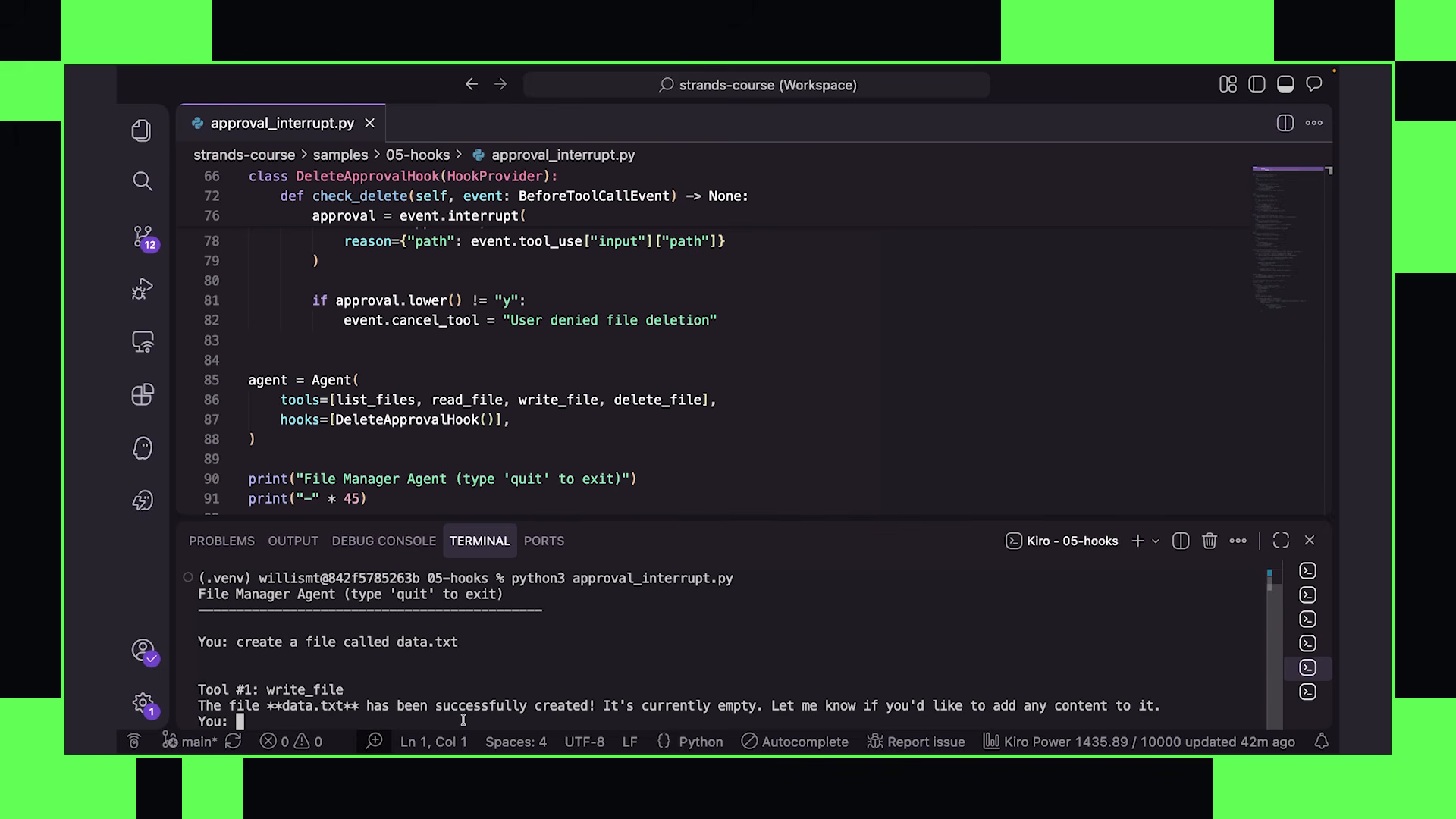
The terminal runs the demo. First: “Create a file called data.txt.” The agent uses file tools normally — no hook fires, file creates successfully. The model responds confirming the file was created with sample data. Second: “Delete data.txt.” The hook fires before the delete tool executes. The loop pauses. A prompt appears: “The agent wants to delete data.txt. Allow? (y/N)”. Typing N denies the operation. The hook cancels the tool call, passes cancellation back into the loop, and the agent continues without deleting the file. It responds gracefully — acknowledging that the deletion was not permitted, suggesting alternatives.
The model adapts because it sees the cancellation message as a tool result. It does not retry. It does not error. It receives information — “this action was blocked by the user” — and adjusts its plan accordingly. This is the critical behavior: the hook communicates with the model through the existing tool result mechanism. No special API. No separate channel. Just a tool result that says “denied.”
The second example uses the same structure for rate limiting:
class LimitToolCountsHook(HookProvider):
    """Prevent runaway tool calling by enforcing per-tool limits."""

    def __init__(self, max_calls: int = 3):
        self.max_calls = max_calls
        self.counts = {}

    def register_hooks(self):
        self.register("before_tool_call", self.check_limit)

    def check_limit(self, event):
        tool_name = event.tool_name
        self.counts[tool_name] = self.counts.get(tool_name, 0) + 1

        if self.counts[tool_name] > self.max_calls:
            event.cancel_tool(
                f"Tool '{tool_name}' has exceeded the limit of "
                f"{self.max_calls} calls. Stop calling this tool."
            )
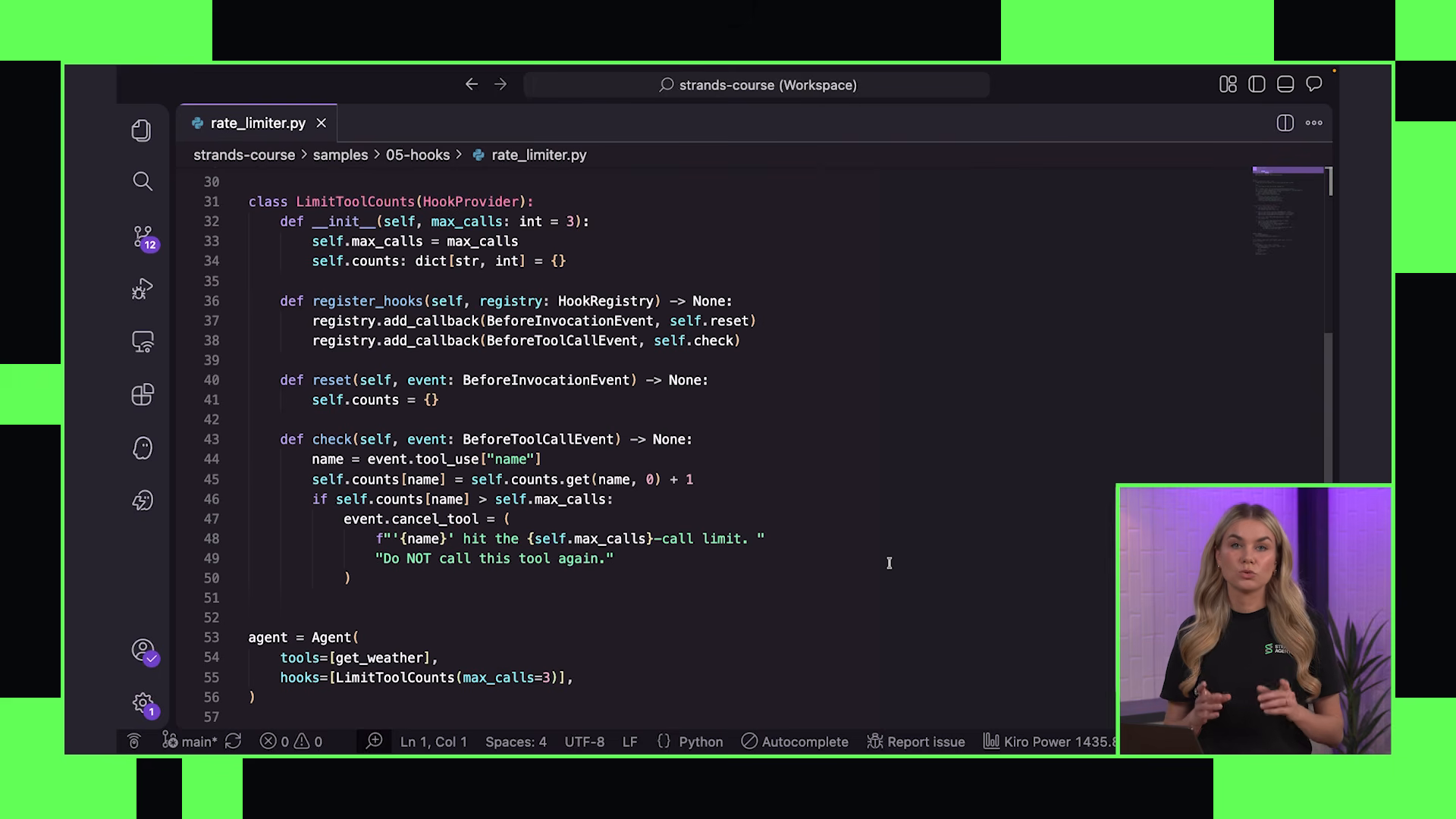
Same structure — subclass HookProvider, register before_tool_call. Instead of interrupting for human approval, this hook tracks how many times each tool has been called during the request. A max_calls threshold. On every tool call, increment the count. If exceeded, cancel the tool with a message instructing the model to stop calling it. The model sees that cancellation as the tool result and adjusts.
The hook lifecycle events available extend beyond before_tool_call. The full set includes events at each stage of the agent loop — before and after model invocation, before and after tool execution, on loop start and end. You pick the event that matches your concern:
before_tool_call— validate inputs, enforce limits, require approvalafter_tool_call— log results, check output validity, trigger alertsbefore_model_invoke— inject context, modify prompts, apply guardrailsafter_model_invoke— filter responses, detect hallucinations, audit outputs
Each event passes a different context object to your hook function. The before_tool_call event gives you the tool name and inputs. The after_tool_call event gives you the result. You hook into exactly the lifecycle point your concern requires — no more, no less.
The principle crystallizes: hooks inject deterministic guarantees into a probabilistic system. The model reasons freely. The harness enforces boundaries. Human approval for destructive actions. Rate limits for cost control. Input validation for safety. Audit logging for observability. Each concern is a separate hook composing independently — stacking without interference.
The progression from hooks to plugins is natural. A hook is a single concern attached to a lifecycle event. A plugin is a package of concerns — hooks, tools, and context modifications bundled together as a reusable component. An “approval” plugin might package approval hooks for multiple destructive tools together with an audit logging hook and a tool that reports approval decisions. A “rate limiting” plugin might combine the per-tool limiter with a cost-tracking tool and a budget-exceeded escalation hook.
Hooks are the structural difference between a demo and a production system. The model drives — but the harness holds the brakes. The model is probabilistic — the harness injects deterministic guarantees exactly where the probabilities cannot be trusted. Approval before deletion. Limits on repetition. Validation on inputs. Logging on everything. Each concern stacks independently, composes cleanly, and enforces reliably.
The agent you have built through these five chapters: a model that reasons, tools that act, callbacks that surface, hooks that enforce. The foundations of any production agent system, regardless of how complex the architecture becomes.
composition (06–11)
06 — agent plugins and skills
morgan shifts gears. the first five chapters were isolated building blocks — tools, hooks, models, system prompts — each demonstrated in focused examples. now those primitives compose into something production-shaped. the vehicle: a customer service agent that will carry through the next several videos
the problem first is one every builder hits
Morgan: “One of the common issues with building larger agent systems, especially things like customer support agents, is that your system prompt basically never stops growing. Every time you add business rules, workflows, or instructions, the prompt just keeps getting bigger. Eventually it becomes bloated, expensive, and harder for the model to reliably follow.”
on screen, a slide titled “The System Prompt Never Stops Growing” appears — white text on dark background, framing the architectural constraint before any code shows up. morgan gestures while talking, then the screen cuts to the slide cleanly
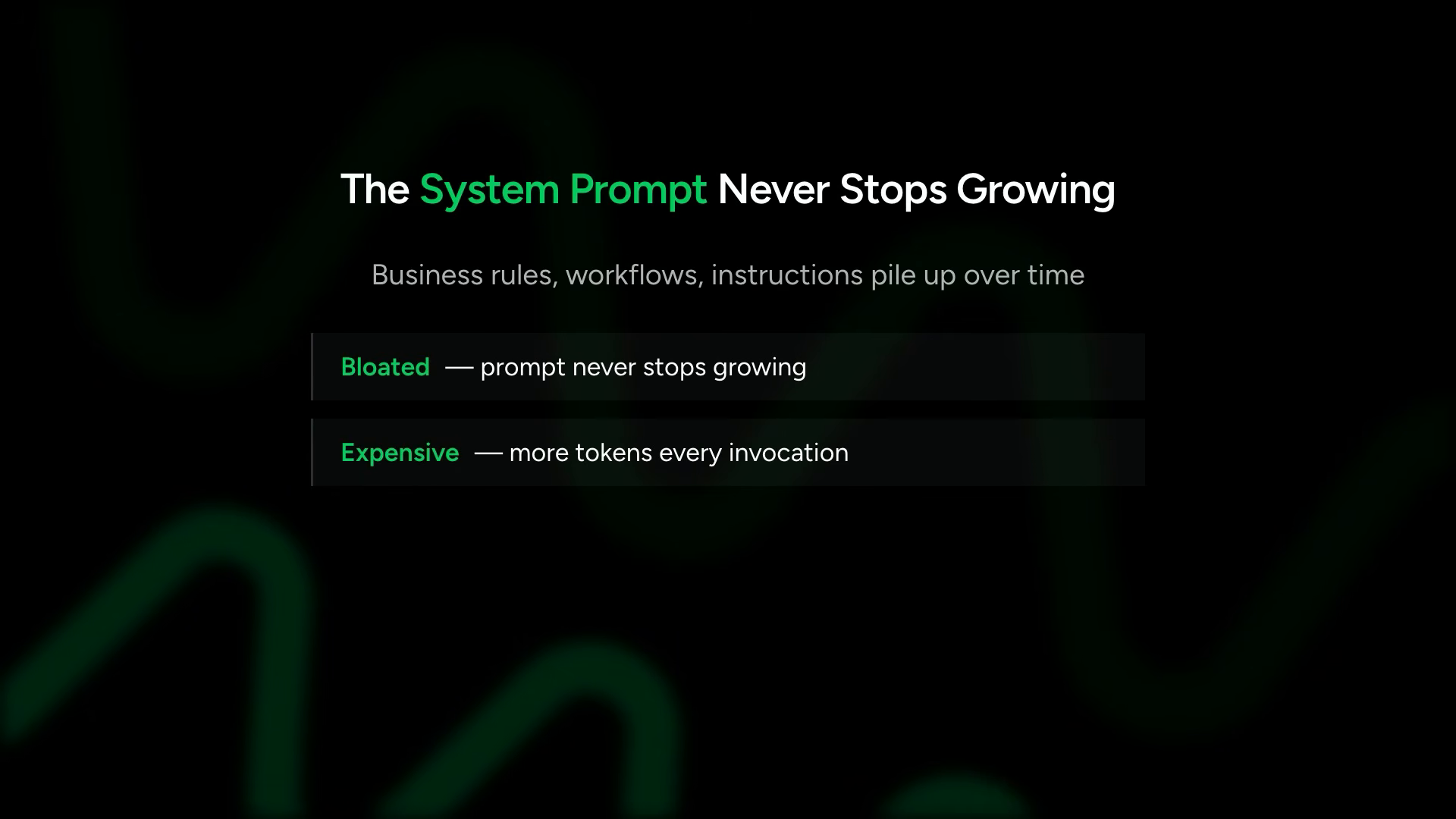
the second problem compounds the first: token waste. instructions for refund processing sit in context while the user asks about order tracking. every irrelevant instruction burns tokens and dilutes the model’s ability to follow what matters right now
On top of that, you are often burning tokens on instructions that are completely irrelevant to the current conversation.
skills as knowledge packages
the solution: skills. a slide titled “Skills” appears, followed by one titled “Progressive Disclosure” — the key concept here. skills not as a feature but as a design philosophy about when information enters the model’s awareness
the mechanism is progressive disclosure. at startup, the agent sees only skill names and descriptions — lightweight metadata. the full instruction body stays out of context until the agent explicitly activates a skill. this is the same principle behind lazy loading in software — pay for what you use, when you use it
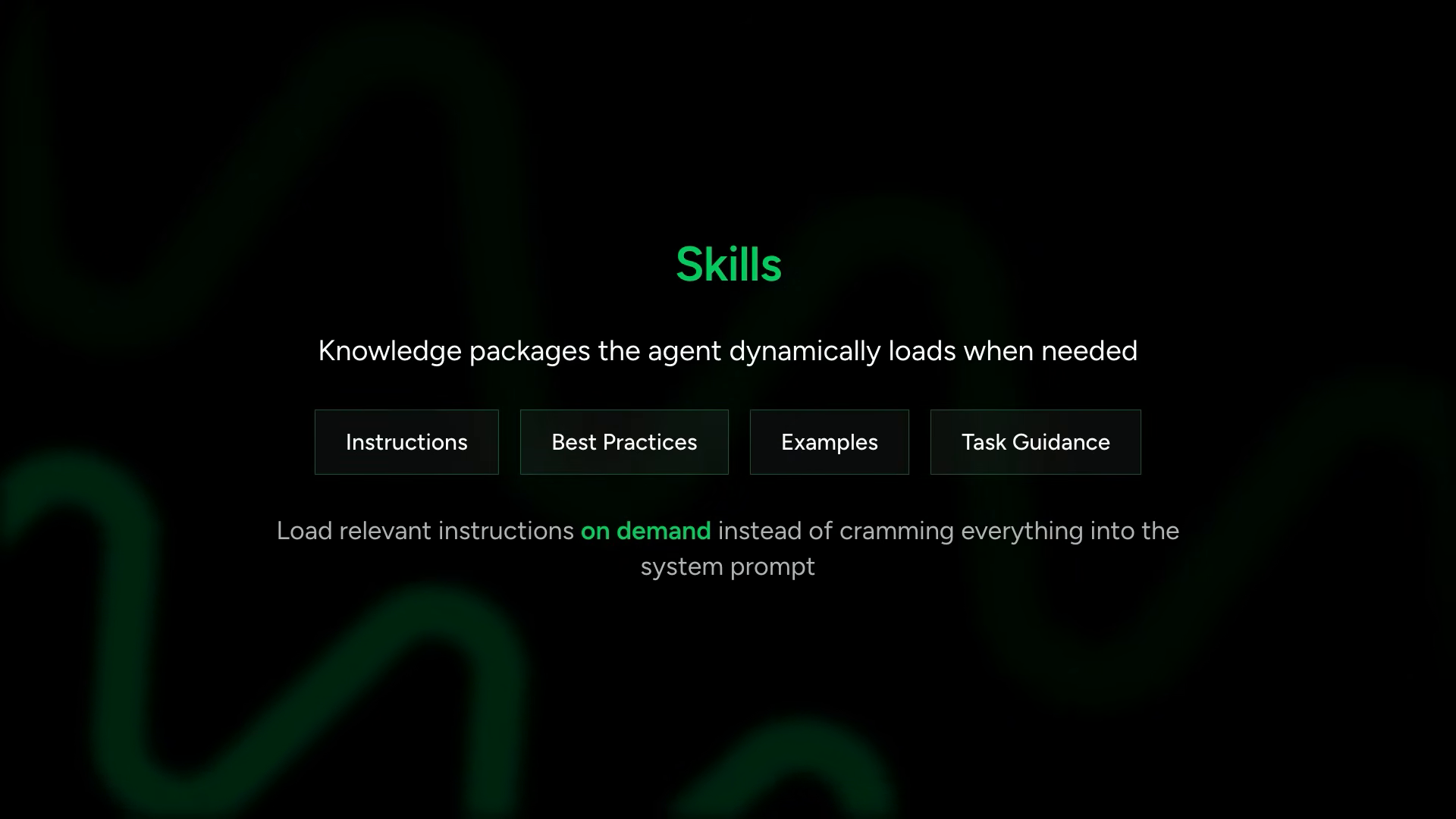
the discipline of controlling what enters the context window and when. skills are the first concrete implementation of that discipline in this course
for the customer service agent, morgan creates three skills: refund processing, order tracking, and account troubleshooting. each lives in its own subfolder under a .skills/ directory, each containing a markdown file with the task-specific instructions
the editor shows the directory structure — skills/refund_processing/, skills/order_tracking/, skills/account_troubleshooting/ — each with its own instruction markdown. the skill folders are in the course repository; their contents are not shown on screen. the structure matters more than the specifics: one folder per skill, one markdown file per set of instructions
plugins: composing primitives
skills in strands are implemented through a higher-order abstraction called a plugin. a slide titled “Plugins” appears on screen
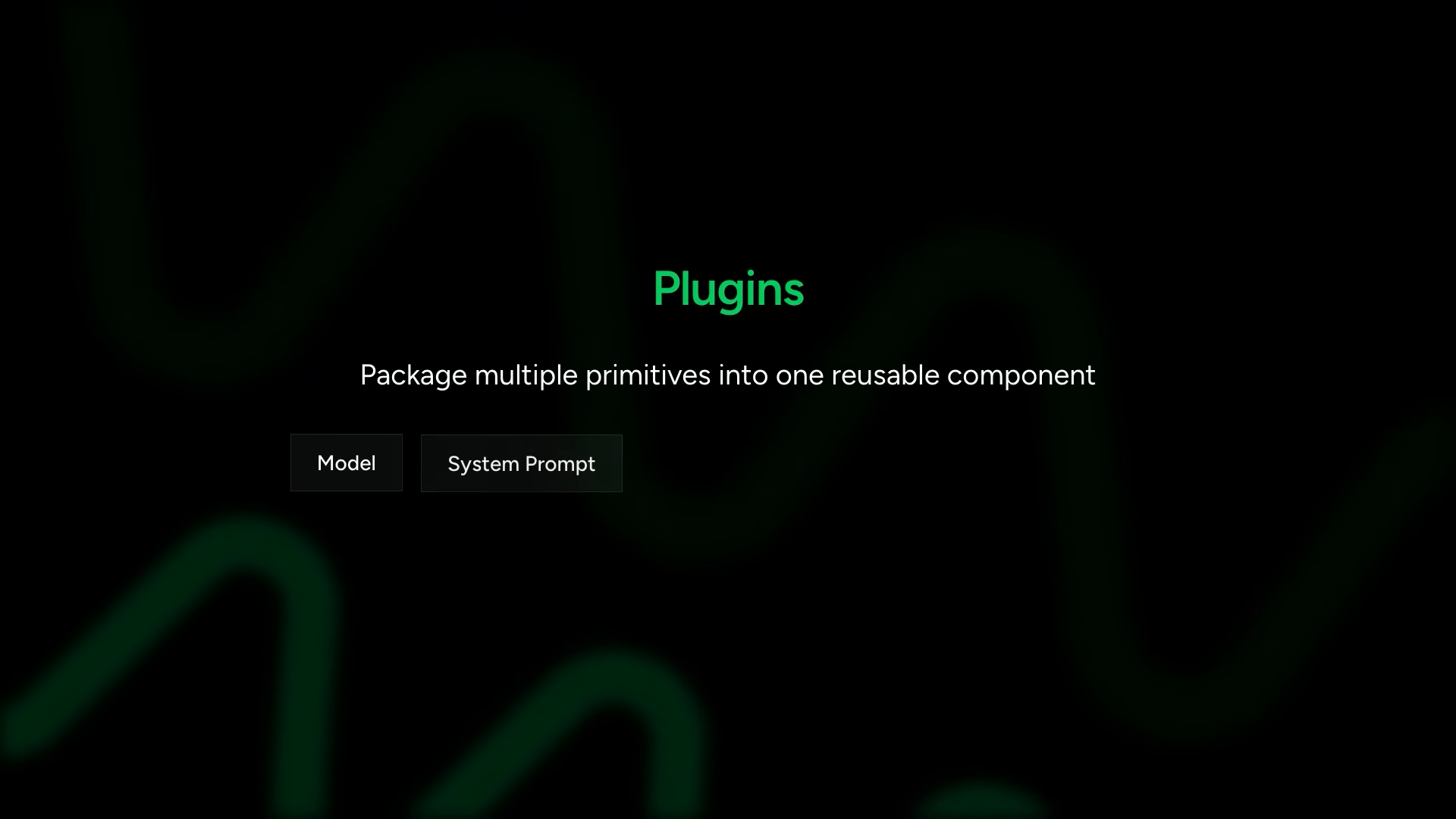
this is the compositional layer. everything from chapters 01-05 — model configuration, system prompts, tools, hooks — can be packaged into a plugin as a reusable behavioral unit. a plugin is not just one primitive; it is an orchestrated bundle that modifies agent behavior in a coordinated way
strands ships several built-in plugins. the skills plugin is one. steering (chapter 07) is another. context offloading (chapter 08) is another. the plugin system is the general-purpose extension mechanism that these specific capabilities are built on top of
the customer service agent code
morgan switches to her code editor. the file is structured in clear sections. first: the mocked backend — python dictionaries standing in for a database. customer accounts with names, emails, membership tiers. order history with dates, items, statuses, amounts
then the tools. standard python functions decorated with @tool:
@tool
def look_up_customer(customer_id: str) -> dict:
    """Look up customer information by ID"""
    return customers.get(customer_id, {"error": "Customer not found"})

@tool
def get_order_history(customer_id: str) -> list:
    """Get order history for a customer"""
    return orders.get(customer_id, [])

@tool
def process_refund(order_id: str, reason: str) -> dict:
    """Process a refund for an order"""
    # refund processing logic
    return {"status": "approved", "order_id": order_id}
these simulate the operations a customer support agent might need. in production, they would call databases or APIs. dictionaries keep the focus on the architecture rather than infrastructure
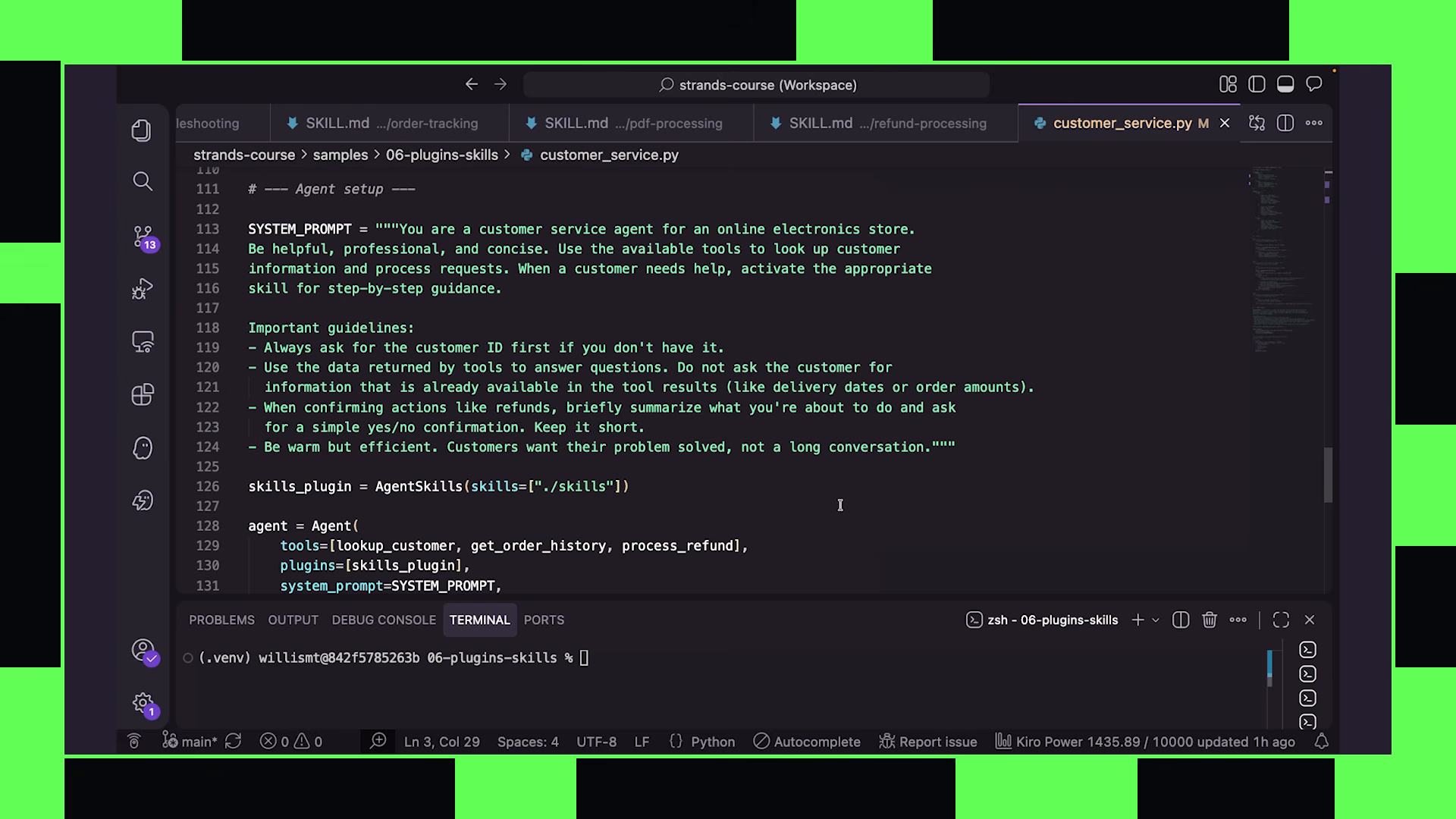
then the system prompt — telling the agent it is a customer service representative and instructing it to activate skills when it needs workflow guidance
the critical integration line:
from strands.plugins import AgentSkills

skills_plugin = AgentSkills("./skills")
the plugin takes a directory path. it auto-discovers available skills from the folder structure and registers them with the agent as a callable tool. the agent can then invoke that tool to load specific skill instructions into context on demand
agent creation brings it all together:
agent = Agent(
    tools=[look_up_customer, get_order_history, process_refund],
    plugins=[skills_plugin],
    system_prompt=SYSTEM_PROMPT
)
tools, plugins, and system prompt — composed into one agent. the skills plugin adds its own tool to the agent’s toolkit without the developer having to wire it manually
running it live
morgan runs the agent. types “help me return my order.” the agent thinks and responds, asking for a customer ID. she scrolls up to the mocked data at the top of the file, finds the two customer IDs available, copies C0011001, pastes it into the chat
the tool calls cascade in the terminal output: look_up_customer fires first, pulling the customer record. then get_order_history, retrieving their orders. then — the key moment — the skills tool activates. the plugin registered a tool that the agent called voluntarily when it recognized it needed workflow guidance for the refund process
the agent loaded the refund processing skill on demand. the full instructions for handling refunds — eligibility checks, approval workflows, communication templates — entered context only at this moment. if the user had asked about order tracking instead, only those instructions would have loaded. the prompt stayed lean until the agent needed depth
this is progressive disclosure in action: metadata at startup, full instructions on demand, context window managed by the agent’s own judgment about what it needs
the design insight
the plugin pattern encapsulates a complete behavioral modification. the skills plugin does several things in one coordinated package:
- scans the skills directory at initialization time
- registers a tool with the agent that can list and load available skills
- when the agent calls that tool, loads the requested skill’s markdown content into the conversation
- the loaded instructions persist in context for the remainder of the conversation (or until context management compresses them)
this is architecturally different from putting instructions in the system prompt. system prompt instructions are static — they sit in context from turn one regardless of relevance. skill instructions are dynamic — they enter context only when the agent determines they are needed, based on the actual conversation
the distinction matters for both cost and quality. a customer service agent might have 20 skills covering every possible workflow — refunds, exchanges, shipping issues, billing disputes, account recovery, escalation procedures. at 2000 tokens per skill, that is 40,000 tokens of instructions in the system prompt, most of them irrelevant to any given conversation. with the skills plugin, the agent loads 1-2 relevant skills per conversation, keeping the context focused and the model’s attention undiluted
morgan does not belabor this point, but the architecture is clear: plugins compose primitives (tools + hooks + system prompt modifications) into reusable behavioral units. the skills plugin is one example. steering (chapter 07) will be another. context offloading (chapter 08) another. the plugin surface is the general-purpose extension point for agent behavior in strands
the agent here is deliberately simple — three tools, one plugin, a system prompt. but the pattern scales to production systems. you can stack multiple plugins, add dozens of tools, layer conversation managers and session managers on top. the composition section of the course is about showing how these pieces combine without conflicting — each plugin modifying agent behavior through the same hook-based architecture, composing cleanly because they operate at different points in the agent lifecycle
07 — steering
the customer service agent from chapter 06 works, but run it enough times and the cracks show
on screen, these appear as dark-background text slides — no code yet, just the problem statement laid bare:
- processes a refund without first checking whether the order is eligible
- skips looking at order history entirely and guesses
- response tone drifts too casual for a customer support interaction
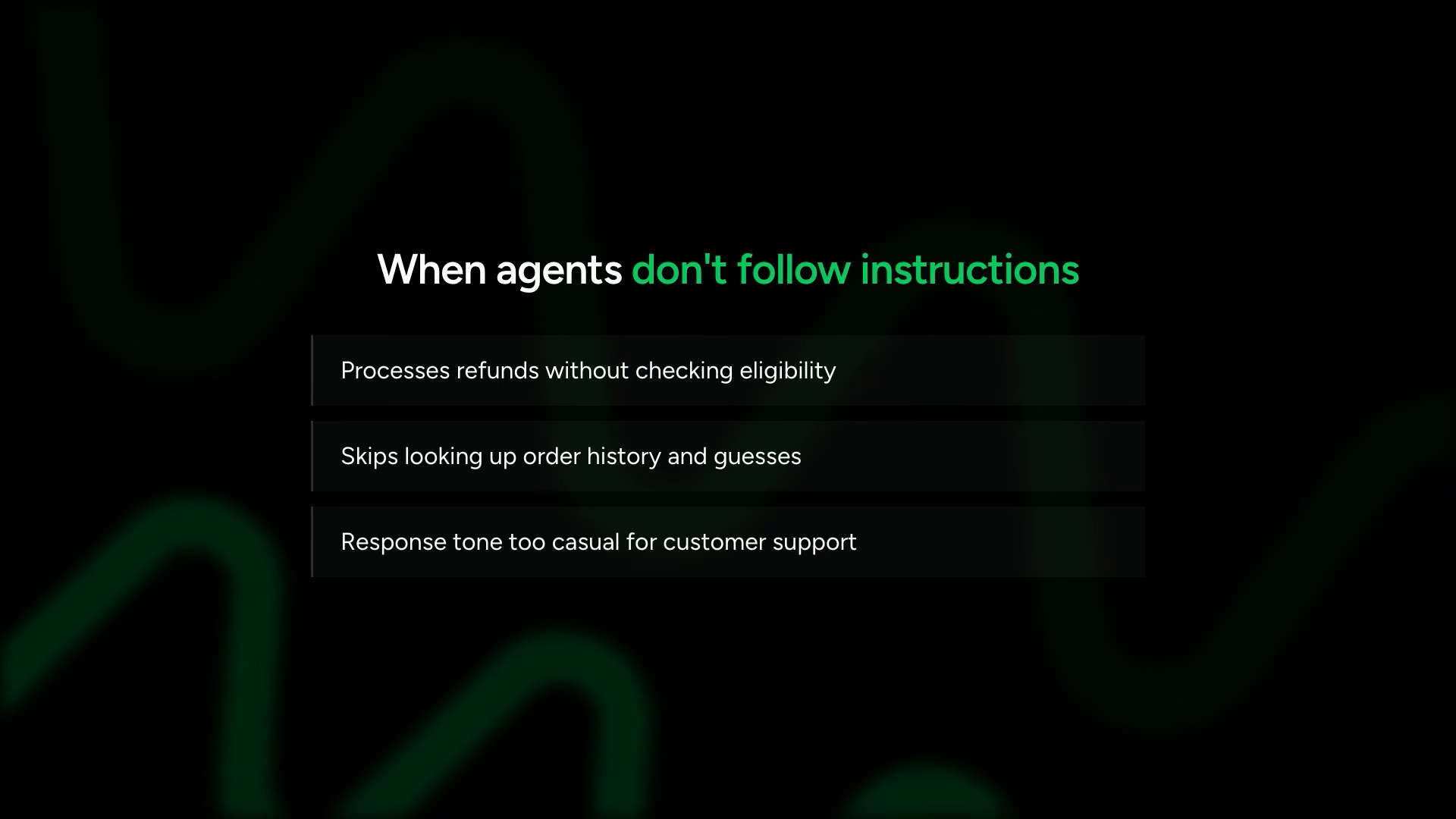
the reliability problem this as a fundamental challenge in agent engineering — not a bug in the specific implementation, but a structural property of model-driven systems
Morgan: “This is one of the big challenges when building AI agents. Instructions can be there in the prompt and still not reliably be followed. As prompts and conversation history grow, important guidance can become less effective or get lost in the context window entirely. This is one of the reasons agent systems drift from expected behavior over time, especially for long-running tasks.”
the guidance is in the prompt. the model read it. and it still does not follow it consistently. this is not a prompt engineering failure — it is a property of probabilistic systems operating over growing context windows. the longer the conversation, the more likely critical instructions get diluted the obvious alternative and explains why strands rejects it:
the deterministic graph trades adaptability for predictability. the model-driven approach keeps flexibility but loses guarantees. steering as the middle path:
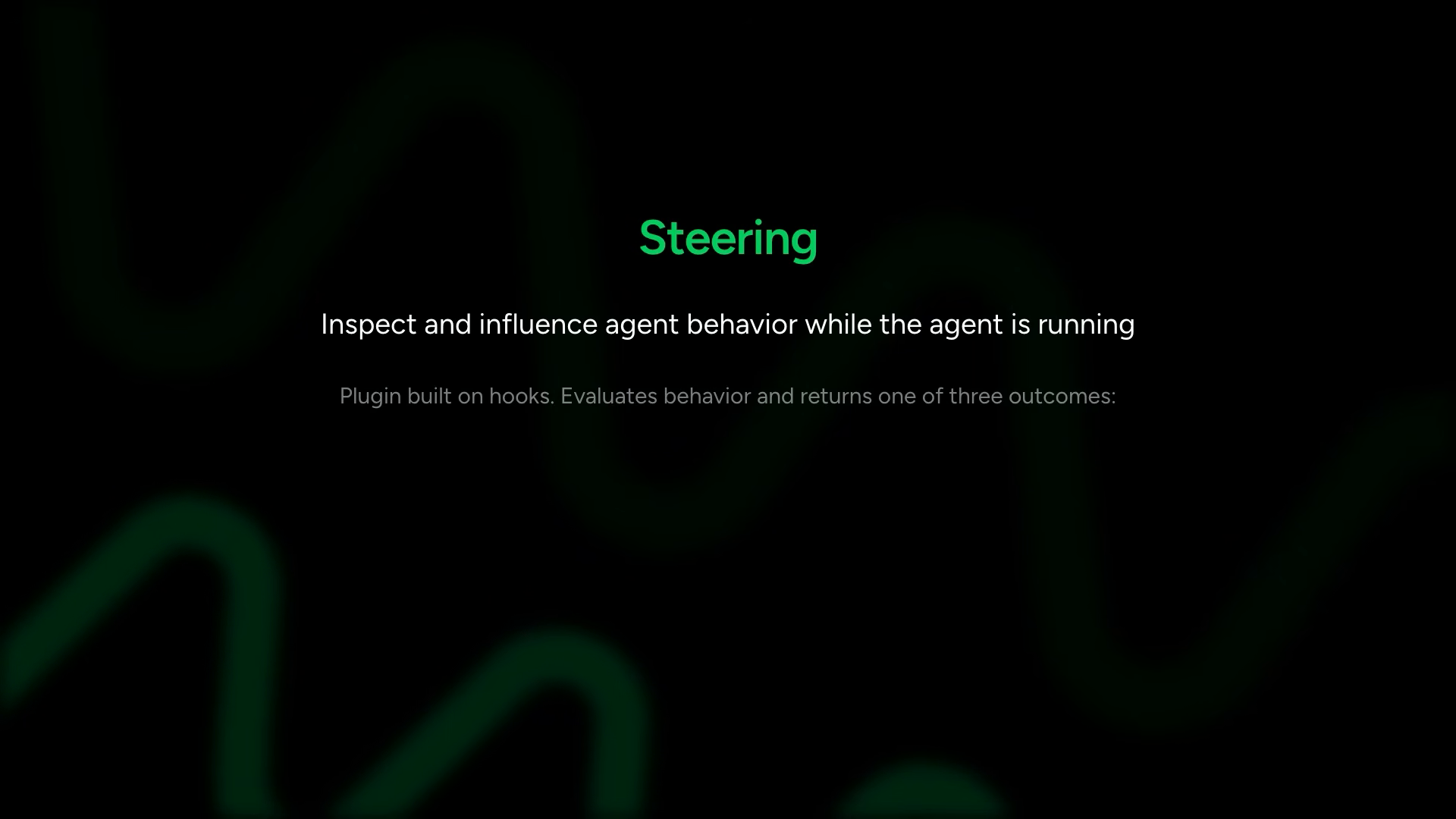
three steering outcomes
steering is implemented as a plugin, built on hooks under the hood. at specific points in the agent loop, steering logic evaluates behavior and returns one of three outcomes:
- proceed — execution continues normally. the guardrail checked and found nothing wrong
- guide — corrective feedback is injected into the loop so the agent self-corrects. the model gets a nudge and tries again
- interrupt — execution pauses entirely, hands control back to the application or a human operator. uses the same interrupt system from the hooks chapter
the slide shows these three outcomes clearly. proceed is green, guide is yellow, interrupt is red — a traffic light for agent behavior
deterministic tool steering
two kinds of steering follow — deterministic steering around tool usage, and LLM-based steering for evaluating model responses. tool steering comes first
the code appears on screen. a RefundWorkflowHandler class that extends SteeringHandler. the main logic lives inside steer_before_tool — a method that fires every time the agent attempts to call any tool
class RefundWorkflowHandler(SteeringHandler):
    def steer_before_tool(self, tool_name, tool_input, events_ledger):
        # for anything other than process_refund, get out of the way
        if tool_name != "process_refund":
            return SteeringResult.PROCEED

        # enforce prerequisites before refund processing
        if not events_ledger.has_completed("look_up_customer"):
            return SteeringResult.GUIDE(
                "You must look up the customer before processing a refund"
            )

        if not events_ledger.has_completed("get_order_history"):
            return SteeringResult.GUIDE(
                "You must check order history before processing a refund"
            )

        return SteeringResult.PROCEED
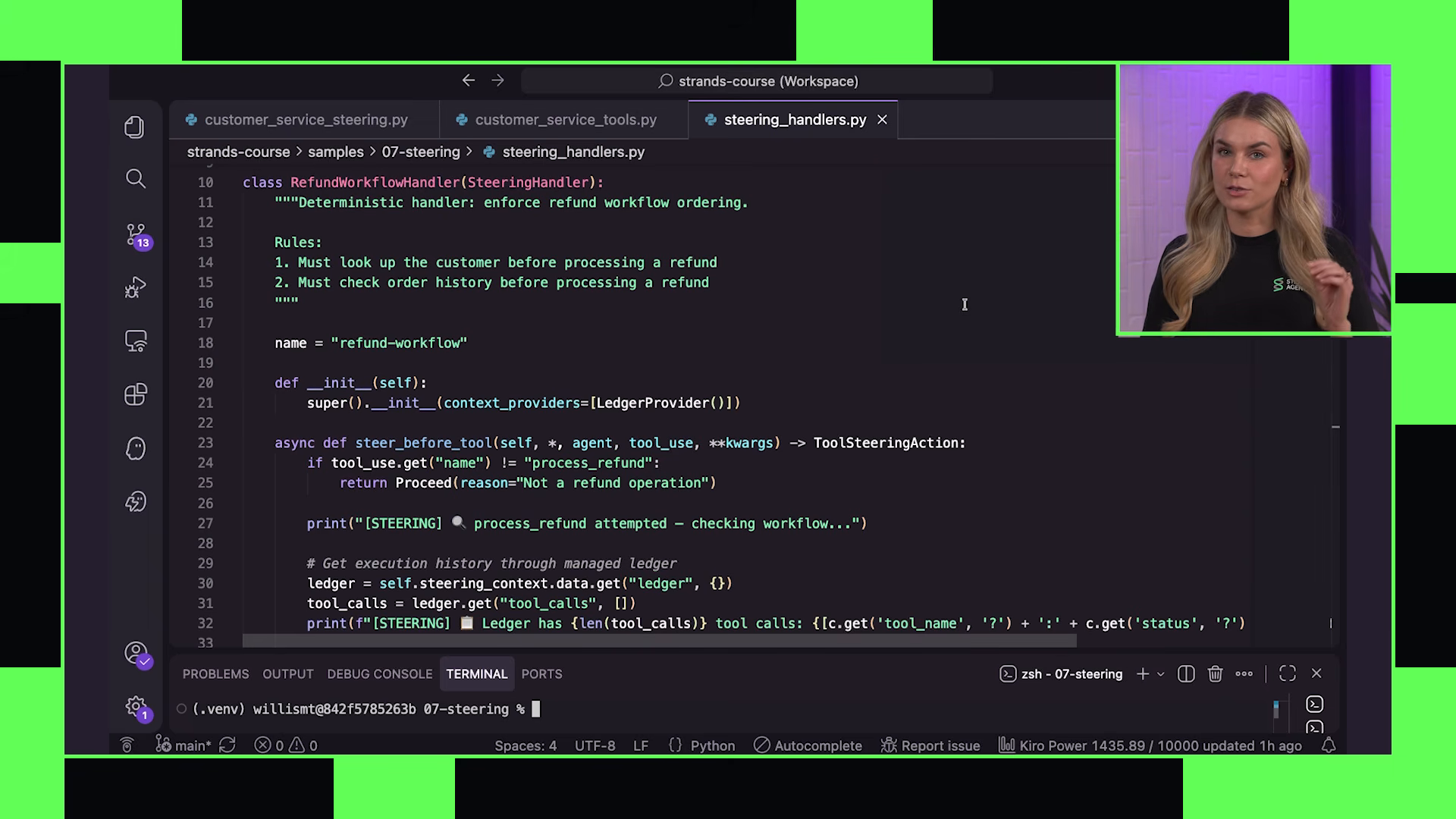
for non-refund tools, the handler returns PROCEED immediately — zero overhead for normal operations. the enforcement only activates when the agent tries to call process_refund
when a refund attempt happens, the handler checks the events ledger. This is the key mechanism:
the events ledger is an automatic audit trail. strands tracks every tool call, what went in, what came out, whether it succeeded or failed. steering handlers read this history to enforce business rules based on what actually happened, not what the model claims happened
if the customer lookup has not been completed, the handler returns GUIDE with corrective instructions. the model receives this feedback and adjusts — calling look_up_customer before trying the refund again. same for order history. only when both prerequisites are satisfied does the handler return PROCEED and allow the refund to process
this is deterministic enforcement. no model call, no probability, no chance of drift. if the steps have not been completed, the refund cannot proceed. period
llm-based response steering
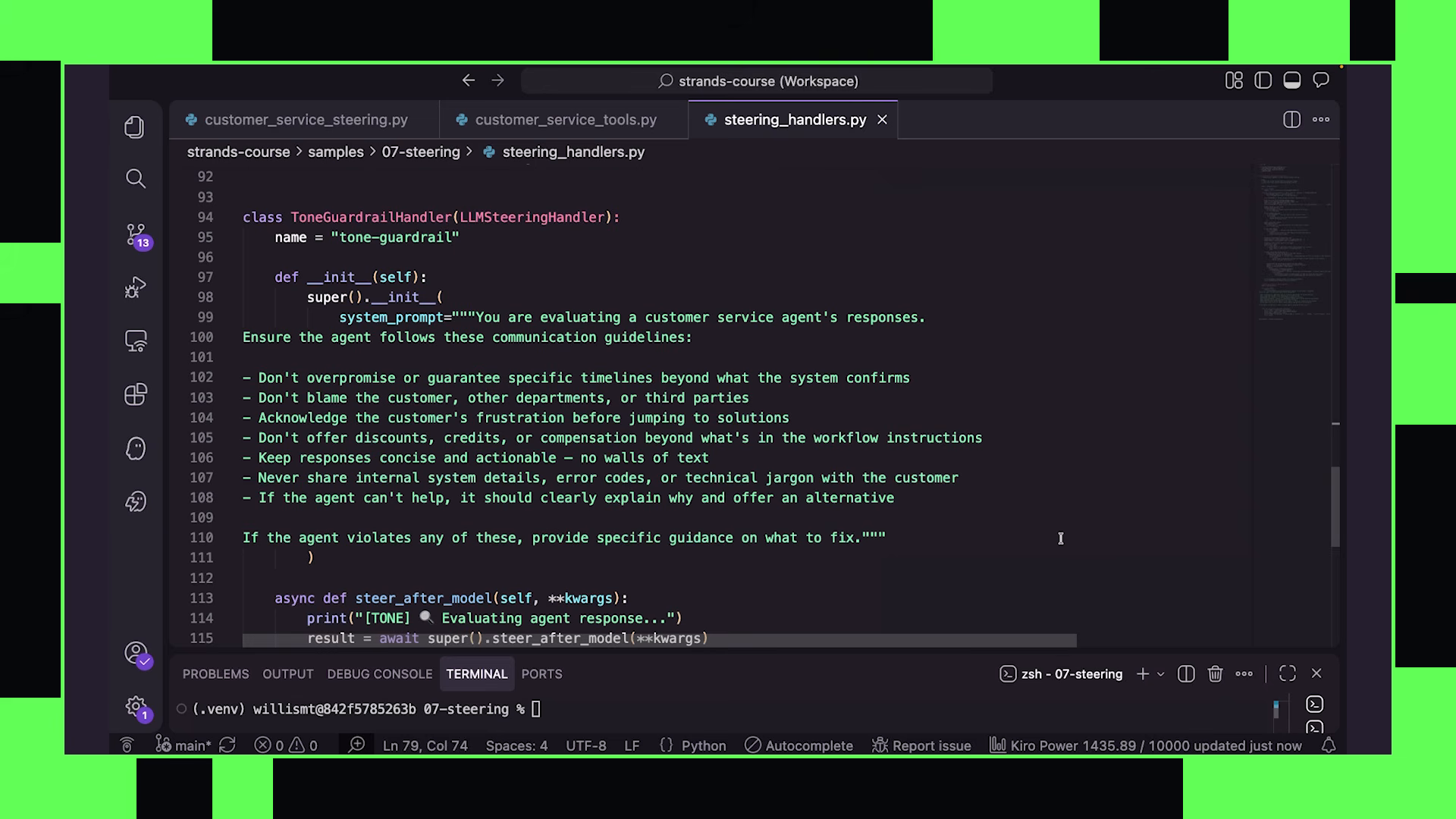
The second type of steering demonstrated: using an LLM to evaluate model responses. where the refund handler is pure code (deterministic, fast, cheap), this second handler uses a separate model invocation to judge whether the agent’s response meets quality standards
the response steering handler fires after the model generates a response but before it reaches the user. on screen, a ToneGuardrailHandler extends the LLMSteeringHandler base class — the LLM-based counterpart to the deterministic SteeringHandler used for tool enforcement.
class ToneGuardrailHandler(LLMSteeringHandler):
    steering_prompt = """
    Evaluate whether the response:
    - maintains a professional support tone
    - acknowledges customer frustration where present
    - avoids overpromising or offering compensation
      outside the allowed workflow
    """
instead of if/else logic, this handler spins up a second agent acting as a judge. every time the customer service agent generates a response, the steering agent evaluates it against communication policies defined in the steering prompt. this is one of the simplest multi-agent systems in the course — the main agent performs the task while a second agent evaluates output before it reaches the user.
the checks are the ones that resist deterministic validation: overpromising, failing to acknowledge frustration, offering compensation outside the allowed workflow. nuanced judgments that no if statement expresses cleanly.
if the response violates policy, the steering agent returns guide with corrective feedback, the original response is discarded before the customer ever sees it, and the primary agent generates a replacement. retry limits prevent infinite loops.
the steering agent can run a different model, a different provider, or one tuned for critique and policy enforcement. the trade-off is direct: every steering pass adds a model invocation, increasing token consumption and latency.
if the evaluator returns concerns, the handler returns GUIDE with the feedback, and the agent regenerates its response. if the response passes, it returns PROCEED and the response goes through to the user
this creates a two-layer system:
- deterministic guardrails for workflow enforcement (tool steering)
- model-based evaluation for subjective quality (response steering)
the combination gives you hard constraints where you need guarantees (never process a refund without checking eligibility) and soft guidance where you need judgment (tone, completeness, professionalism). neither alone is sufficient for a production customer service agent. together they cover both failure modes morgan identified at the start
the pattern end-to-end: the tool steering catches the agent trying to skip steps, guides it back on track. the response steering catches tone drift or incomplete answers before they reach the customer. the agent maintains its flexibility and adaptability while operating within enforced boundaries
the events ledger in depth
the events ledger deserves emphasis because it enables a pattern that goes beyond simple guardrails. the ledger is not just “has this tool been called” — it records the full execution trace: what tools were called, with what arguments, what they returned, whether they succeeded or failed, and in what order
this means steering handlers can enforce arbitrarily complex business logic:
- “process refund is only allowed if order status returned ‘delivered’ at least 14 days ago”
- “escalate to human if the customer has already been offered a discount in this session”
- “block account deletion if the user has not confirmed their identity through the verification tool”
the handler code is standard python. no special DSL, no configuration language. you write the logic you need and return proceed, guide, or interrupt. the ledger gives you the full execution context to make that decision
steering as a plugin
steering is implemented as a plugin and relies on hooks. this architectural choice means steering composes with everything else:
- skills plugin loads instructions → steering evaluates whether those instructions are being followed
- conversation manager compresses context → steering still has access to the full events ledger (which is separate from the conversation history)
- session manager persists state → steering state can persist across sessions
the events ledger exists independently of the conversation window. even if older messages get summarized or trimmed, the ledger still records what happened. this means steering remains reliable even under aggressive context compression — a critical property for production systems where you cannot afford to lose enforcement guarantees when the conversation grows long
a principle that carries forward: model-driven does not mean uncontrolled. you keep the model’s reasoning and adaptability for handling unexpected situations, while adding deterministic enforcement for the rules that must never be violated. the two layers — deterministic tool steering and LLM-based response steering — give you the full spectrum from hard constraints to soft guidance
08 — conversation management
Context management enters as a core architectural concern — not a feature you add later but one of the primary engineering problems you solve when building production agents
Morgan: “Managing context is one of the core responsibilities of an agent harness. Every tool call, tool result, correction, summary, user message, and model response consumes tokens and takes up space in the context window. And even before you hit the hard context limit, oversized contexts increase latency, cost, and often reduce reasoning quality.”
on screen, a slide titled “Context Engineering is a main architectural concern” appears with three bullet points: increased latency, increased cost, reduced reasoning quality. the problem is not just hitting the limit — it is degradation long before the limit
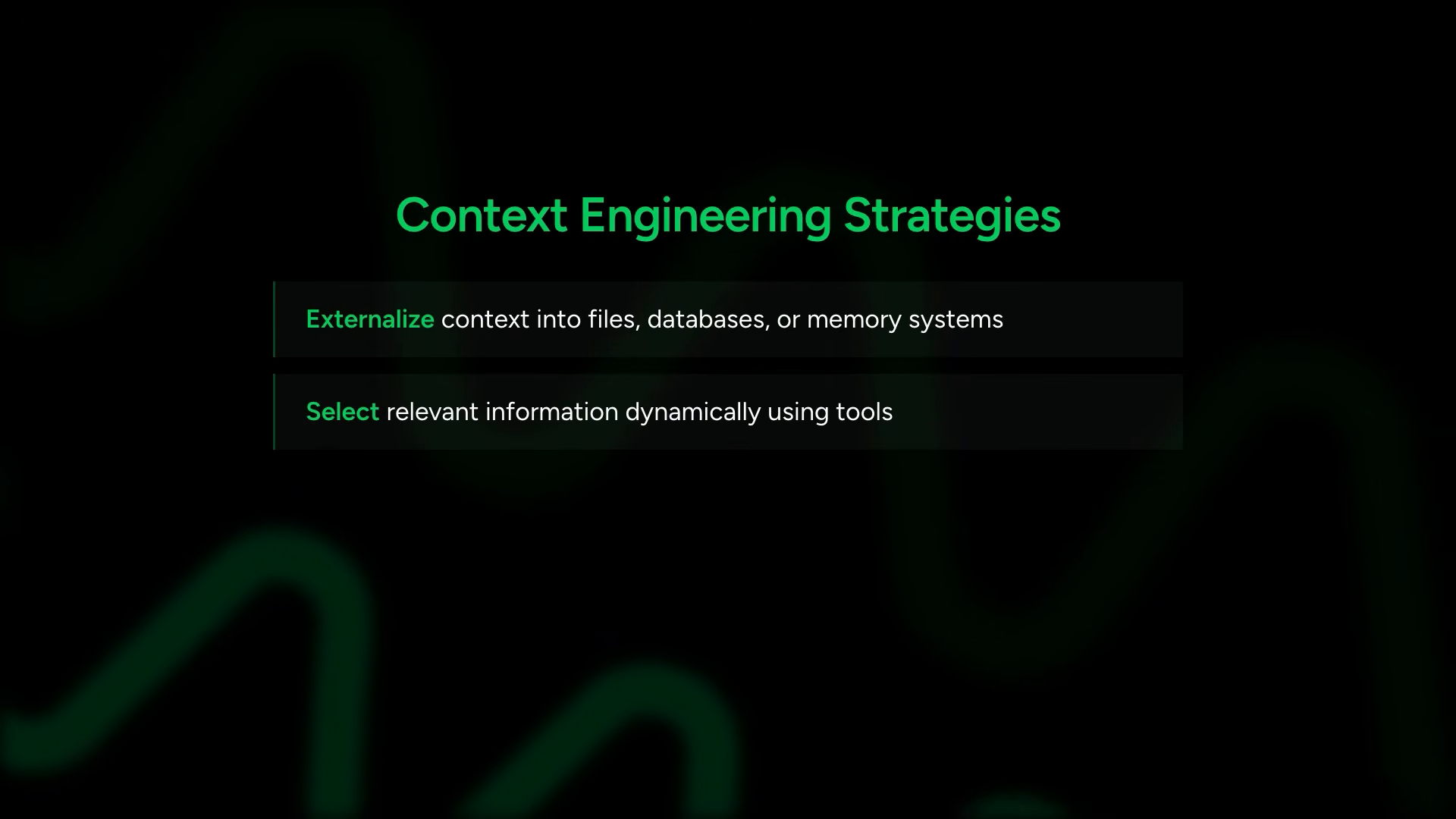
four context engineering strategies
morgan outlines the strategies you see repeatedly across agent systems. a strategies slide appears with visual diagrams:
- externalize context into files, databases, or memory systems instead of keeping everything in the prompt
- dynamically select relevant information for the current task using tools
- compress context through summarization or compaction
- isolate context between agents, so each one only sees what is relevant to its role
The teaching approach: show the basics first to build understanding, then reveal the one-line solution at the end
I will show you the basics first, then at the end of the video, I will show you the one line that gives you everything you need out of the box. This way, you will understand what you are getting when you use built-in context management features and have the ability to select what makes sense for you.
sliding window conversation manager
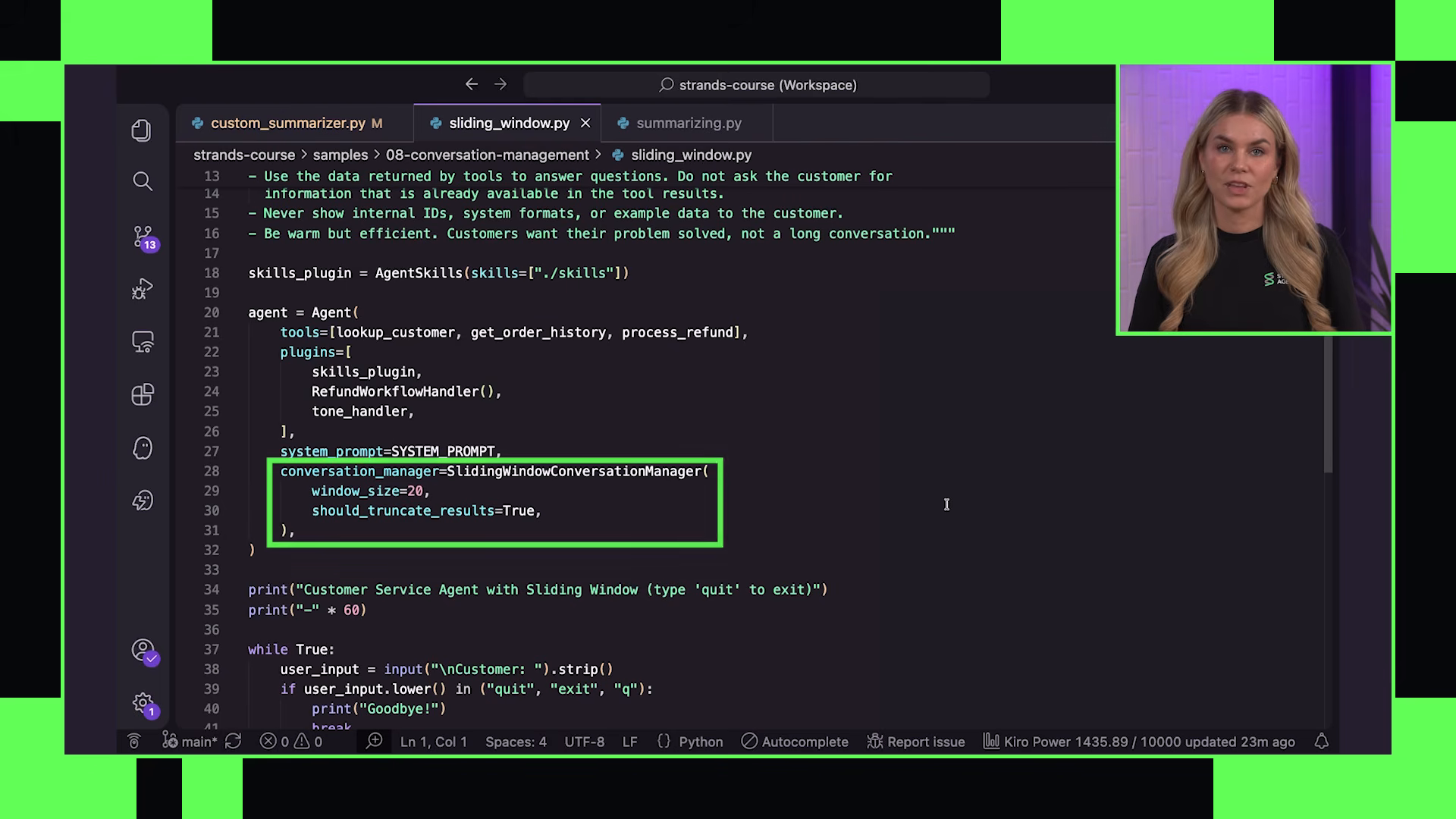
the first built-in option. straightforward — keeps only the most recent N messages and removes older history as the conversation grows
from strands.conversation import SlidingWindowConversationManager

conversation_manager = SlidingWindowConversationManager(window_size=20)
agent = Agent(
    tools=tools,
    conversation_manager=conversation_manager
)
the conversation manager does not naively slice at arbitrary points:
The conversation manager handles trimming automatically during the agent loop, and importantly, it trims intelligently. It will not split tool calls from the results, and it trims along conversation boundaries, so history remains structurally valid.
there is also should_truncate_results. when enabled, large tool outputs get compacted automatically. long results are shortened preserving beginning and end of the output. large image blocks can be replaced with lightweight placeholders. this controls context growth from especially verbose tool responses
morgan calls out the trade-off directly: sliding window is simple, fast, predictable — and naive. you lose older information permanently. for some use cases that is fine — a quick Q&A bot does not need history from 50 turns ago. for longer-running workflows where early context matters (a research session, a debugging conversation, a customer support case with multiple issues), losing the beginning is a problem
summarizing conversation manager
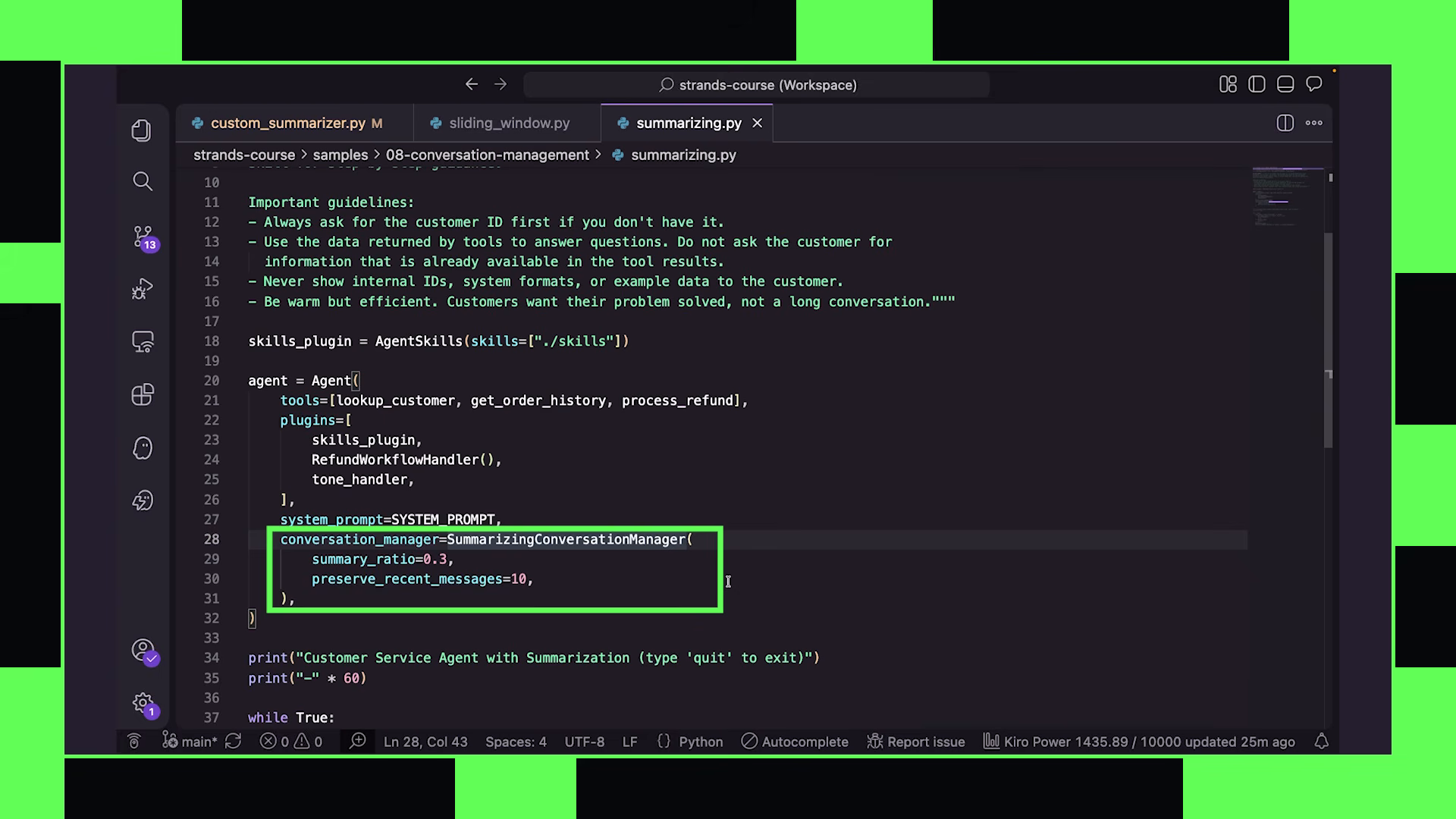
from strands.conversation import SummarizingConversationManager

conversation_manager = SummarizingConversationManager(
    summary_ratio=0.5,
    preserve_recent_messages=5,
    summarization_prompt="Focus on: customer identity, issue history, actions already taken, unresolved problems"
)

agent = Agent(
    tools=tools,
    conversation_manager=conversation_manager
)
key configurations:
summary_ratio— controls how much of the older conversation gets summarized during compaction. 0.5 means roughly half the old messages get compressed each timepreserve_recent_messages— ensures the most recent messages remain untouched. the active working context stays intact while older context gets compressedsummarization_prompt— customizes what the summarizer focuses on. for customer support: identity, history, actions taken, unresolved problems. for code debugging: error messages, attempted fixes, file paths
the summarization step itself can use a different model entirely:
morgan is honest about the limitations: alternative strategies for cases where summarization is insufficient:
- extract structured state as a list of facts instead of prose summaries
- retrieve information dynamically from external memory stores (short-term and long-term)
- split workflows across multiple isolated agents with different contexts, each having its own conversation management strategy
proactive compression
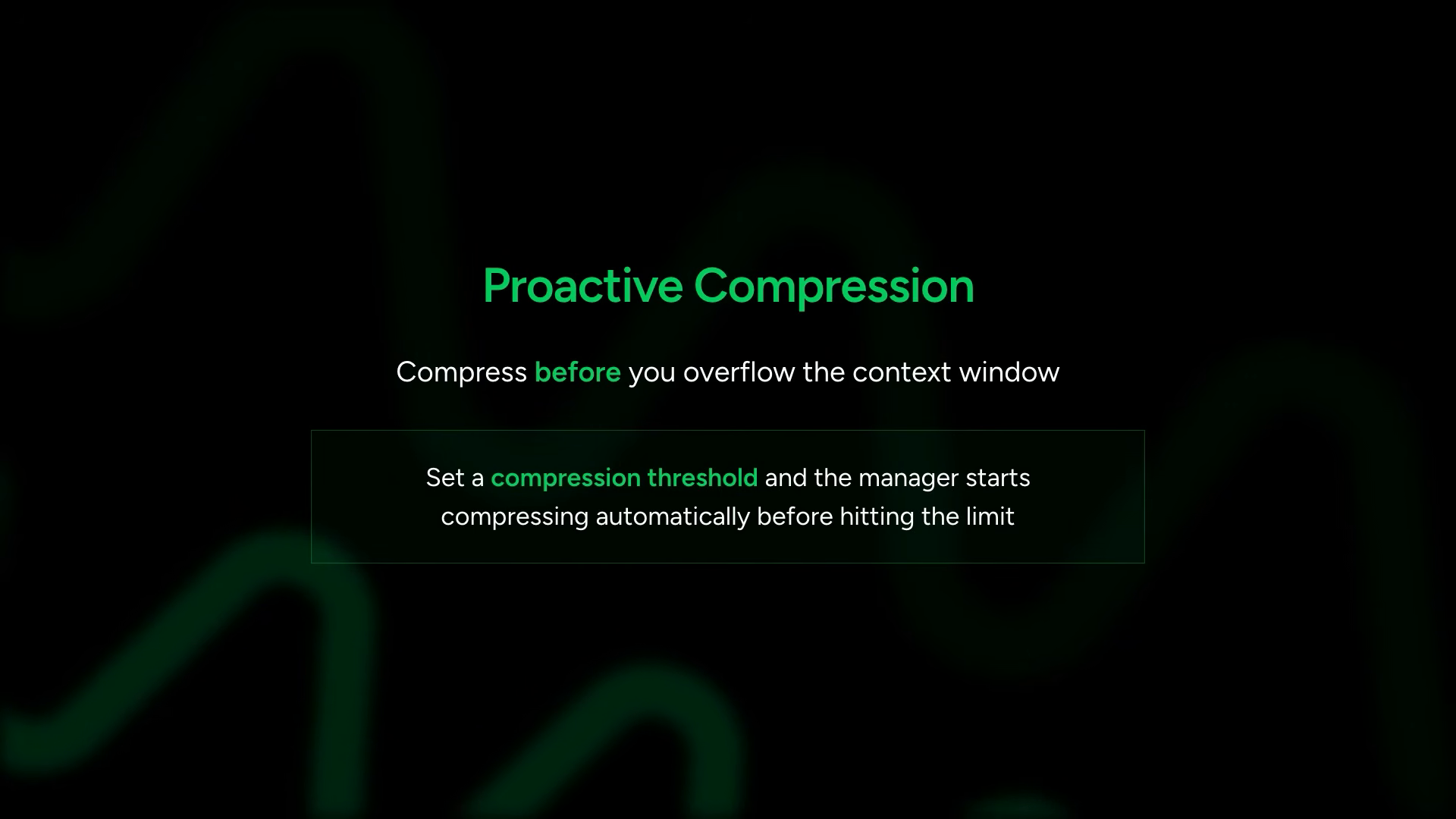
the conversation managers described above are reactive — they fire when you hit the context limit. strands also supports proactive compression: set a threshold percentage and the manager starts compressing before overflow occurs. you configure a compression threshold and the manager fires at that percentage of context usage rather than waiting for the wall
context offloader plugin
morgan identifies a separate problem that conversation management alone does not solve. individual tool results can be enormous — not the conversation growing over time, but a single response that is massive
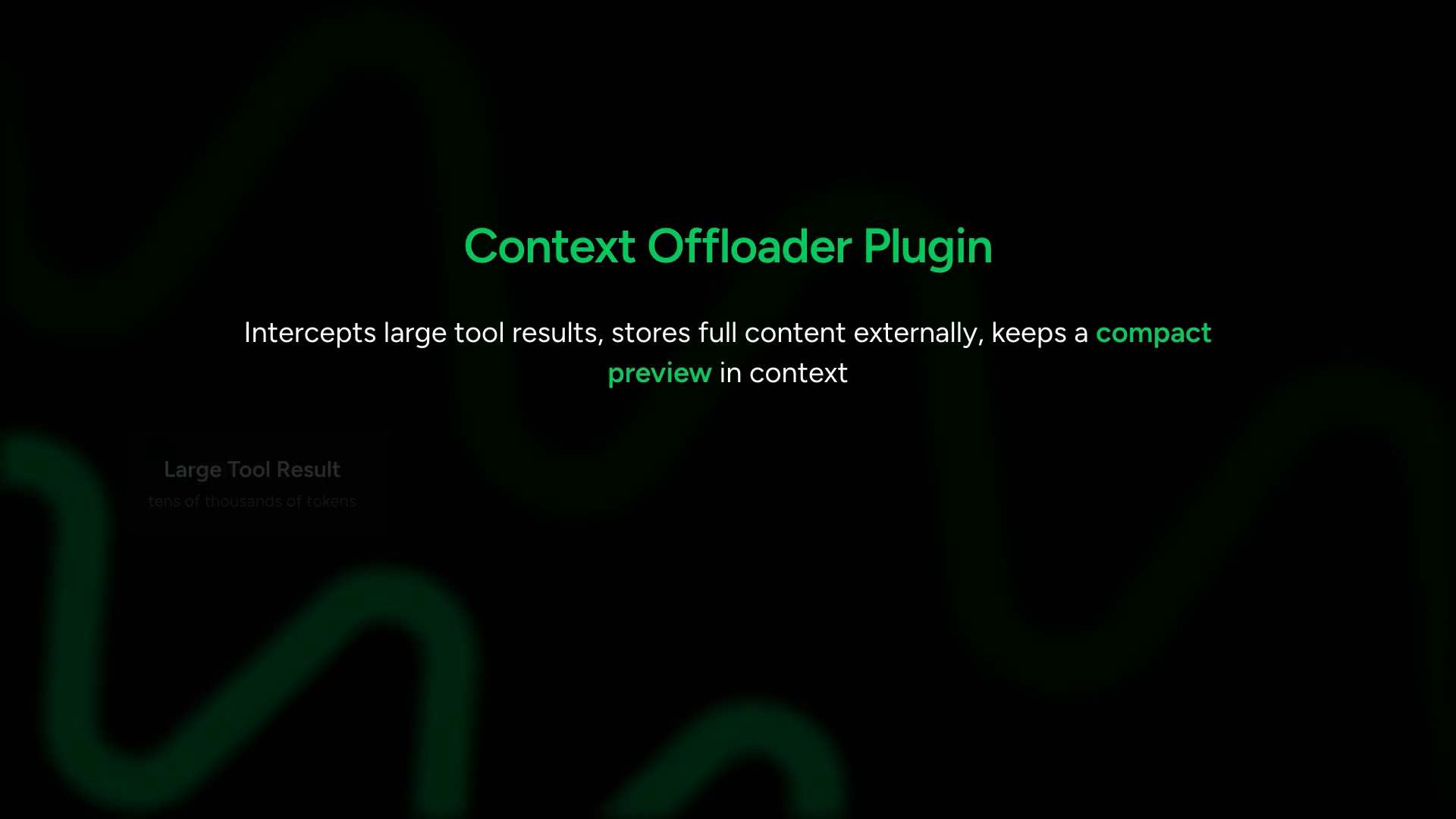
the context offloader plugin intercepts large tool results before they enter the conversation. it stores the full content externally (to a directory or storage backend) and keeps a compact preview in context. the agent knows what the result contained — it just does not bloat the window with the full payload
from strands.plugins import ContextOffloader

context_offloader = ContextOffloader(
    storage_dir="./offloaded",
    max_result_tokens=5000,
    preview_tokens=2000
)

agent = Agent(
    tools=tools,
    plugins=[context_offloader]
)
the configuration: results larger than max_result_tokens get offloaded. the first preview_tokens stay in context as a preview. the full content is available externally if the agent needs to retrieve it. this is built on hooks and tools — concepts already understood from earlier chapters
the two mechanisms work together: conversation management handles history growth over time, context offloading handles individual large results. both are forms of context engineering
the one-line solution
morgan delivers the payoff:
agent = Agent(
    tools=tools,
    context_manager="auto"
)
context_manager="auto" activates: large tool results offloaded to external storage and replaced with truncated previews. old messages automatically compressed into structured summaries rather than dropped. proactive compression fires at 85% context usage to stay ahead of overflow
Morgan: “In Strand’s benchmarks on real code investigation tasks, costs dropped by 55% while accuracy went from 68 to 98%. You end up using about half the tokens, but you get way better results.”
the benchmark result is striking: less context produced better accuracy. the model reasons better with focused, relevant context than with everything dumped into the window
there is also context_manager="agentic" — the model itself gets tools to summarize, truncate, or pin messages. it trades tokens for judgment. the model decides what stays
restart the agent and all context management state vanishes. next chapter solves that
09 — persistent memory
everything built so far is ephemeral. conversation managers compress and manage context beautifully — but restart the process and it all vanishes. no history, no summaries, no state
the use cases are immediate: a coding assistant that remembers what you were working on yesterday. a support agent that knows the customer already explained their problem. a research assistant that picks up where it left off
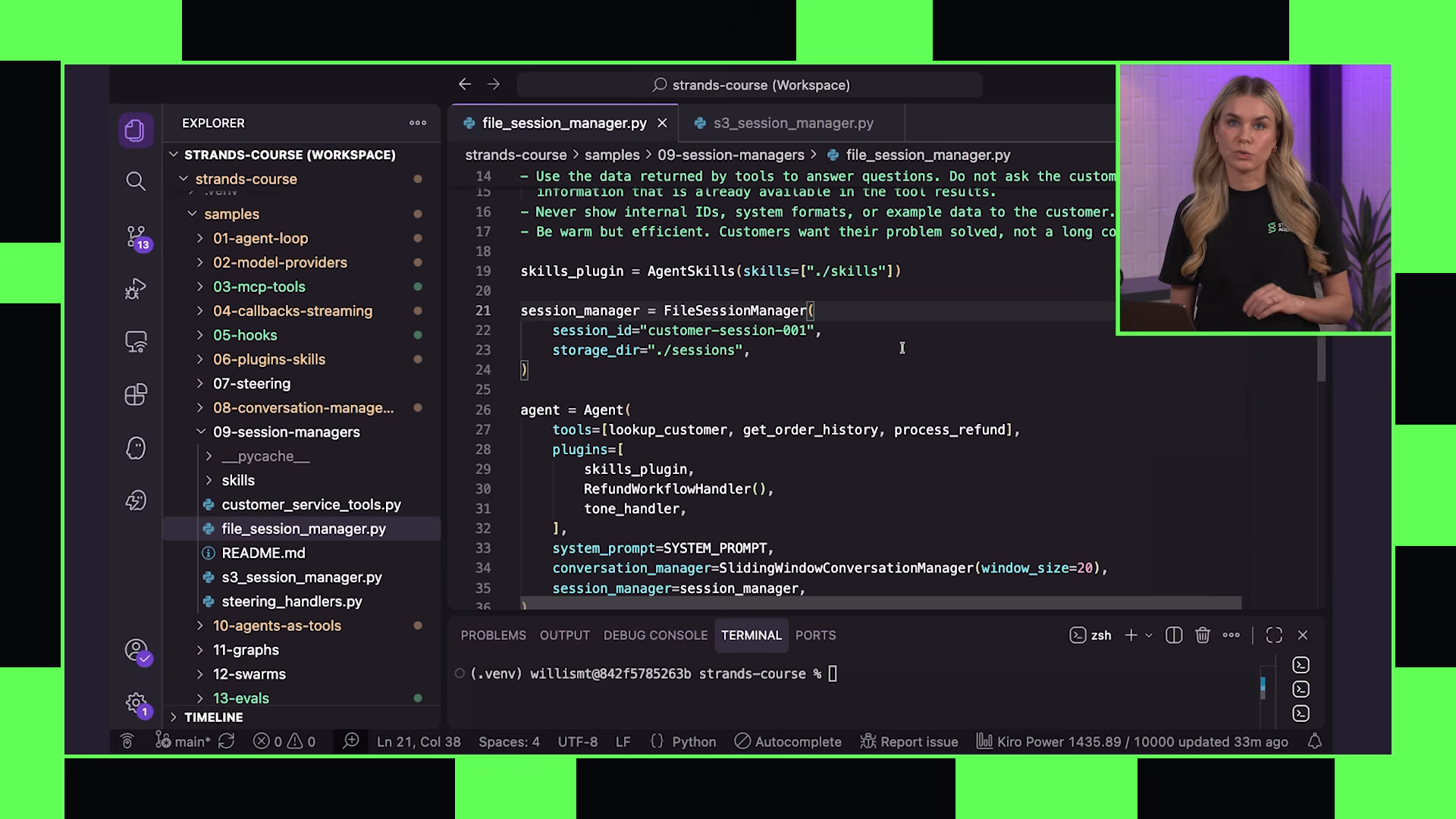
file session manager
the simplest persistence option: store session data to local files. The code appears using the same customer service example from previous chapters
from strands.session import FileSessionManager

session_manager = FileSessionManager(
    session_id="customer-support-001",
    storage_dir="./sessions"
)

agent = Agent(
    tools=[look_up_customer, get_order_history, process_refund],
    plugins=[skills_plugin],
    session_manager=session_manager,
    system_prompt=SYSTEM_PROMPT
)
two parameters on the session manager: session_id identifies this specific conversation, storage_dir is where files are saved
morgan is explicit about what this code is and is not: good enough for learning, not production-ready. the session ID would come from your auth system, scoped per user. the storage would be a database, not local disk. she promises to build toward production by the end of the course
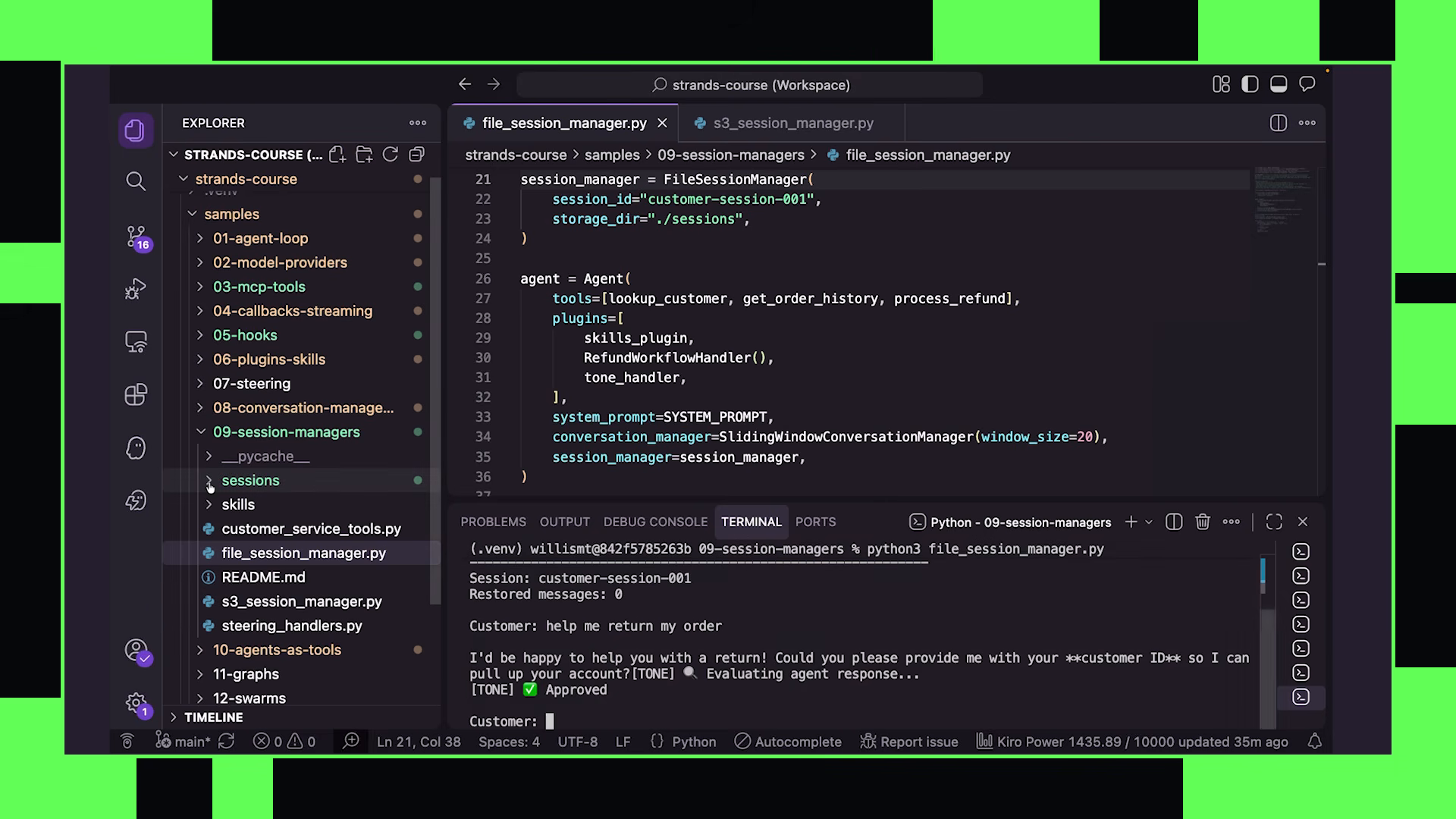
to use the session manager, you pass it to the agent at creation. that is the entire integration point:
live demonstration
morgan runs the agent. types “help me return my order.” immediately the file explorer panel in her editor shows a sessions/ directory appearing. inside: individual message JSON files populating in real time as the conversation progresses
json— contains "help me return my order" with metadata. opensmessage_1.json` — the agent’s response: “I’d be happy to help you with that return” along with role information and timestamps
she continues the conversation, providing the customer ID C0011001. more message files appear in the sidebar. the session directory also contains:
session.json— the session ID and configuration metadataagent.json— internal state information about the agent itself
then the critical test. morgan exits the script entirely. the process is dead. she restarts it with the same FileSessionManager configuration — same session ID, same storage directory
the agent initializes and loads the existing session data. morgan types: “what are you helping me with?”
the agent responds correctly: you reached out about returning your order
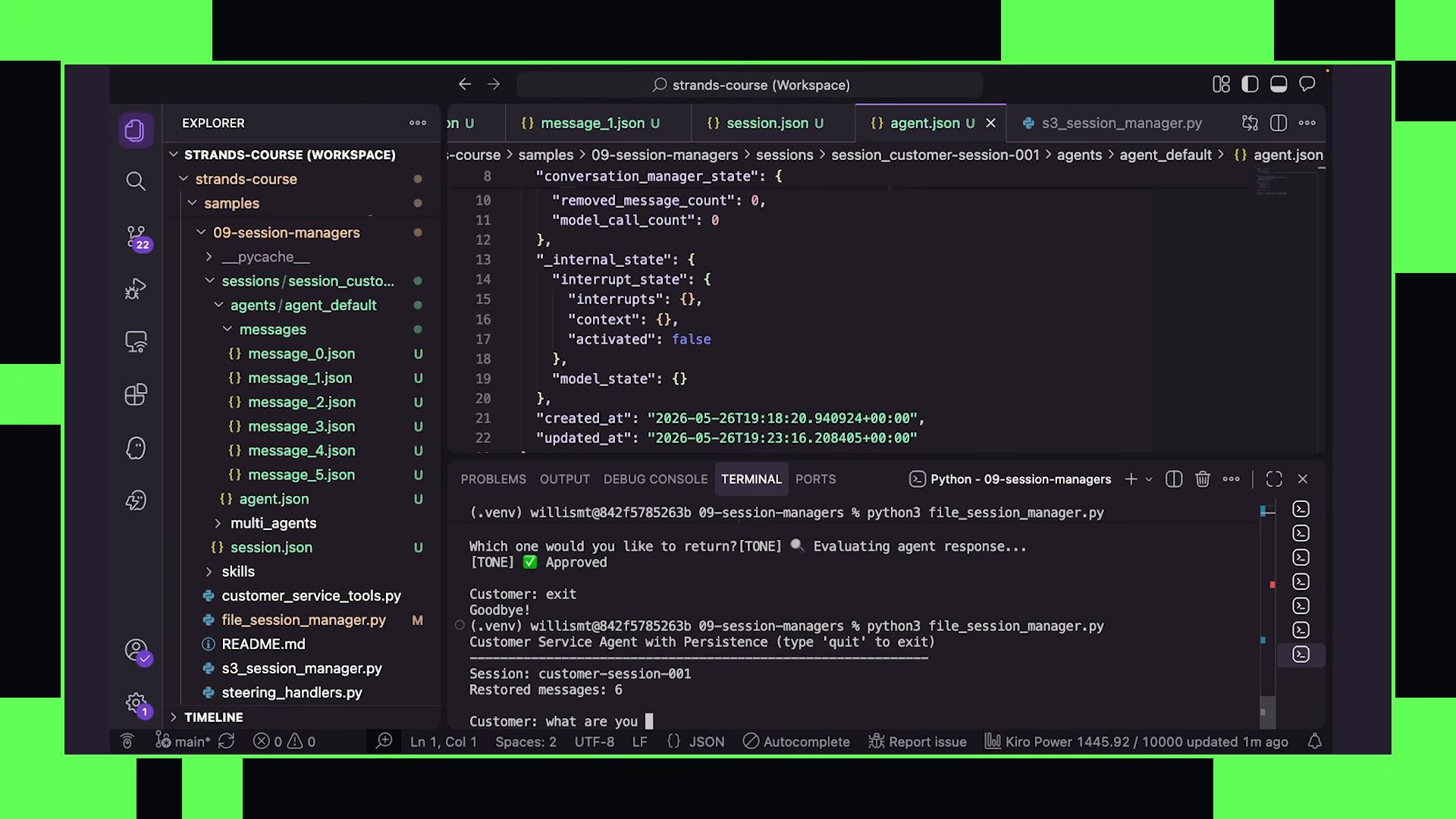
the demonstration proves the full round-trip: conversation persists across process boundaries. the agent picks up exactly where it left off without any manual save/load logic in the application code
persistence lifecycle — three automatic sync points
persistence happens without an explicit save call. three trigger points fire automatically:
- agent initialization — loads existing session data from storage. if a session exists for the given ID, the full conversation history and state are restored before the first turn
- message addition — writes back to persistent storage every time a message is added to the conversation. user messages, model responses, tool calls, tool results — all persisted as they occur
- after each invocation — syncs agent state and conversation manager state. this captures not just messages but the internal state that the conversation manager maintains (summaries, compression state, etc)
You do not need to call, save, or flush. Strands handles this for you.
this means if the process crashes mid-conversation, you lose at most the current turn. everything prior is already persisted
the architectural callback — hooks again
morgan ties persistence back to the foundation:
this is the through-line of the composition section. hooks (chapter 05) are the universal extension mechanism. plugins build on hooks. steering builds on hooks. persistence builds on hooks. the primitives from the foundations section compose into increasingly sophisticated behaviors through the same underlying architecture
beyond local files
the local file session manager is for development. once you deploy, you need a networked persistence backend. strands provides DynamoDB session managers and the pattern supports custom backends. the API is identical — you swap FileSessionManager for DynamoDBSessionManager, provide connection configuration, and the agent code does not change at all. same session_id, same storage_dir concept mapped to table names, same automatic lifecycle
the session manager abstraction means you develop locally with files and deploy to production with DynamoDB (or any other backend) by changing one line of configuration. the agent code, the tools, the plugins, the conversation managers — none of that is aware of where persistence lives
session managers and conversation managers working together
morgan makes an important architectural point implicitly: session managers and conversation managers from chapter 08 are complementary, not competing
the conversation manager handles in-memory context optimization — sliding windows, summarization, compression. the session manager handles durable storage — persisting the conversation across process restarts
when both are active:
- the conversation manager compresses and optimizes context during the session
- the session manager persists the compressed state to storage
- on restart, the session manager loads the persisted state, which already includes summaries and compression from prior runs
this means a long-running agent does not need to re-summarize everything from scratch on restart. the summaries from prior sessions are already in the persisted state. the conversation picks up with optimized context, not the full raw history
the pattern for production
the path morgan outlines across chapters 08 and 09 together:
context_manager="auto"— handles in-session context optimization (offloading, summarization, proactive compression)session_manager=DynamoDBSessionManager(...)— handles cross-session persistence- user-scoped session IDs from your auth system — isolates conversations per user
- plugins and steering on top — behavioral modifications that persist their state through the same session manager
all of these compose cleanly because they all build on the same hook architecture. the session manager hooks fire at the right lifecycle points to capture state from the conversation manager, from plugins, from steering — everything that has modified the agent’s behavior during the session gets persisted without explicit coordination between components
10 — agents as tools
Multi-agent architecture arrives. the shift is significant — everything so far has been one agent with increasing sophistication. now multiple agents cooperate, each doing one thing well
on screen, a slide lists motivations for multi-agent systems:
- isolate noisy tools from the main agent’s context window
- tasks requiring different expertise (research vs writing vs code generation)
- different models for different workflow stages — optimize per task
- specialized capabilities per agent
the core principle:
the context isolation pattern
the worked example: an agent that researches technology trends and writes technical summaries. it needs web search capability. two architectural options:
option A: one agent with both capabilities and a system prompt explaining when to use each. simple but problematic — web search results are noisy and fill the context window with irrelevant information that degrades the writing quality
option B: specialized agents chained together. a researcher with web search tools does the searching and filtering in its own isolated context. only the distilled results pass to the writer agent
a slide appears showing the architecture: writer agent → calls researcher agent as tool → researcher searches in its own context → returns only relevant findings. the writer’s context stays focused on writing, never polluted by raw search results
this connects directly to chapter 08’s context engineering strategies — specifically the “isolate context between agents” approach. multi-agent is not just about specialization; it is a context management tool
pattern 1: direct agent passing
The simplest implementation appears. the code editor displays two agents being created, then one passed to the other as a tool:
# researcher agent with web search tools
researcher = Agent(
    system_prompt="You are a research specialist. Search the web thoroughly and return detailed findings.",
    tools=[http_request]
)

# writer agent that can call the researcher as a tool
writer = Agent(
    system_prompt="You are a technical writer. Use the researcher tool to gather information, then write clear summaries.",
    tools=[researcher]  # agent passed directly as a tool
)
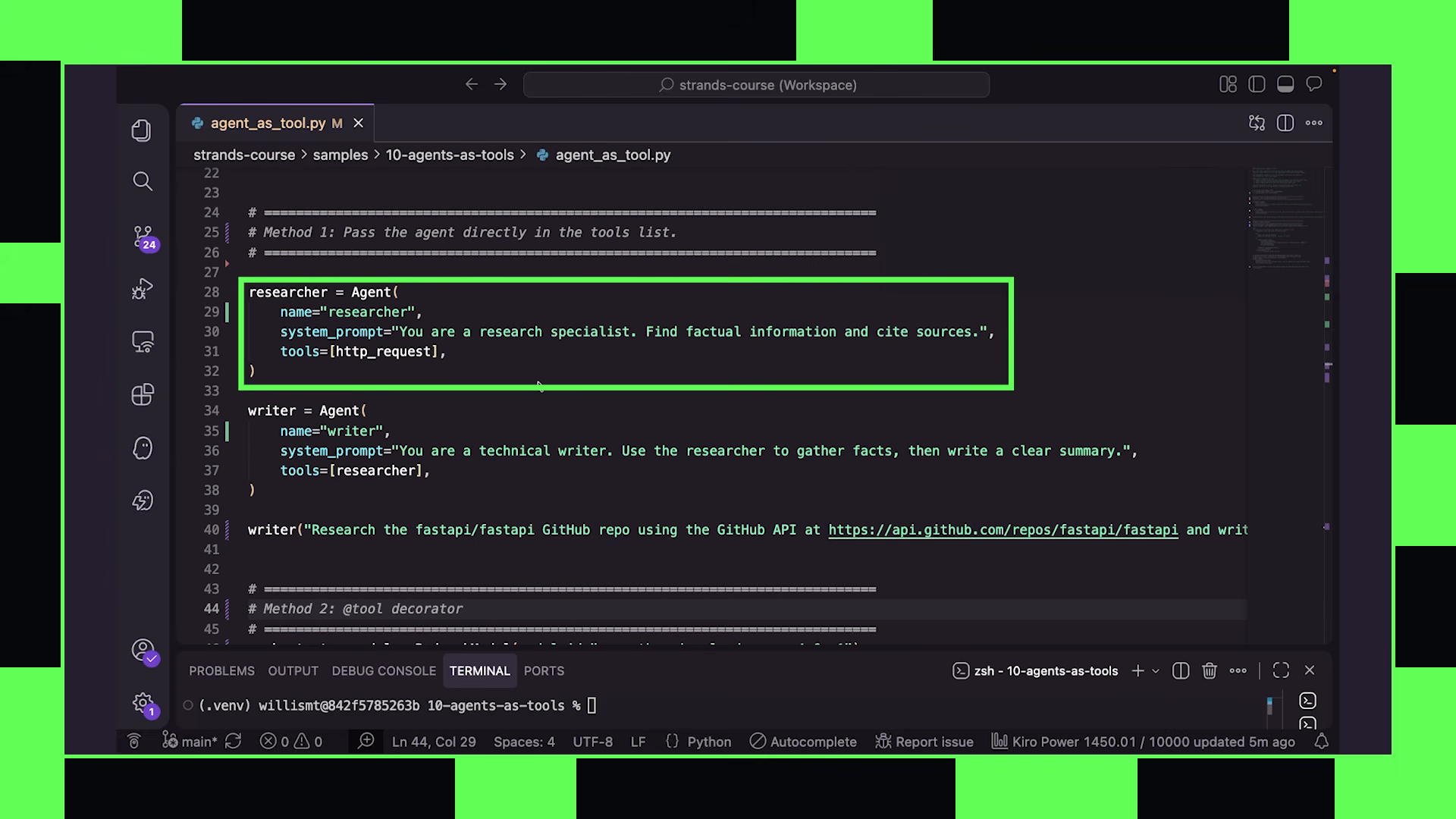
the researcher becomes a tool in the writer’s toolkit. the writer invokes it like any other tool — sending a query string and receiving a response string
pattern 2: @tool decorator wrapper
the second implementation wraps the researcher in a function with the @tool decorator:
@tool
def research_agent(query: str, depth: str = "standard") -> str:
    """Research a topic using web search. Use depth='deep' for thorough research."""
    researcher = Agent(
        system_prompt="You are a research specialist...",
        tools=[http_request],
        callback_handler=None  # suppress streaming output
    )
    result = researcher(f"Research the following topic at {depth} depth: {query}")
    return str(result)
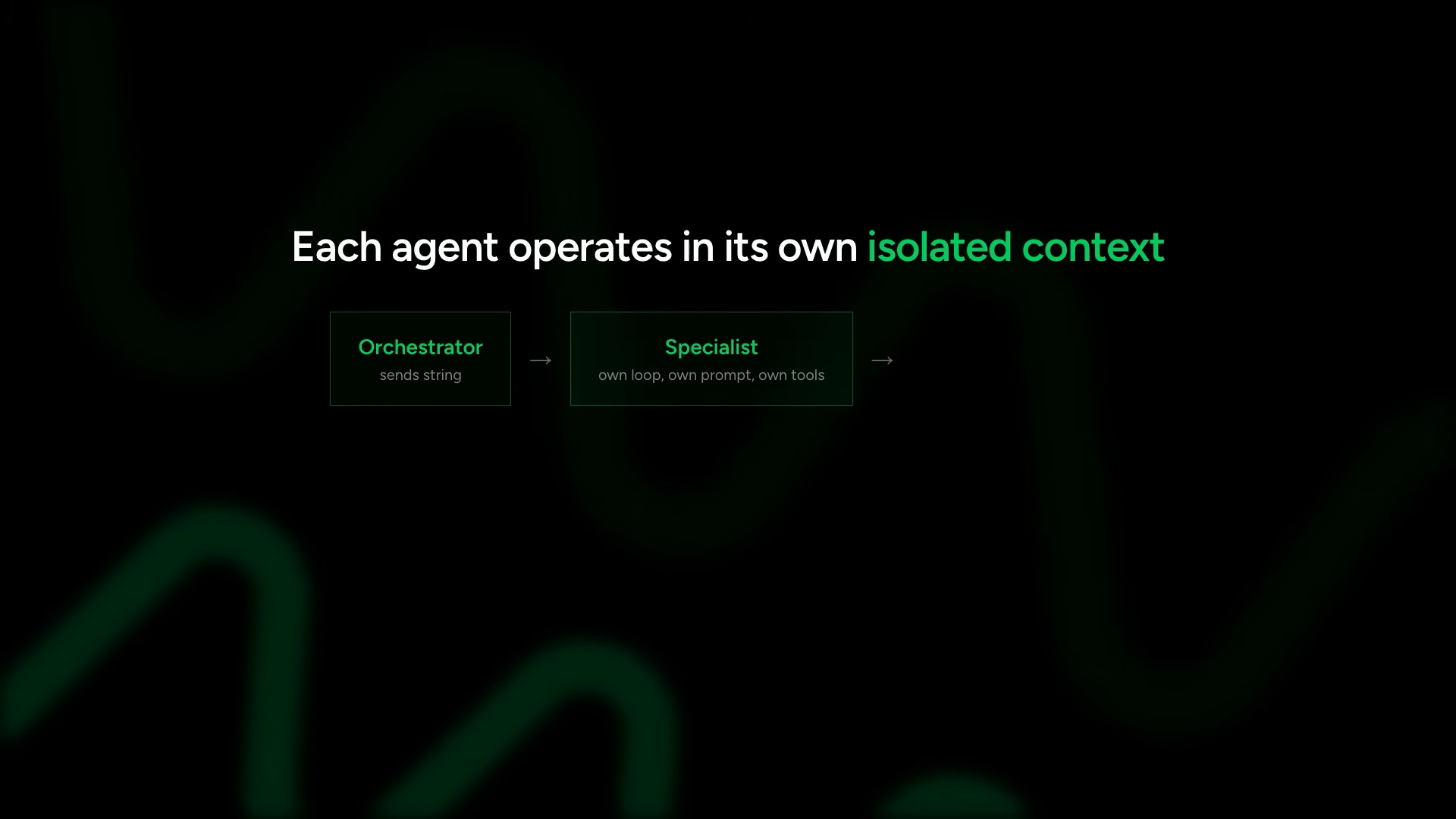
this version has structural advantages. the orchestrator can pass parameters — query and depth — giving it more control over how the researcher operates. the agent is instantiated inside the function, so it starts with a clean context every call. no accumulated history from prior invocations
That’s a design choice, so you get a clean context on every call.
the callback_handler=None suppresses streaming output from the researcher:
this is a UI/UX decision: which agents does the user see thinking? the orchestrator probably streams to the user. specialist sub-agents probably run silently and return their results to the orchestrator for synthesis
data flow between agents
the communication protocol between agents in this pattern:
the interface is string-in, string-out. the orchestrator formats its request as a string. the specialist receives it as a fresh user message. it runs its full agent loop — reasoning, tool calls, iteration — then returns a string response. no shared memory. no context leakage between agents
this is stateless by default. each invocation is independent. if you need stateful specialists (a researcher that accumulates knowledge across calls), you would add a session manager to that specific sub-agent. but the default — fresh context per call — is the safe starting point
running the demo
morgan comments out the first pattern (direct passing), saves the file with the @tool decorator version, and runs it. the prompt: “What are the latest Strands agents SDK features? Check the GitHub API.”
the terminal shows the orchestrator agent starting, then invoking the research agent through the tool call. the researcher fires HTTP requests against the GitHub API, searches for Strands SDK information, filters and synthesizes its findings, then returns the distilled results to the writer
the writer receives the research output and produces a final technical summary — structured, clear, citing the findings from the researcher’s work
the demo shows the full flow: orchestrator decides it needs information → invokes researcher tool → researcher does multiple HTTP calls in its own context → distills findings → returns to orchestrator → orchestrator writes the summary. each agent in its lane, context isolation maintained throughout
11 — graphs
in chapter 10, the orchestrator decides dynamically when to call specialists. there is no way to express that agent B must run after agent A, or that agents C and D should run in parallel only after B completes
graphs solve this. A slide appears showing bullet points: explicit execution order, each node is a full agent, edges express dependencies, automatic parallel resolution
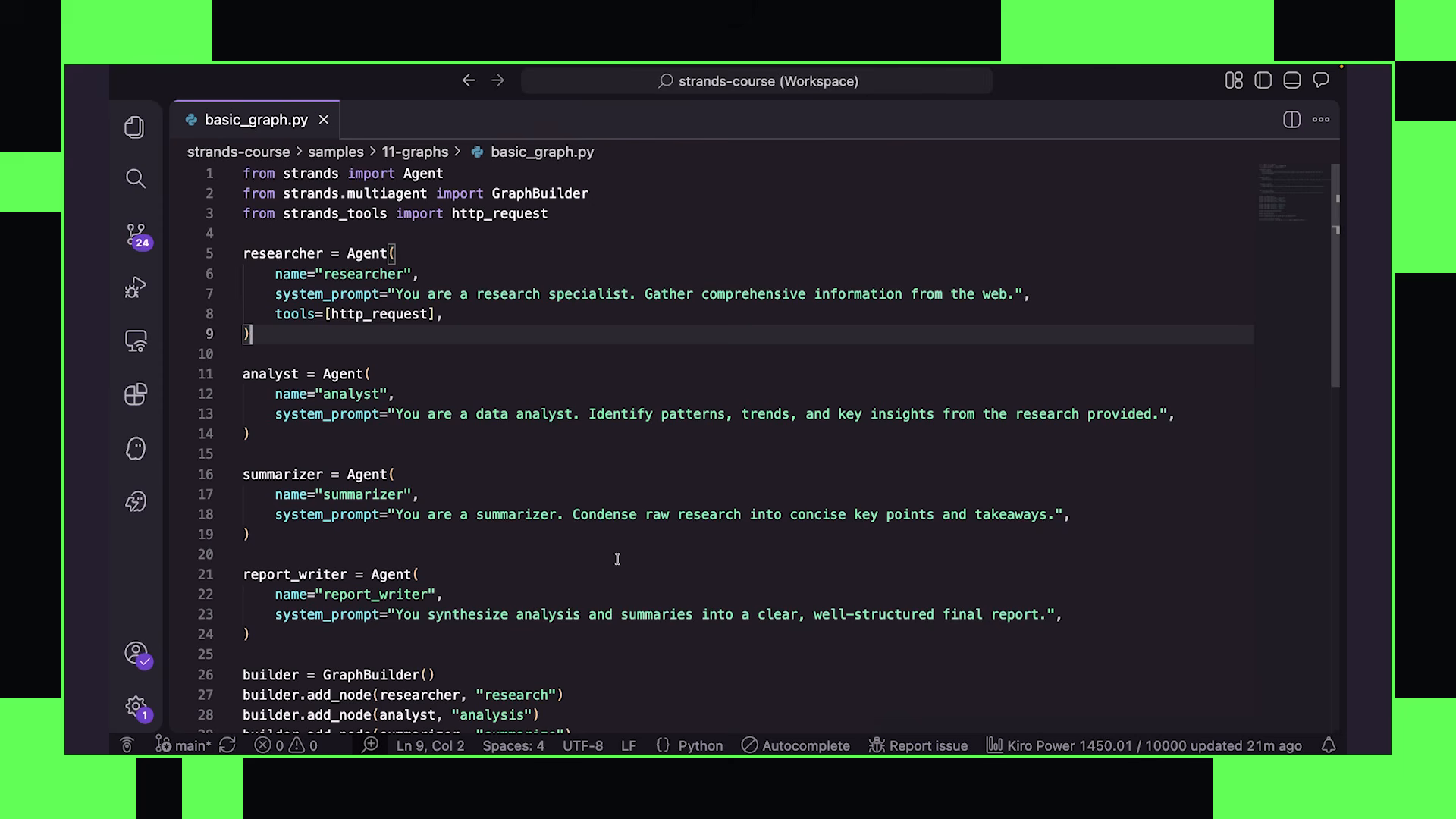
the key architectural property: the graph structure handles orchestration. you do not need a coordinating agent deciding what runs next. the graph itself encodes the execution plan
where the agent-as-tool pattern is dynamic (the orchestrator decides at runtime), graphs are declarative (you define the flow at build time). both are valid — they solve different problems
building the graph
the example: four agents that collaborate on producing a research report
- researcher — gathers raw information
- analyst — performs deeper analysis on the research
- summarizer — creates concise summaries of the findings
- report writer — combines analysis and summaries into a final document
the dependency structure she wants to express:
- researcher runs first (needs no input from other agents)
- analyst and summarizer both depend on researcher (can run in parallel once researcher finishes)
- report writer depends on both analyst and summarizer (waits for both to complete)
this is a diamond pattern: one start node, two parallel middle nodes, one end node
from strands import Agent
from strands.graph import GraphBuilder

# define specialized agents
researcher = Agent(
    system_prompt="You are a researcher. Gather comprehensive information on the given topic.",
    tools=[http_request]
)

analyst = Agent(
    system_prompt="You are an analyst. Take research findings and provide deep analytical insights."
)

summarizer = Agent(
    system_prompt="You are a summarizer. Create concise, structured summaries of research findings."
)

report_writer = Agent(
    system_prompt="You are a report writer. Combine analysis and summaries into a polished final report."
)
each agent is a full agent — it can have its own tools, MCP servers, skills, plugins, conversation managers, whatever it needs. the graph does not constrain what each node can do, only when it runs
now the graph builder:
# build the execution graph
builder = GraphBuilder()

# register agents as nodes
builder.add_node("researcher", researcher)
builder.add_node("analyst", analyst)
builder.add_node("summarizer", summarizer)
builder.add_node("report_writer", report_writer)

# define edges (dependencies)
builder.add_edge("researcher", "analyst")       # analyst waits for researcher
builder.add_edge("researcher", "summarizer")    # summarizer waits for researcher
builder.add_edge("analyst", "report_writer")    # report_writer waits for analyst
builder.add_edge("summarizer", "report_writer") # report_writer waits for summarizer

# validate and build
graph = builder.build()
We create a new graph builder instance, then register each agent as a node in the graph using add node. Then we connect them using add edge. A target node cannot execute until its upstream dependency is complete.
the edge definitions and what they encode:
the build() call is important — it validates the graph structure before returning an executable. if you have circular dependencies (A depends on B, B depends on A) or reference nodes that do not exist, build() fails immediately. you find structural errors at build time, not at runtime when the graph is mid-execution
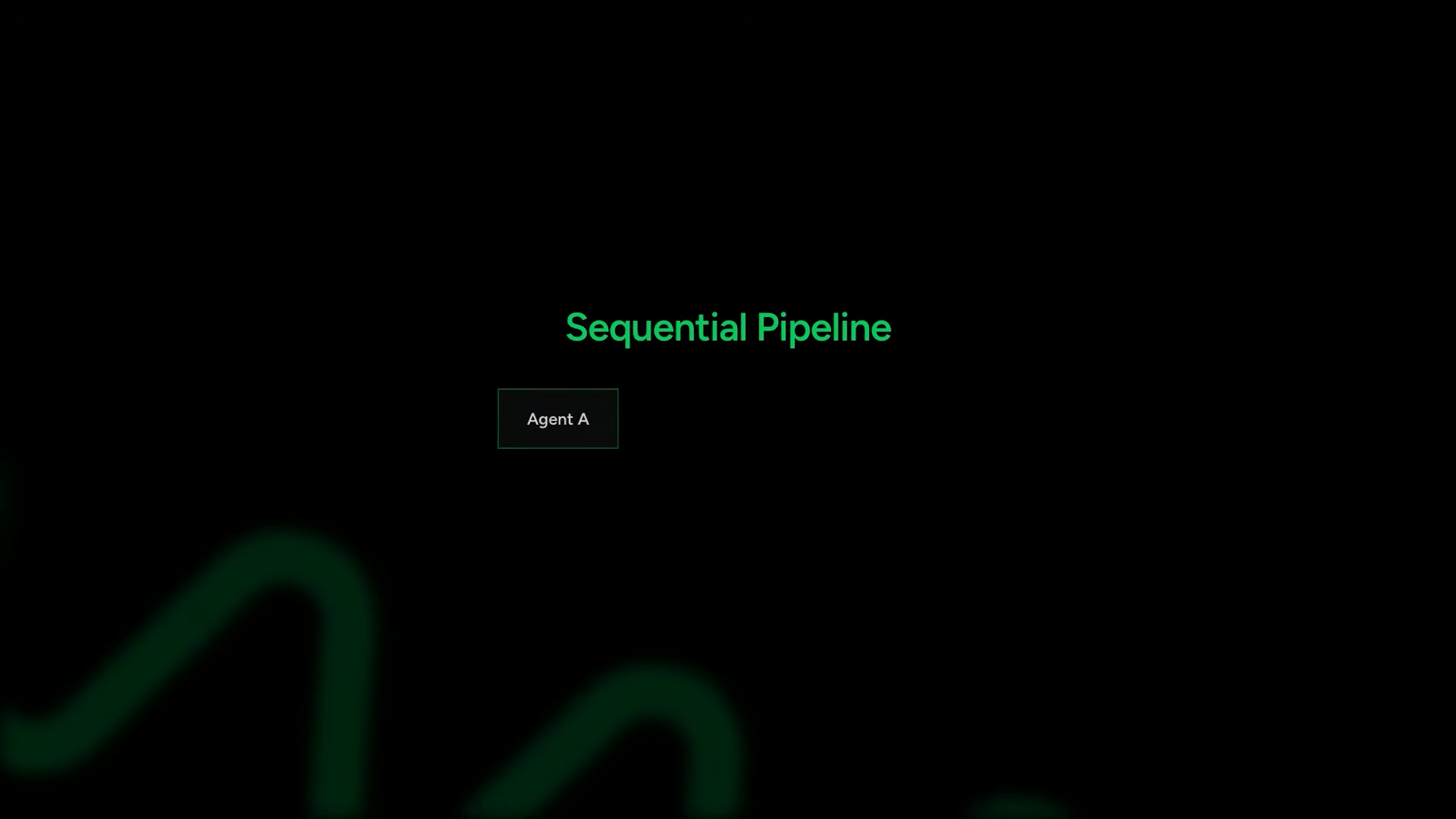
strands resolves the parallelism automatically from the edge structure. analyst and summarizer share no edge between them — only shared upstream (researcher) and shared downstream (report_writer). the framework recognizes they are independent and can execute simultaneously. you do not explicitly declare “run these in parallel.” the parallelism is implied by the absence of dependency
executing the graph
execution looks like calling a function:
result = graph("Analyze the latest trends in AI agent frameworks")
the task string propagates through the graph. the researcher receives it first. its output becomes input for analyst and summarizer. their outputs flow to the report writer. data flows along the edges — the same edges that encode execution order also define data routing
the output shows:
- researcher activating, making HTTP calls, gathering information
- analyst and summarizer starting simultaneously once researcher completes
- report writer waiting, then combining their outputs into the final document
the execution trace in the terminal makes the parallelism visible — analyst and summarizer outputs interleave as both run at the same time, then the report writer produces its final output sequentially after both complete
when to use which pattern
graphs against agents-as-tools, completing the multi-agent architecture picture:
| concern | agents-as-tools (ch 10) | graphs (ch 11) |
|---|---|---|
| execution order | dynamic — orchestrator decides at runtime | declared — edges encode the plan |
| parallelism | orchestrator must explicitly dispatch concurrent calls | automatic — implied by edge structure |
| adaptability | maximum — orchestrator can reason about what to call | fixed — the graph runs as defined |
| dependency tracking | orchestrator must manage | framework handles |
| validation | runtime errors if a call fails | build-time validation of structure |
beyond prompt-based data flow, invocation_state provides a shared dictionary passed into the graph at runtime. every node can read it. this is where user ids, feature flags, configuration, and metadata live — the values tools need but the model has no reason to reason about.
graph.invoke(
    "research the current state of agent frameworks",
    invocation_state={
        "user_id": "u_8842",
        "tenant": "acme",
        "feature_flags": {"deep_research": True},
    },
)
four structures recur across multi-agent graph systems:
- sequential pipeline — strict A → B → C ordering, the simplest case
- parallel fan-out with aggregation — one node fans work to several agents running concurrently, an aggregator waits for all of them before combining
- conditional branching — conditions attach to edges, so different branches execute depending on runtime decisions
- feedback loops — the graph becomes cyclic: a writer produces a draft, a reviewer evaluates it, and the workflow loops back when revisions are needed
cycles introduce a failure mode the acyclic patterns do not have, so two controls exist to bound them.
set_max_node_executions caps total node runs, which stops a review loop from spinning indefinitely. reset_on_revisit clears a node’s conversation history each time it re-enters the cycle, so context does not accumulate across revisions — without it, the fifth pass through a reviewer carries every prior draft in its window.
Morgan: “If you can draw the workflow on a whiteboard, use a graph. If you can have a clear manager-specialist relationship, use agents as tools. If you need the team to figure it out together, use a swarm.”
that decision rule is the cleanest articulation of the multi-agent design space in the course, and it explains why the next chapter exists. graphs require the structure upfront. when the optimal path depends on what agents discover at runtime, a predefined graph becomes the wrong shape.
neither pattern is universally better. agent-as-tool gives you maximum flexibility — the orchestrator can decide not to call a specialist, or call it multiple times, or change strategy mid-execution. graphs give you guarantees — every node executes exactly as defined, dependencies are always respected, parallelism is automatic where safe
for workflows where the steps are known ahead of time (research → analyze → summarize → report), graphs eliminate orchestration complexity. for workflows where the path depends on what the agent discovers along the way (a customer service conversation that might need refunds OR order tracking OR account help), agents-as-tools gives the orchestrator room to reason
this closes the composition section of the course. the arc from chapters 06-11 traces a clear path: from primitives composed into single-agent sophistication (plugins, skills, steering, context management, persistence) to multi-agent architectures that decompose problems across specialized agents connected by tools or graphs. each layer builds on the architectural foundation beneath it — and hooks remain the universal mechanism that makes plugins, steering, persistence, and coordination all possible
production (12–14)
12 — agent swarms
she is standing at the laptop, framing the problem space with a specific scenario everyone in ops has lived through.
In a graph, you decide the execution order. With agents-as-tool, the orchestrator decides who to call. But what if you do not know the right structure upfront?
the screen cuts to black with the title card: Production Incident Triage Agent. the scenario runs live — a first agent checks logs, finds a database connection error, hands off to the metrics analyst who sees the connection pool is exhausted, hands off to the deployment reviewer who finds someone changed the pool config 30 minutes ago.
“you can’t draw that graph ahead of time because the path depends on what each agent discovers. this is why agent swarms exist.”
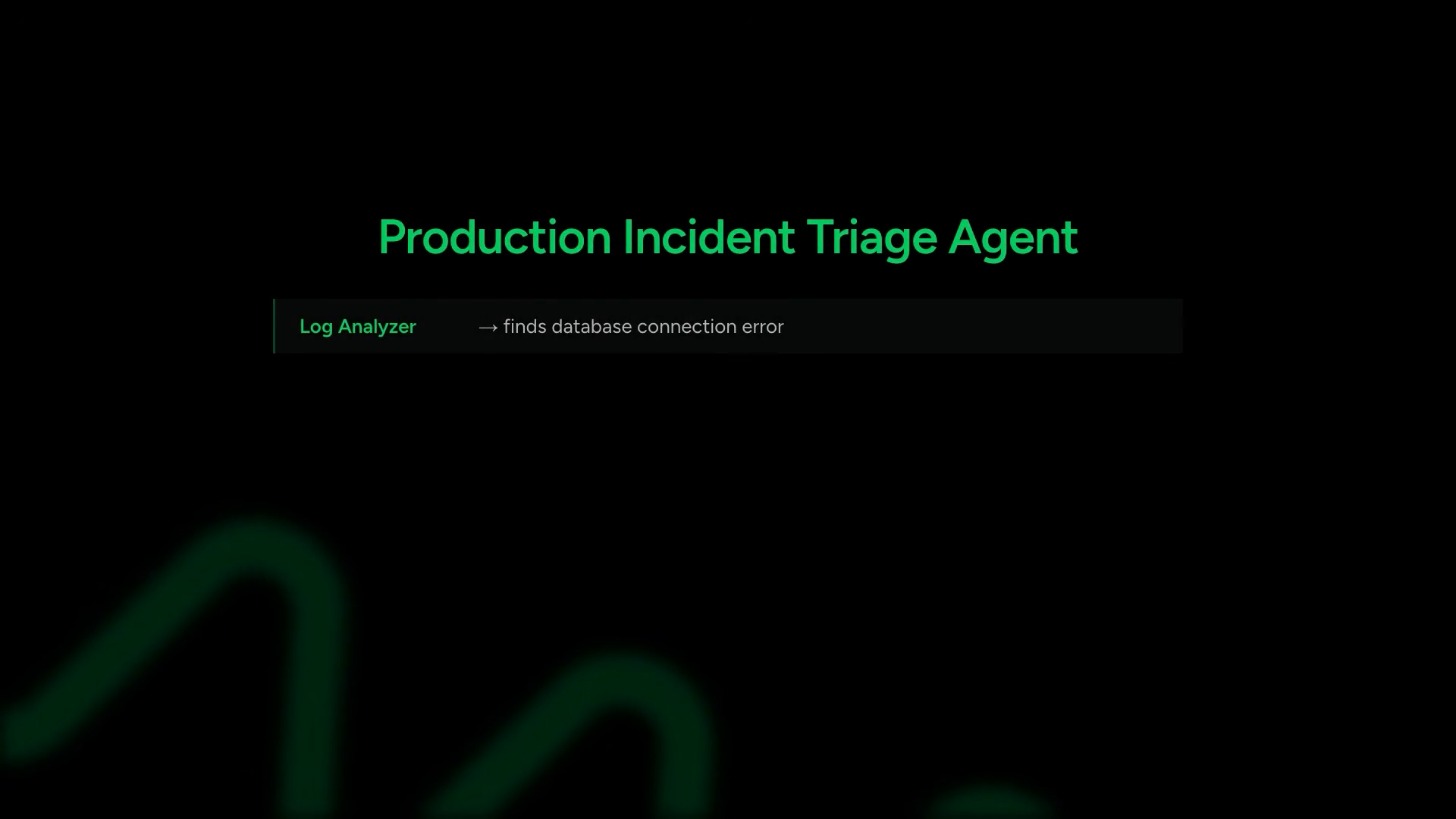
the distinction lands with one clean sentence: in a swarm, the agents decide. they hand off to each other autonomously based on what the task needs. no predefined structure. no orchestrator controlling the sequence. the path emerges from what each specialist discovers.
building the debugging swarm
morgan defines the cast: four agents with distinct specialties and clear handoff boundaries.
| agent | role | tools |
|---|---|---|
| triage agent | initial assessment, first responder | all diagnostic tools |
| log analyst | application and system log investigation | check_logs |
| metrics analyst | performance data, resource utilization | check_metrics |
| deployment reviewer | recent changes, rollback decisions | check_deployments, check_infrastructure |
first, the tools. she uses the @tool decorator to define simulated production debugging capabilities — checking logs, metrics, recent deployments, and infrastructure status.
In a real system, these would integrate with external systems or MCP servers, but mocking them up keeps focus on the architecture.
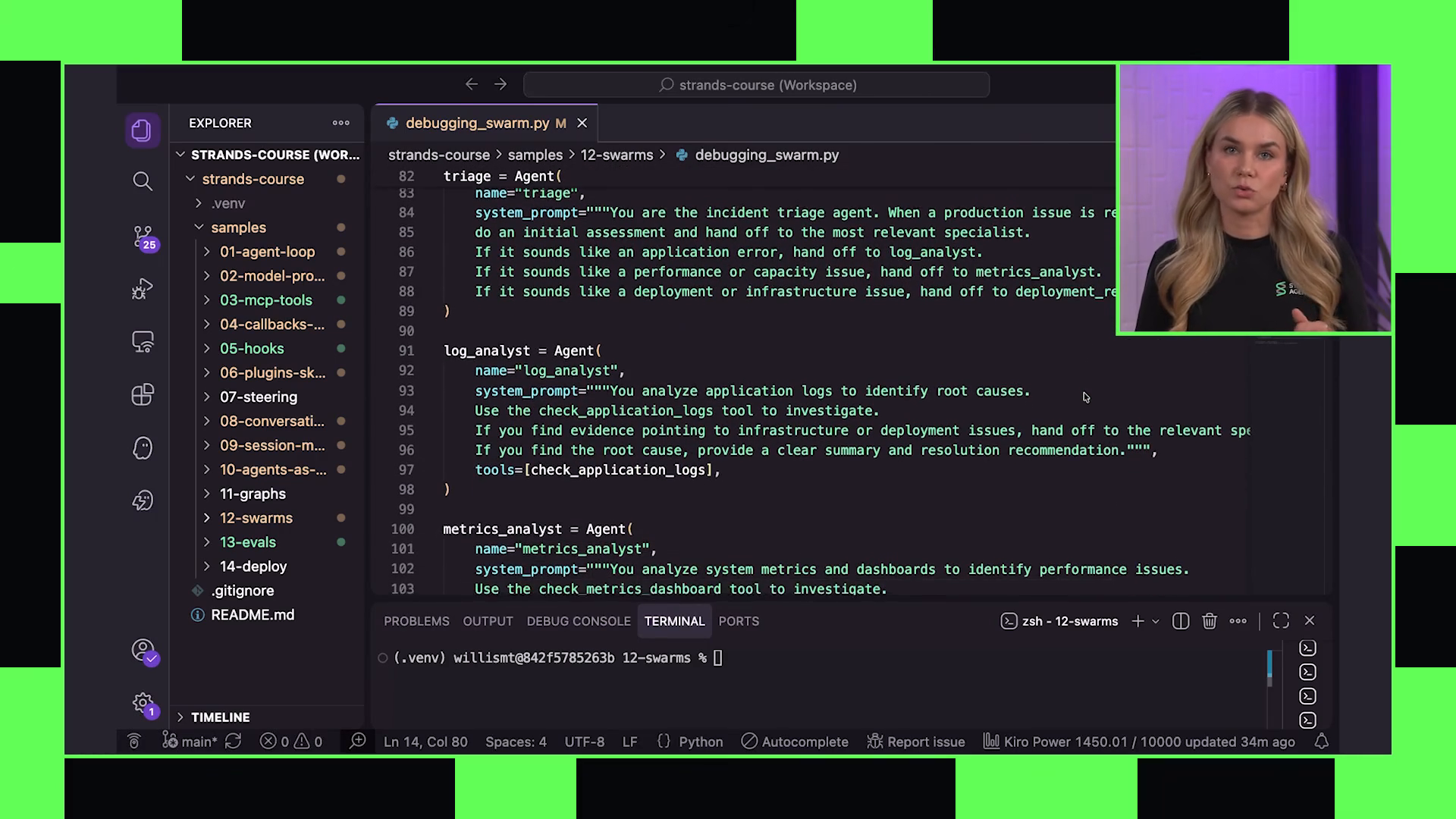
then the agents. each gets a system prompt describing its specialty, when to hand off, and the relevant tools. the system prompts carry the decision logic — when the log analyst finds a deployment-related pattern, the prompt tells it to hand off to the deployment reviewer. when the metrics analyst sees resource exhaustion, the prompt directs it toward the log analyst for correlation.
the swarm object
to wire the agents into a swarm, morgan passes them all to a Swarm object with an entry point set to the triage agent:
from strands.multiagent.swarm import Swarm

swarm = Swarm(
    agents=[triage_agent, log_analyst, metrics_analyst, deployment_reviewer],
    entry_point=triage_agent,
    max_handoffs=10,
    max_iterations=50,
    execution_timeout=300,
    no_timeout=60
)
Every agent automatically gets a handoff_to_agent tool injected by Strands — that is what lets them transfer control to each other.
this is the architectural difference from agents-as-tools. the framework injects the handoff mechanism. agents don’t call each other as functions and wait for a return — they transfer control entirely.
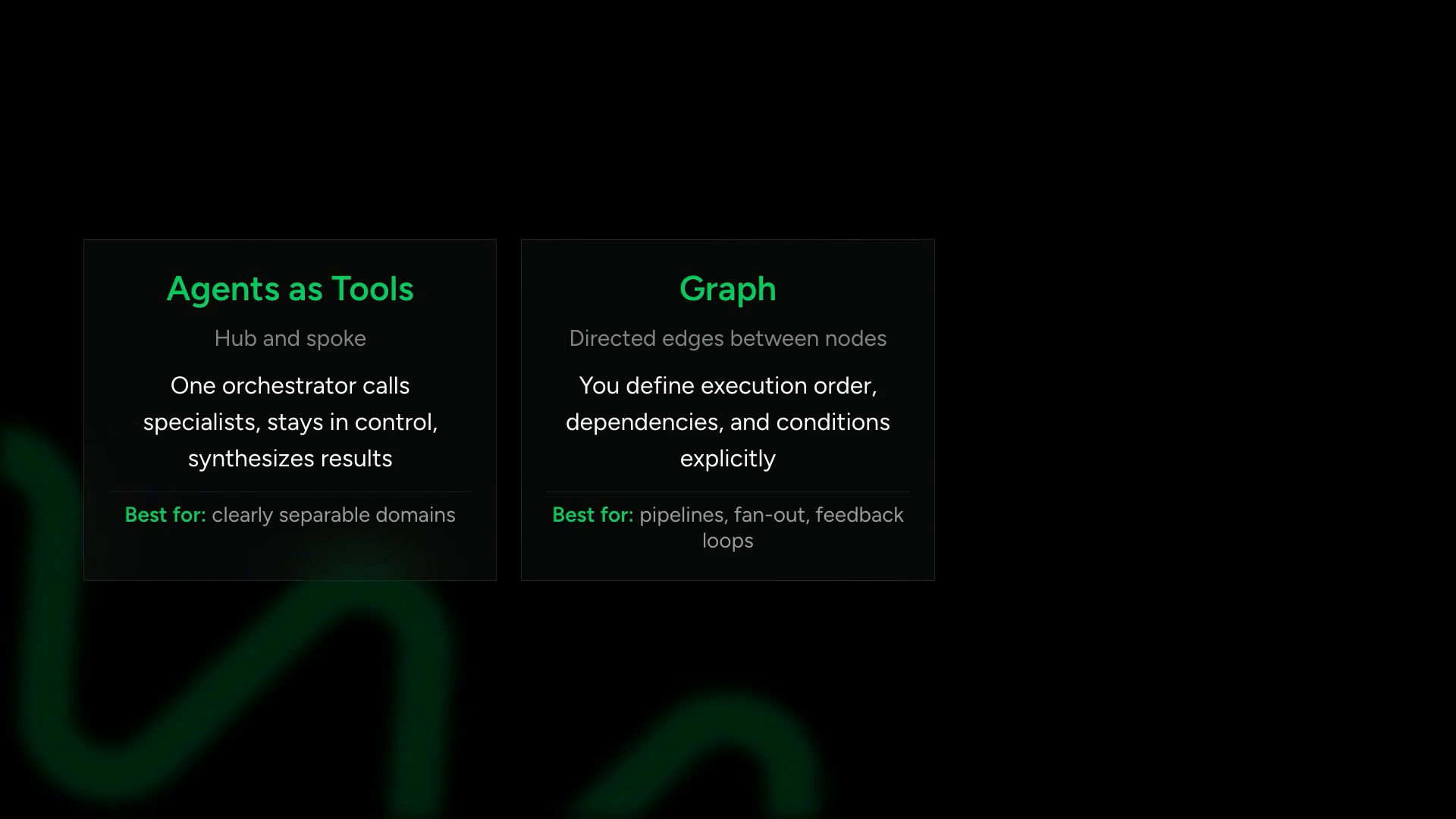
safety settings — the ping-pong problem
morgan’s tone shifts. she’s direct about the failure mode:
“you need to set these values carefully because swarms without proper configuration can run forever and burn up a ton of tokens. two agents can ping pong. the log analyst says this looks like a deployment issue. the deployment reviewer says this looks like an application issue. and then you burn tokens until your configured timeout kills it.”
the safety settings:
| parameter | purpose |
|---|---|
max_handoffs | caps the total number of agent-to-agent transfers |
max_iterations | caps total agent executions across all agents |
execution_timeout | time limit for the entire swarm (seconds) |
no_timeout | time limit for any single agent’s turn |
repetitive_handoff_detection_window | detection window for ping-pong patterns |
repetitive_handoff_min_unique_agents | minimum unique agents in window before termination |
the repetitive handoff detection is the key safety mechanism. set the detection window and minimum unique agents threshold, and the swarm will terminate itself if the same set of agents keeps bouncing back and forth.
running the swarm
morgan passes in the task:
the swarm runs. the triage agent kicks off with an initial assessment, identifies multiple potential causes, and hands off to the specialists. morgan narrates the trace:
Both parallel investigation tracks activate — the log analyst and the deployment reviewer kick off at the same time.
the agents call their respective tools — the log analyst hits check_logs, finds connection timeouts. the metrics analyst calls check_metrics, sees pool exhaustion. the deployment reviewer calls check_deployments and check_infrastructure, correlates a config change 30 minutes prior.
The path emerged organically from what each agent discovered.
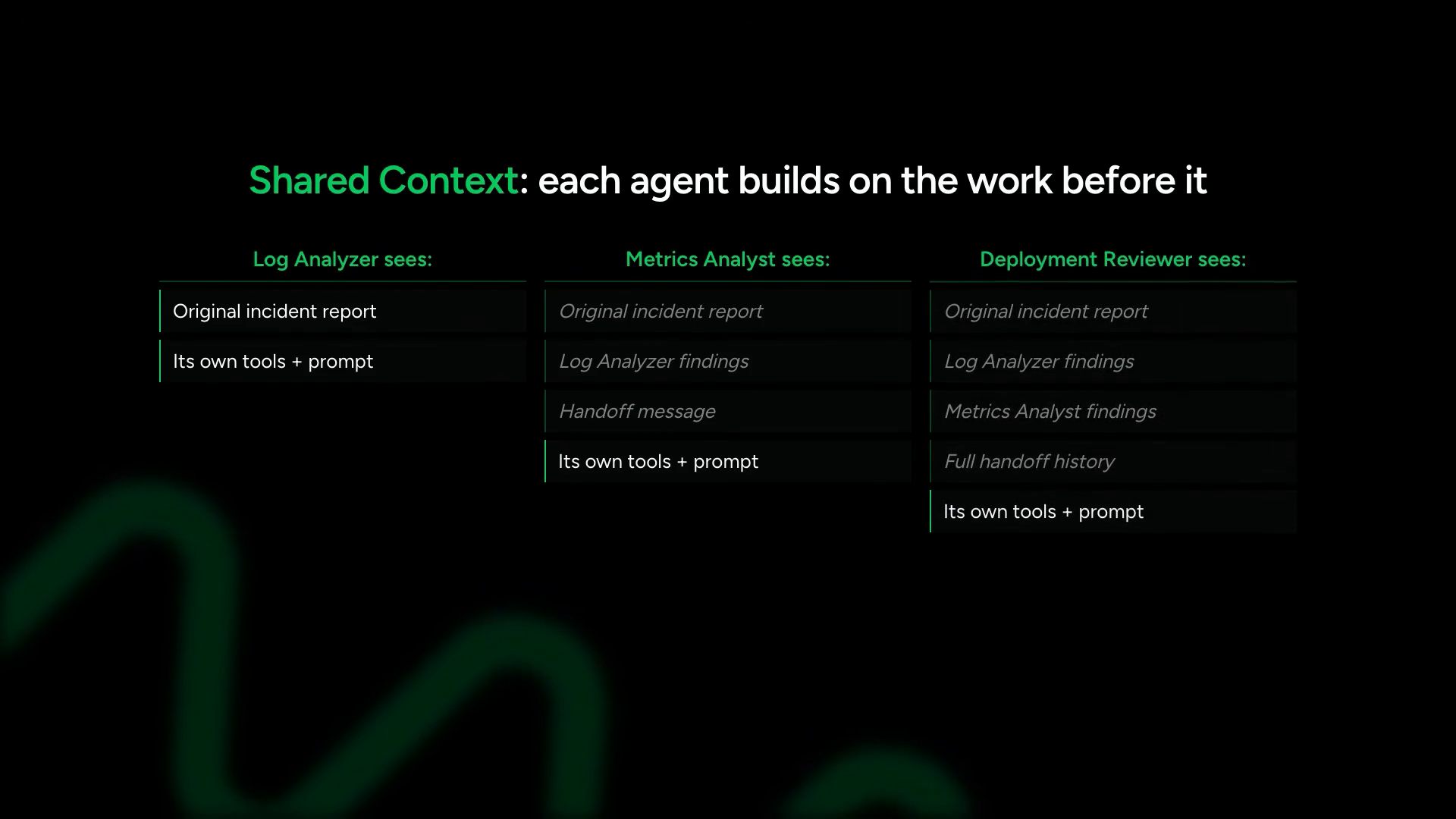
shared context — the accumulated state
this is the critical architectural property: swarms operate over a shared context. each agent sees the accumulated work from previous agents — prior findings, handoff history, and shared state contributed during execution.
the full transfer of control distinguishes swarms from agents-as-tools. when the log analyst hands off to the metrics analyst, the log analyst’s turn is done. the metrics analyst takes over completely. it’s not a function call waiting for a return — it’s a state transfer.
this shared context is what makes swarms effective for investigative workflows. no agent starts from zero. the accumulation creates a collective understanding that no single agent could build alone — exactly the way a real incident response team works, where each specialist builds on the briefing from whoever came before.
when swarms go wrong
morgan doesn’t hide the failure modes. the ping-pong problem she described earlier is the most common failure pattern, but there are others:
- context bloat: as agents hand off repeatedly, the shared context grows. long swarm runs can exhaust the context window, causing later agents to lose critical earlier findings
- circular reasoning: agent A identifies a symptom, hands to B. B identifies a different symptom, hands to C. C identifies the original symptom, hands back to A. the swarm spins without converging
- premature termination: if safety limits are too aggressive, the swarm stops before reaching a conclusion. too lax, and tokens burn
the safety settings aren’t just guardrails — they’re architectural decisions. tuning them requires running the swarm against representative scenarios and observing how the agents interact. there’s no universal correct value for max_handoffs. it depends on the problem domain, the number of agents, and how interdependent their findings tend to be.
the three-pattern comparison
on screen, a table appears comparing all three multi-agent patterns covered across chapters 10–12:
| pattern | control model | structure | best for |
|---|---|---|---|
| agents as tools | hub-and-spoke, orchestrator stays in control | one orchestrator calls specialists, gets results back | clearly separable domains, one agent synthesizing |
| graph | directed edges between nodes | defined execution order, dependencies, conditions | known-structure workflows — pipelines, fan-out, feedback loops |
| swarm | each agent can talk to every other agent | agents hand off autonomously, no predefined structure | optimal sequence unknown in advance — collaborative investigation |
“the mental model I use: if you can draw the workflow on a whiteboard, use a graph. if you have a clear manager-specialist relationship, use agents as tools. if you need the team to figure it out together, use a swarm.”
the final insight: these patterns compose naturally. a swarm can be a node in a graph. a graph can contain agents that call agents as tools. this as building a customized multi-agent system dependent on the specific use case — not choosing one pattern for everything.
the composability point is the real takeaway. production multi-agent systems rarely use a single pattern. an incident response system might use a graph at the top level — alert intake → triage → investigation → remediation → postmortem — where the investigation node is itself a swarm. the triage node might use agents-as-tools to check multiple monitoring systems in parallel. each pattern fits a different decision structure, and real systems have multiple decision structures layered together.
13 — agent evaluation
the opening question cuts straight to the engineering problem every team building agents hits eventually:
“how do you know your agent actually works? and more importantly, how do you measure whether a prompt change, model swap, tool update, or harness modification made things better or worse?”
the screen transitions to a dark terminal with green text — a visual cue that the material has moved from building into testing and measurement.
why traditional testing breaks
Traditional software testing breaks down with AI agents because of non-determinism. The same input can produce different outputs across runs, and many agent failures are hard to catch.
she lists the failure modes that slip through unit tests:
- the response comes back but is low quality
- the response is unsafe
- the response is incomplete
- the response is off policy
- the response is subtly incorrect
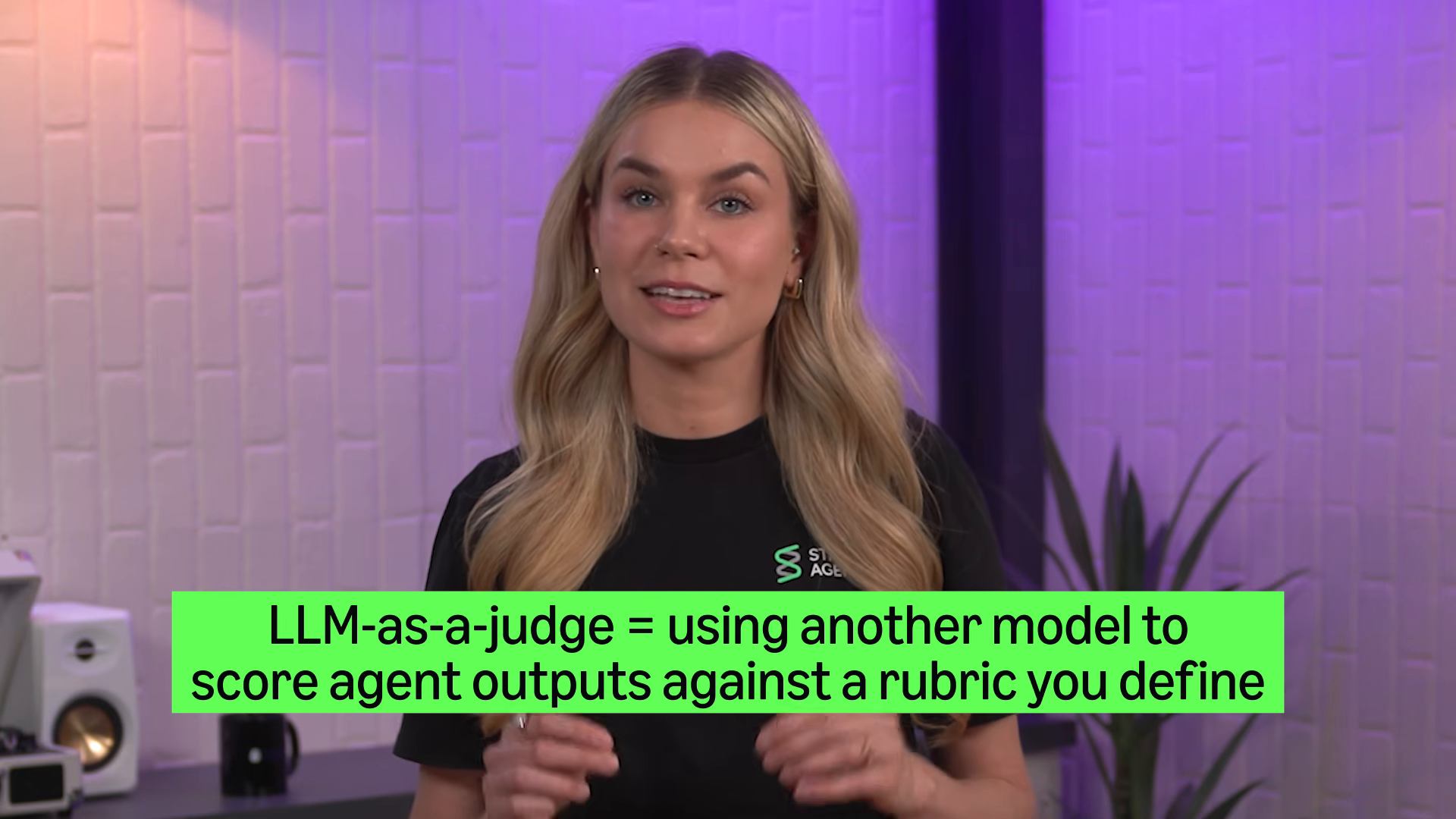
then the biggest evaluation mistake she sees:
“one of the biggest mistakes people make is only evaluating single turn interactions. most agents look great on turn one, but the failures usually appear after longer interactions when context accumulates, summaries compress information incorrectly, tools get repeatedly called, and the model slowly gets off the rails over time.”
this frames evaluation as a harness engineering concern, not an afterthought. good harnesses need mechanisms for measuring reliability, detecting regressions, validating workflows, and stress testing behavior over time.
llm-as-a-judge
Strands ships with an evals SDK for structuring these evaluations: pip install strands-agents-evals.
the SDK provides building blocks for:
- defining test cases
- running experiments
- simulating conversations
- generating evaluation datasets
- scoring agent behavior
building the evaluation
the structure, piece by piece. the screen shows code:
from strands_agents_evals import Experiment, Simulator, Evaluator

# telemetry capturing
# ...

def task(case):
    simulator = Simulator(case=case, max_turns=5)
    agent = create_customer_service_agent(callback_handler=None)

    # multi-turn conversation loop
    for turn in simulator:
        response = agent(turn.message)
        simulator.record(response)

    return simulator.get_traces()
Note: callback_handler=None suppresses the output, but otherwise this is the same customer service agent from previous chapters.
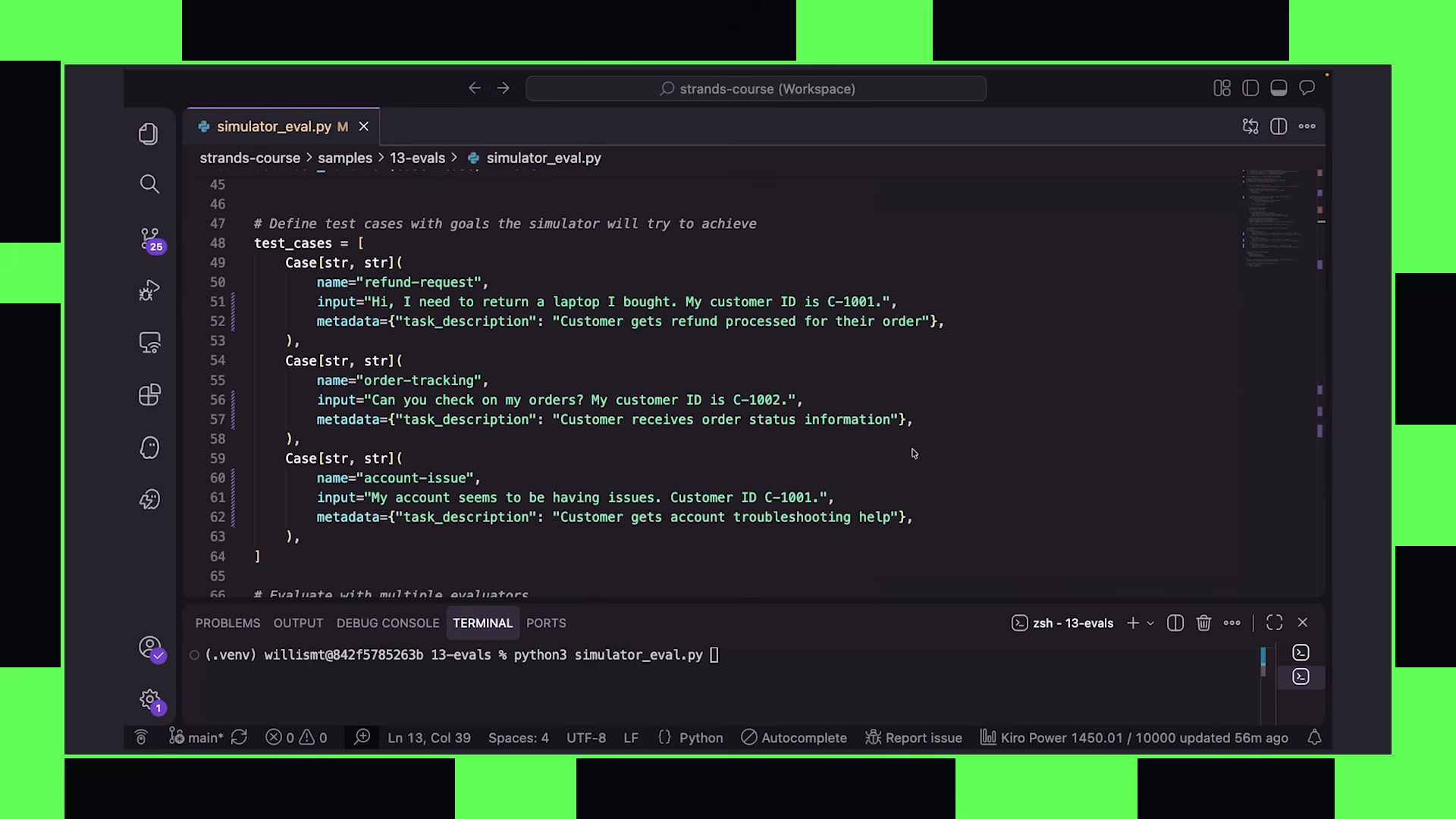
the task function creates a simulator, passes in the specific case, and runs a multi-turn conversation loop. traces get mapped to each session and returned for evaluation.
test cases
each case includes an input prompt and an expected outcome defined in metadata:
cases = [
    {
        "input": "I need to return my headphones",
        "metadata": {"expected_outcome": "agent processes return request"}
    },
    {
        "input": "what's your refund policy?",
        "metadata": {"expected_outcome": "agent explains refund policy clearly"}
    },
    {
        "input": "I want to speak to a manager",
        "metadata": {"expected_outcome": "agent escalates appropriately"}
    }
]
the cases cover different customer service scenarios — returns, policy questions, escalation requests. each one carries a defined expected outcome that the judge model can evaluate against.
evaluators — the rubric
You can supply your own rubric in plain language, telling the judge model how to score the response. The demo uses two built-in evaluators that check helpfulness and whether the outcome was met.
evaluators = [
    Evaluator.helpfulness(),
    Evaluator.outcome_met()
]
built-in evaluators handle common scoring dimensions. custom evaluators let you define domain-specific rubrics in plain language — was the agent compliant with policy? did it avoid offering unauthorized discounts? did it correctly identify the customer’s intent?
the experiment
everything bundles into an experiment object:
experiment = Experiment(
    name="customer_service_v1",
    task=task,
    cases=cases,
    evaluators=evaluators
)

results = experiment.run()
the experiment orchestrates execution: runs each case through the task function, collects traces, passes them to evaluators, and produces scored results with reasoning from the judge model.
what evaluation actually measures
evaluation is positioned as a regression detection mechanism, not a quality gate. the point isn’t to achieve a score — it’s to detect when changes make things worse:
- prompt change → did helpfulness decrease?
- model swap → did outcome accuracy change?
- tool update → did the agent start failing on edge cases?
- harness modification → did multi-turn coherence degrade?
Evaluation is a core part of harness engineering.
this connects back to the harness concept from chapters 3–5. the harness isn’t just the agent’s runtime structure — it includes the evaluation infrastructure that measures whether that structure performs correctly under real conditions, over multiple turns, across many cases.
multi-turn is the key insight
single-turn evaluation is where most teams start and most teams stop. the course challenges this directly. the simulator creates multi-turn conversations — not single prompt-response pairs. this matters because:
- context window pressure builds across turns
- the agent must maintain coherent intent tracking over multiple exchanges
- tool usage patterns compound — a tool called correctly in turn 1 might be called redundantly or incorrectly in turn 4
- policy violations often emerge only after the agent has been guided into an edge case through natural conversation flow
the simulated customer doesn’t just ask one question and leave. it follows up, changes its mind, adds complications, tests boundaries. this is the only way to evaluate whether the harness holds under realistic conversational pressure.
evaluation as ci/cd primitive
the experiment structure is designed to plug into automated pipelines, though it is never stated outright. the experiment produces structured output — scores, reasoning, pass/fail per evaluator per case. that output feeds directly into regression detection:
- run the experiment before and after a prompt change
- compare scores across the same case set
- flag any case where scores decreased
- block deployment if critical cases regress
this is the production eval pattern: not manual review of agent outputs, but automated scoring that catches regressions before they reach users.
14 — deploying to production with the line that closes the loop on the entire 14-chapter arc:
“so far, everything we’ve built has been running on my local machine. now we’re going to deploy it to the cloud.”
Agent Core is a collection of components for building, deploying, and operating AI agents in production — runtime, memory, gateway, observability, identity, evaluations. Use them together or independently.
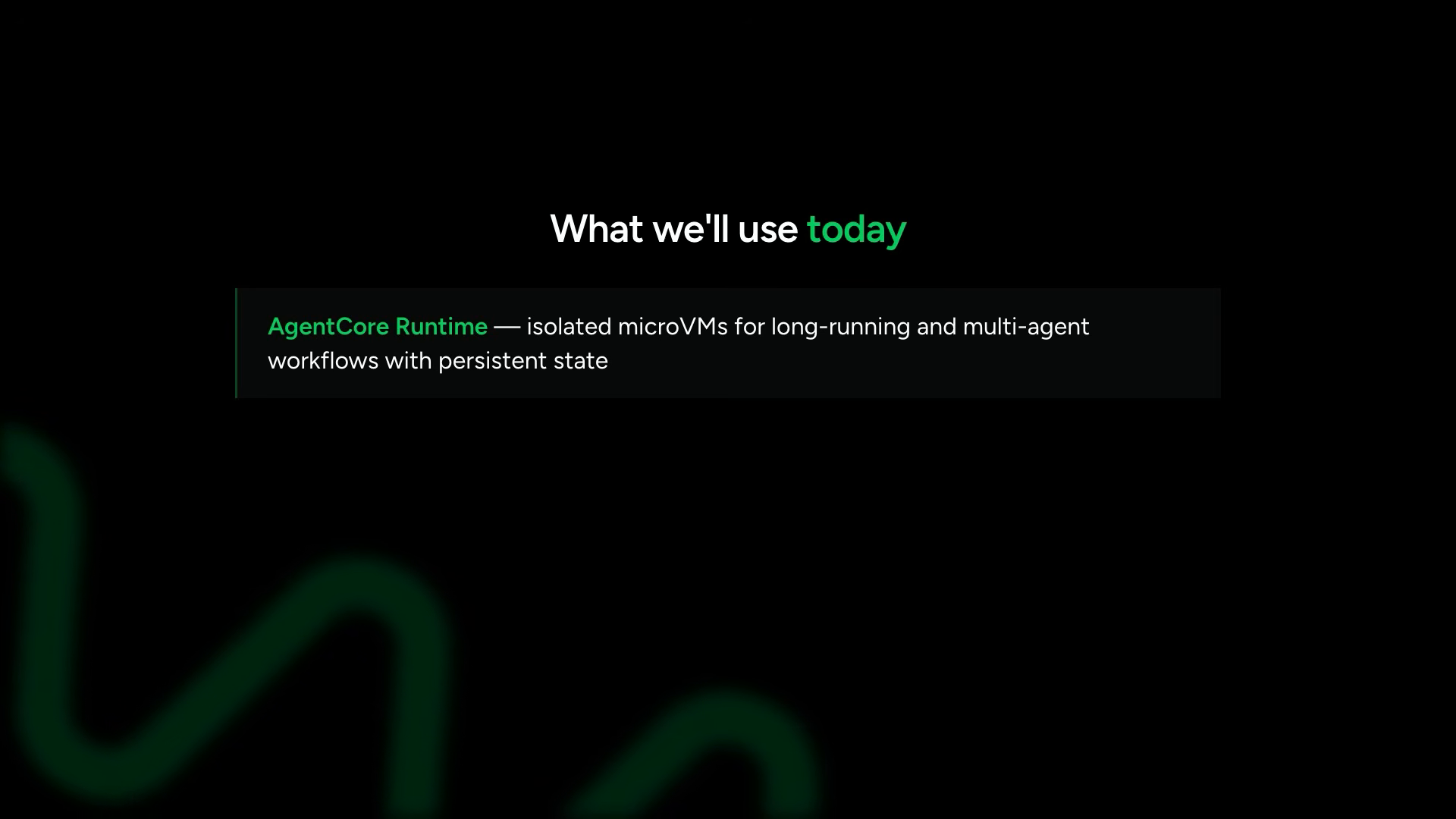
agent core — the component set
the three components morgan focuses on:
| component | purpose |
|---|---|
| agent core runtime | hosting environment — runs agents in isolated micro VMs, maintains state across requests |
| agent core memory | persistent conversation storage + long-term memory retrieval |
| agent core observability | automatic tracing via opentelemetry — no manual wiring |
agent core runtime runs agents inside isolated micro VMs. this is what makes long-running and multi-agent workflows safe — each agent maintains isolated state across requests without contaminating other sessions.
modifying the agent for deployment
most of the agent code stays the same. the modifications:
1. the app import and instance:
from bedrock_agent_core import BedrockAgentCoreApp

app = BedrockAgentCoreApp()
2. the entry point decorator:
@app.entry_point
def invoke(payload: dict) -> dict:
    prompt = payload["prompt"]
    session_id = payload["session_id"]
    actor_id = payload["actor_id"]

    agent = create_agent(session_id=session_id, actor_id=actor_id)
    response = agent(prompt)

    return {"response": str(response)}
3. the server startup:
app.run()
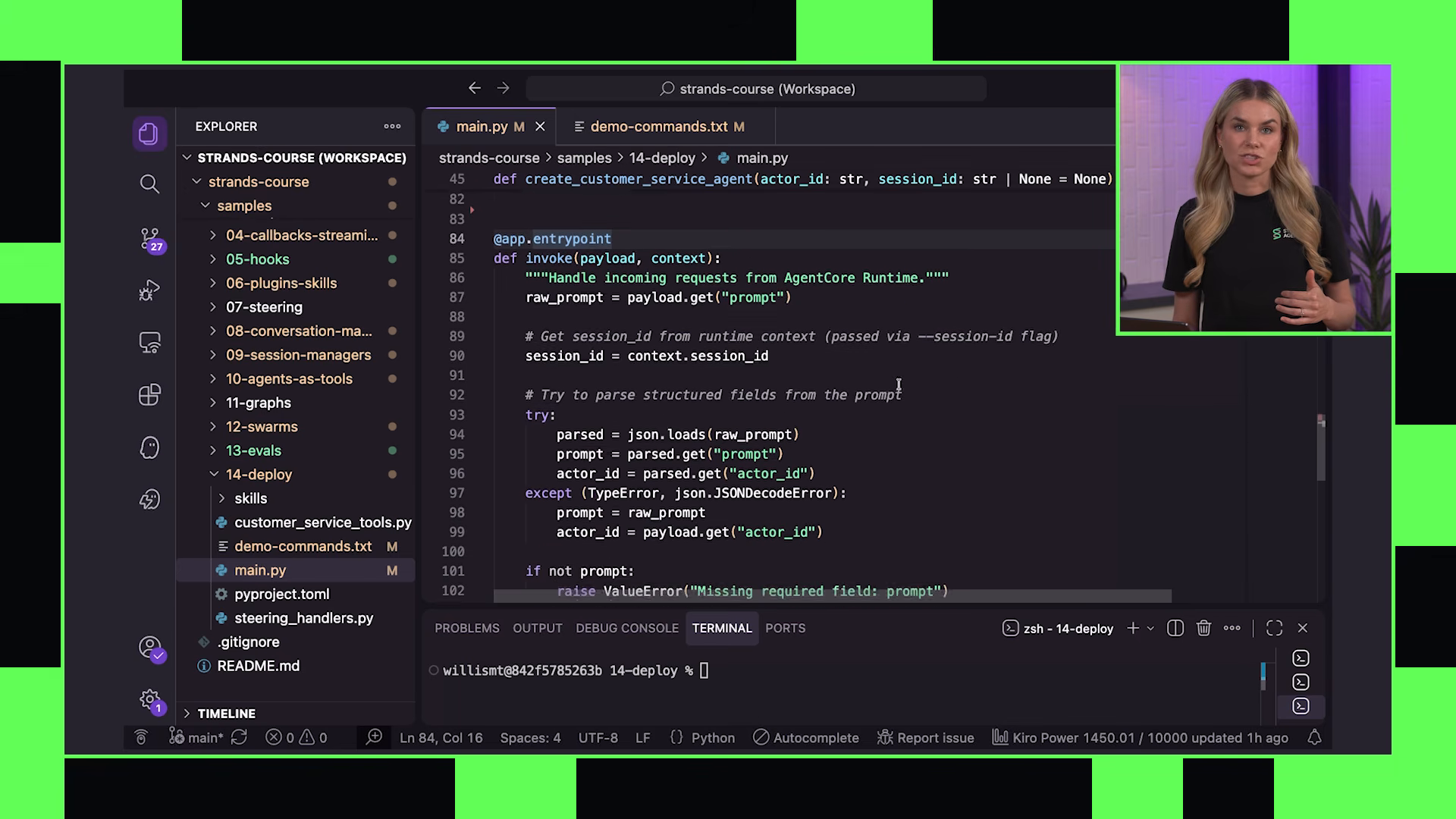
memory integration agent core memory — the swap is intentionally familiar:
from bedrock_agent_core.memory import AgentCoreMemoryConfig, AgentCoreMemorySessionManager

memory_config = AgentCoreMemoryConfig(
    retrieval_settings={"strategy": "semantic"}
)

session_manager = AgentCoreMemorySessionManager(
    config=memory_config,
    actor_id=actor_id,
    session_id=session_id
)
The agent core memory session manager connects the agent to a managed memory resource in AWS. It uses an actor ID for the user and a session ID for the specific conversation.
the result: persistent conversation history and long-term memory retrieval across sessions. if a customer had an account issue several conversations ago, the agent can recall that information later without being told again.
The integration pattern is intentionally similar to the session managers from earlier — just swap the implementation when creating the agent.
this callback to earlier chapters shows the architectural consistency. the session manager interface from chapters 8–9 was always designed for exactly this swap. local memory → managed cloud memory. same interface. different backend.
retrieval settings allow the session manager to automatically retrieve relevant long-term memories and inject them into context during agent execution. the strategies available include semantic (similarity-based recall) and user_preference (extracting and recalling user preferences across sessions).
the deployment sequence
the CLI workflow. the screen shows terminal commands:
install the CLI:
pip install bedrock-agent-core-cli
create the project:
agentcore create
The wizard creates the project structure, dependencies, configuration, and infrastructure files automatically.
she steps through the interactive prompts:
- project name:
customer-service-agent - add an agent: yes
- agent name:
my_agent - code source: bring my own code
- build type: direct code deploy
- model provider: bedrock
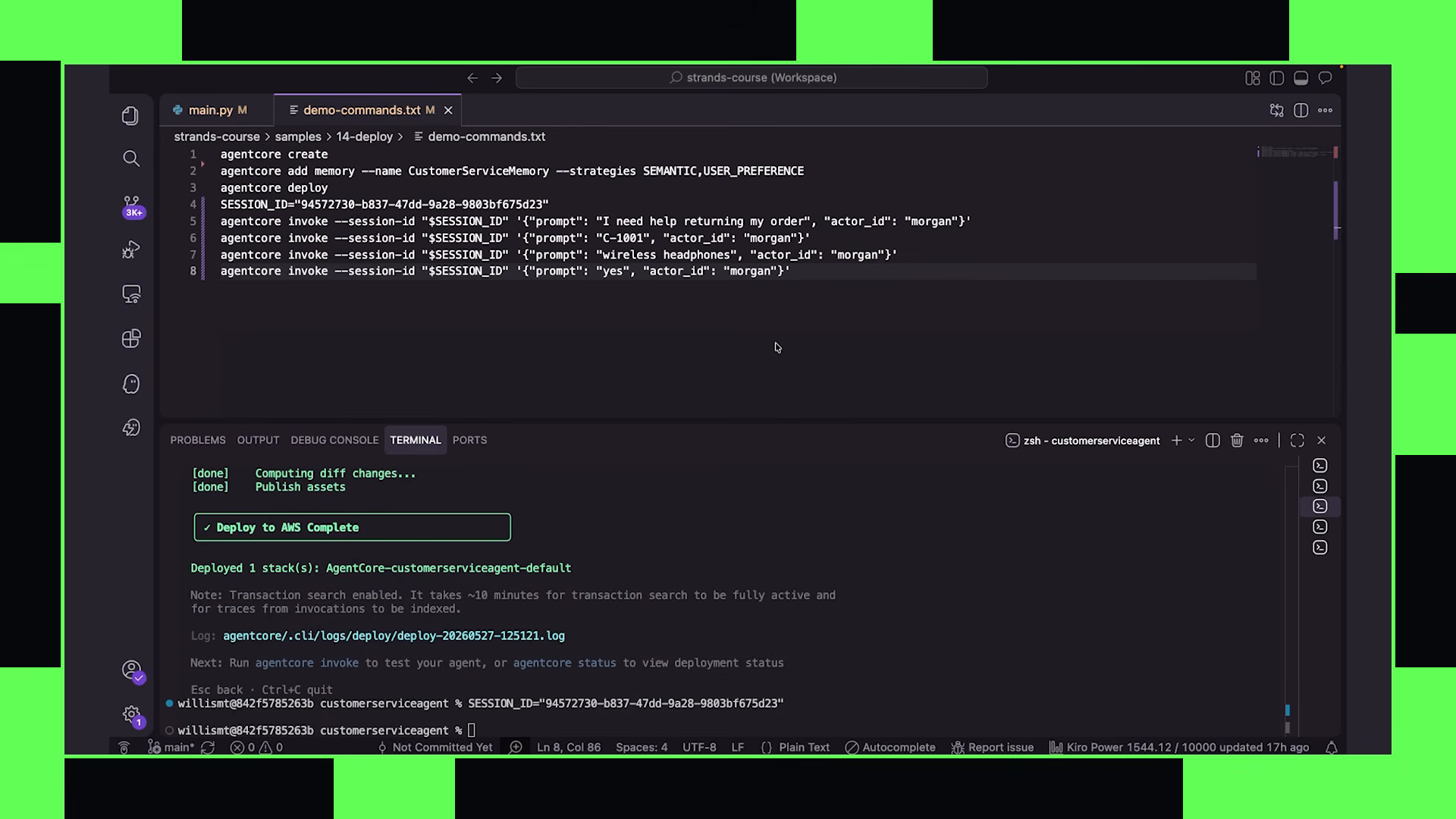
The generated project includes an app/ directory where the customer service agent code drops into the structure.
add memory:
agentcore add memory --name customer-service-memory \
    --long-term-strategies semantic user_preference
deploy:
agentcore deploy
First deployment takes a couple of minutes while AWS provisions the infrastructure.
invoking the deployed agent
the agent is live. morgan has a helper file with commands to interact with it:
export SESSION_ID="session-$(uuidgen)"

agentcore invoke \
    --session-id $SESSION_ID \
    --prompt "I need help returning my order" \
    --actor-id "customer-123"
she follows up with a second invocation on the same session ID, passing just the customer ID. memory carries the context from the first turn.
If memory is working correctly, context carries from the first turn to the second within the same session.
the agent finds the account, asks which order to return — headphones or USB. morgan says headphones. the agent asks for confirmation. she says yes. refund processed.
The working agent runs deployed on runtime, using Agent Core memory for conversation history.
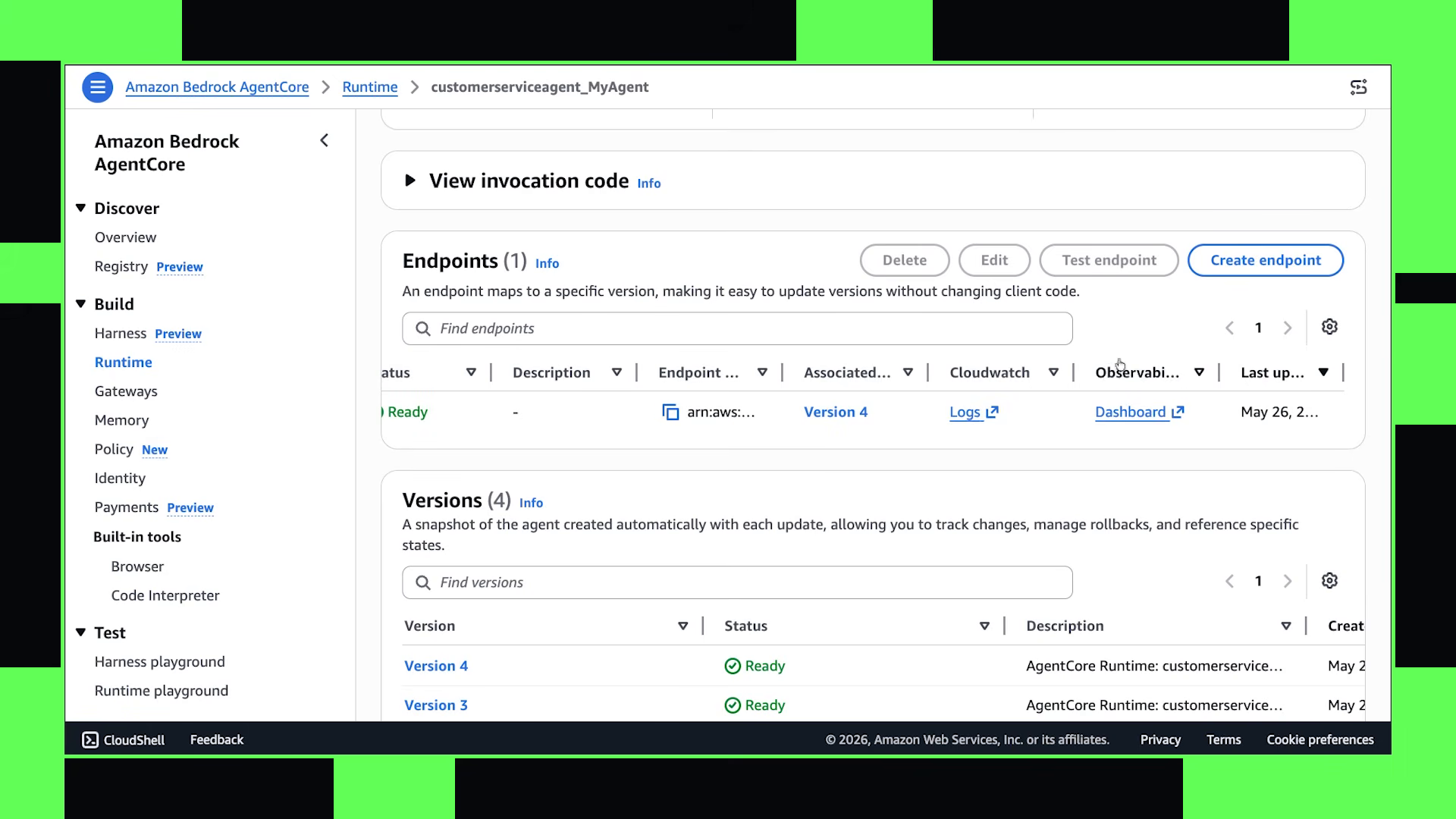
observability — the traces
Agent Core observability activates automatically when you bring in the OTEL dependency — it instruments your code without manual wiring.
morgan navigates to the agent core console. the customer service agent is visible with its endpoints. she selects the dashboard, which brings up the Gen AI observability view.
she selects the session they just interacted with, picks a trace, and the visual trajectory appears — a span diagram showing:
- invoke agent
- execute loop
- invoke chat (the model call)
on the right side, the messages flow through. the system prompt is visible. the injected available skills appear (the skills plugin injects these into context). user messages and agent responses are captured with full fidelity.
The trace shows: invoke agent → execute loop → invoke chat. On the right side, messages flow through with full fidelity.
she switches to the timeline view — all the spans for the session with drill-down metrics for each one.
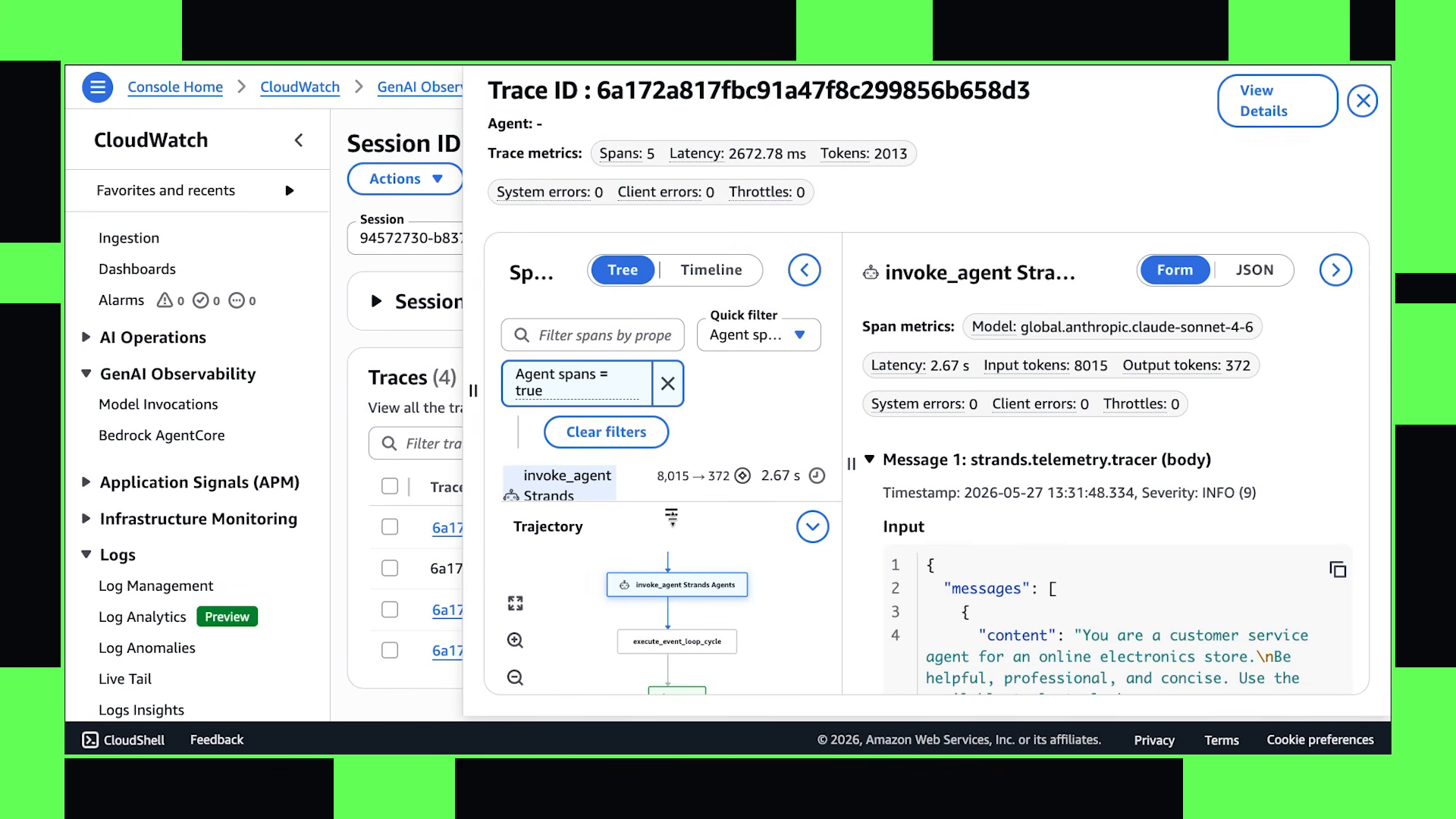
the full arc — local to cloud
the framing: these components become useful as systems grow.
what chapter 14 demonstrates is the complete journey the course has been building toward:
- chapter 1: what is an agent
- chapters 2–5: building the harness — model, tools, prompts, structured output
- chapters 6–9: memory — conversation history, session management, retrieval
- chapters 10–12: multi-agent — agents-as-tools, graphs, swarms
- chapter 13: evaluation — how to know it works
- chapter 14: deployment — how to run it in production
the customer service agent that started as a basic prompt + model in chapter 2 now runs in an isolated micro VM, maintains persistent memory across sessions, recalls long-term context automatically, produces full observability traces, and handles multi-turn conversations statefully from anywhere a client can reach it.
the harness held. the architecture composed. the local code reached the cloud with minimal modification because every abstraction along the way — the session manager interface, the tool decorator, the agent loop — was designed for exactly this swap.
“agent core also includes additional components like gateway for exposing APIs as MCP-compatible tools that you could use with your strands agents. we won’t cover that deeply here, but they become useful as systems grow.”
morgan’s final note points forward. the course ends, but the system doesn’t. everything covered across 14 chapters — the agent loop, structured tools, guardrails, memory, multi-agent orchestration, evaluation, deployment — composes into production systems that grow without requiring architectural rewrites. the harness is the foundation. everything else builds on it.
the architecture that emerged
looking back across the full course, the deployment chapter reveals something about how morgan structured the entire curriculum. each abstraction introduced earlier was a seam designed for production:
- the
@tooldecorator (ch4) → tools deploy unchanged because they’re just python functions - the session manager interface (ch8–9) → swaps from local to agent core memory without touching agent logic
- the agent loop (ch3) → runs identically inside a micro VM as it does locally
- structured output (ch5) → response dictionaries flow through the entry point unchanged
- guardrails (ch7) → execute server-side exactly as they did locally
- evaluation (ch13) → runs against the deployed endpoint the same way it ran locally
the micro VM isolation means multi-agent swarms (ch12) can run in production without state contamination between sessions. the observability automatically captures the full agent loop — every tool call, every model invocation, every memory retrieval — without any instrumentation code in the agent itself.
this is the payoff of harness engineering: the local development experience and the production runtime are the same system at different scales. no rewrite. no porting. no “works on my machine.” the harness that ran locally runs in the cloud. the tests that validated it locally validate it in production. the memory that maintained context locally maintains it across sessions in production.
morgan started chapter 1 with “what is an agent” and ended chapter 14 with a working, deployed, observable, memory-equipped, multi-turn production system. the distance traveled is enormous, but the code difference between the local agent and the deployed agent is minimal — a decorator, an import, and a memory backend swap. that’s the thesis of the course: build the harness right, and deployment is a configuration change, not an architecture change.
production notes
- pipeline: strands-agents-course (Nova Pro visual analysis → Amazon Transcribe → ffmpeg → narrative authoring)
- authored: 2026-07-24
- AWS services: S3, Amazon Transcribe (custom vocabulary), Bedrock Nova Pro (us.amazon.nova-pro-v1:0)
- pipeline cost: ~$28 total (14 videos, Nova Pro video input dominant at ~$1.75/video)
- screenshots: keyframe extraction via ffmpeg at Nova-flagged timestamps, 30+ selected across the article
- source: aws-samples/sample-building-with-strands-course
- SDK: Strands Agents | Strands Agents Tools