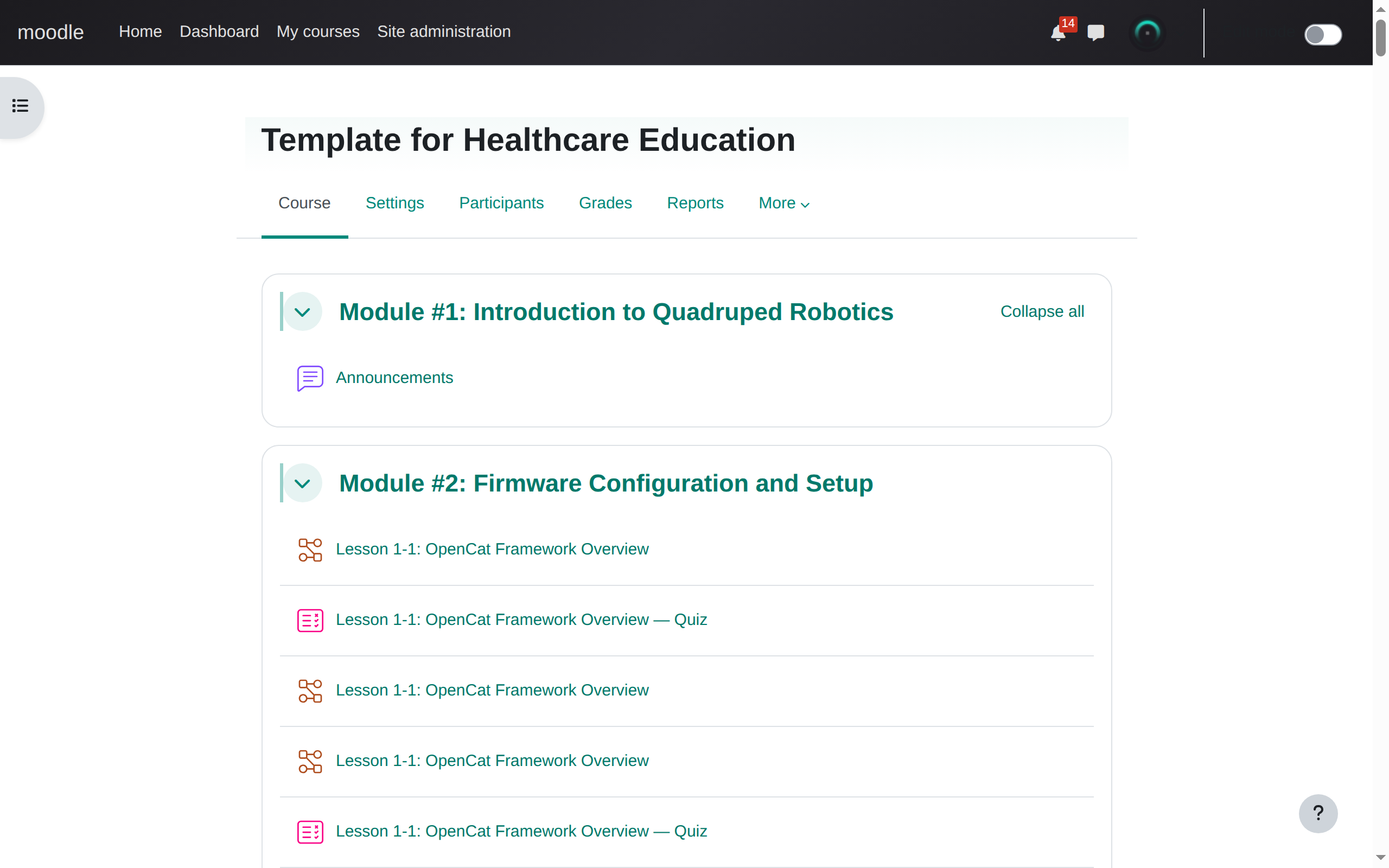
open a moodle course
Navigate to any moodle 4.x or 5.x course page — new, existing, or template. The extension activates automatically on course URLs.
CSV to live course in minutes. No forms. No clicking. Just upload and go.
Install Extension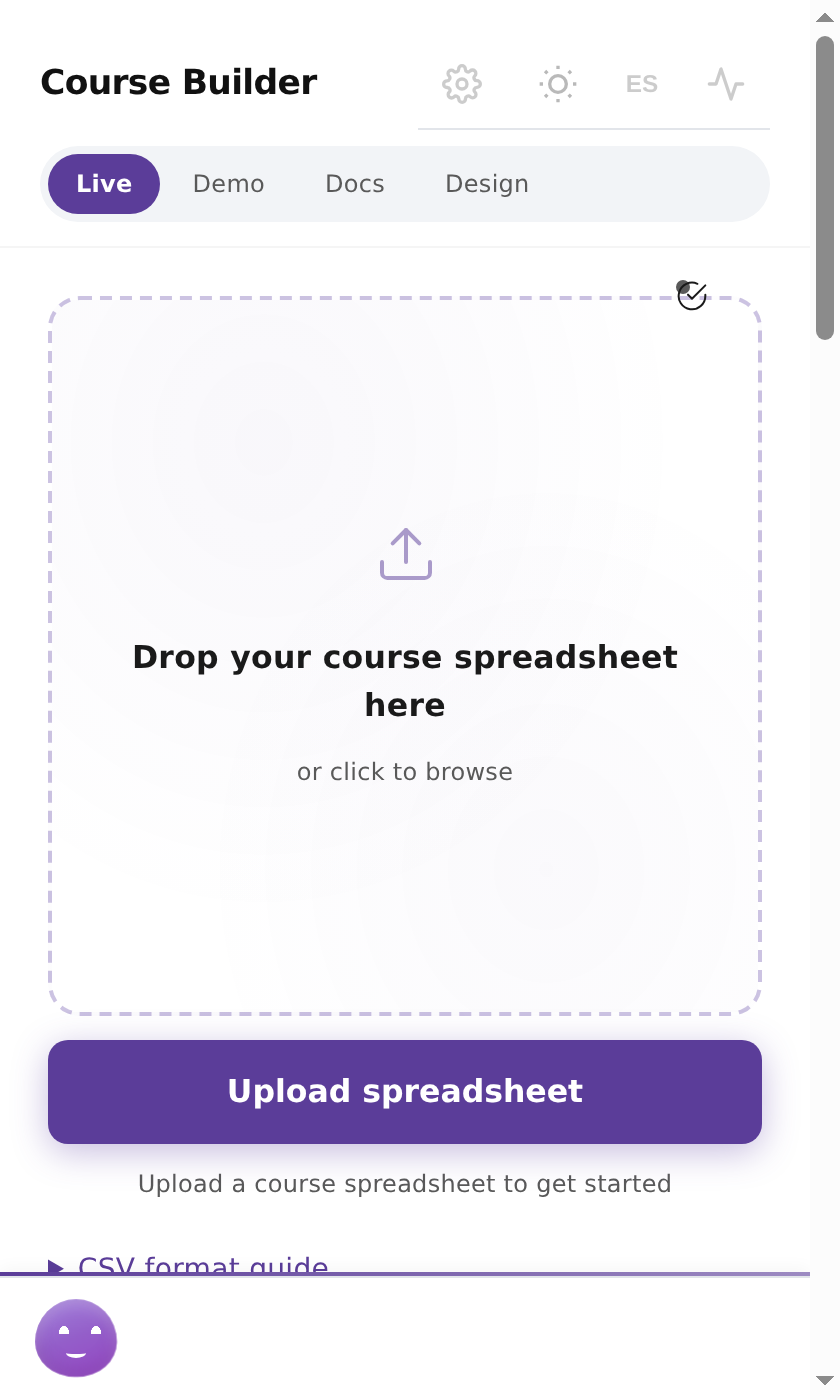
3,400+ tests passing · 279 test suites · CI hard-gated
click to enlarge
Navigate to any moodle 4.x or 5.x course page — new, existing, or template. The extension activates automatically on course URLs.
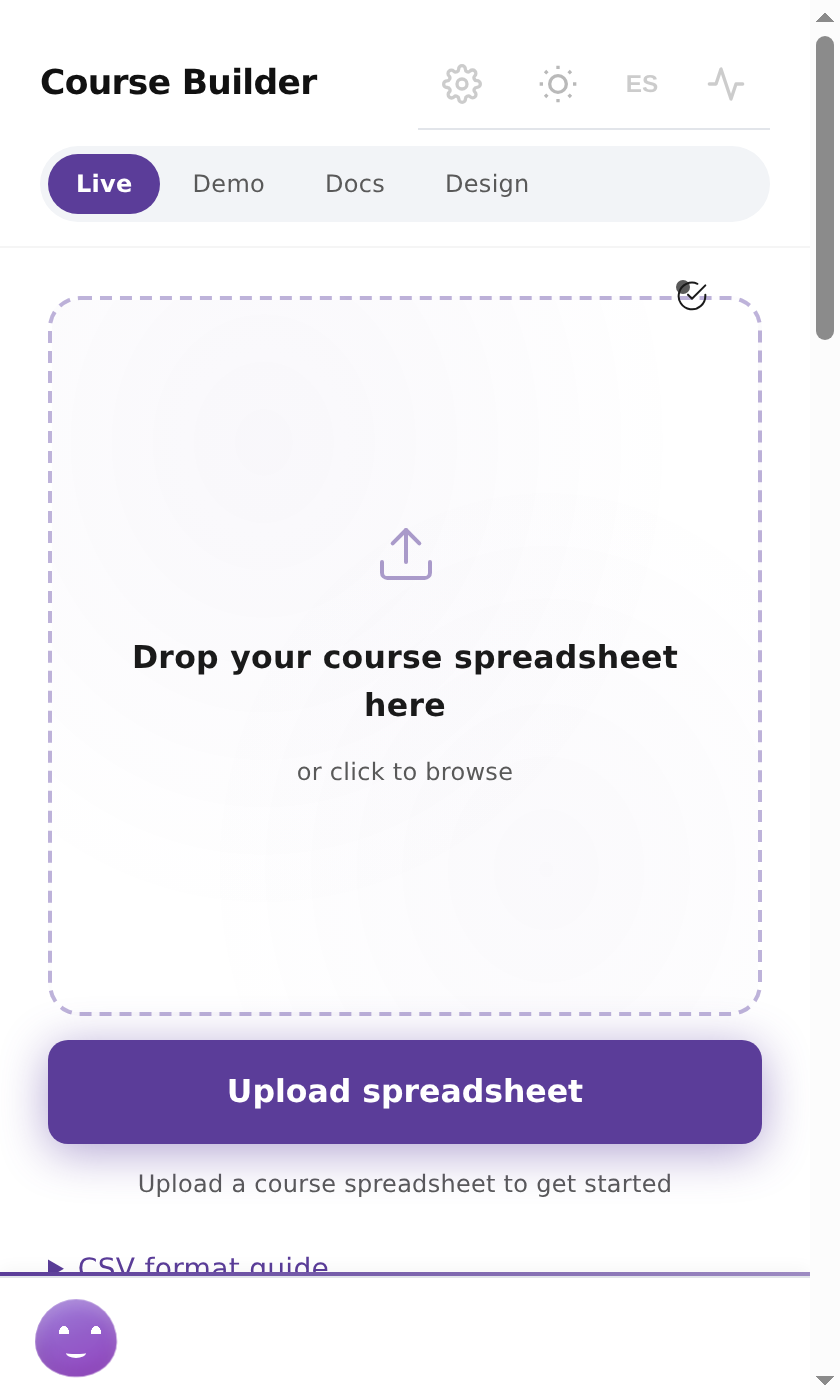
Click the extension icon. The sidepanel opens alongside your moodle tab with the upload zone ready. Drag your CSV or click to browse.
The extension parses your CSV instantly and shows module count, lesson count, question count, and question type breakdown. Verify the structure matches your intent.
Edit the course name and module names if needed. The extension shows exactly what it will build — section count, step count, mapping confidence. Click confirm to lock the plan.
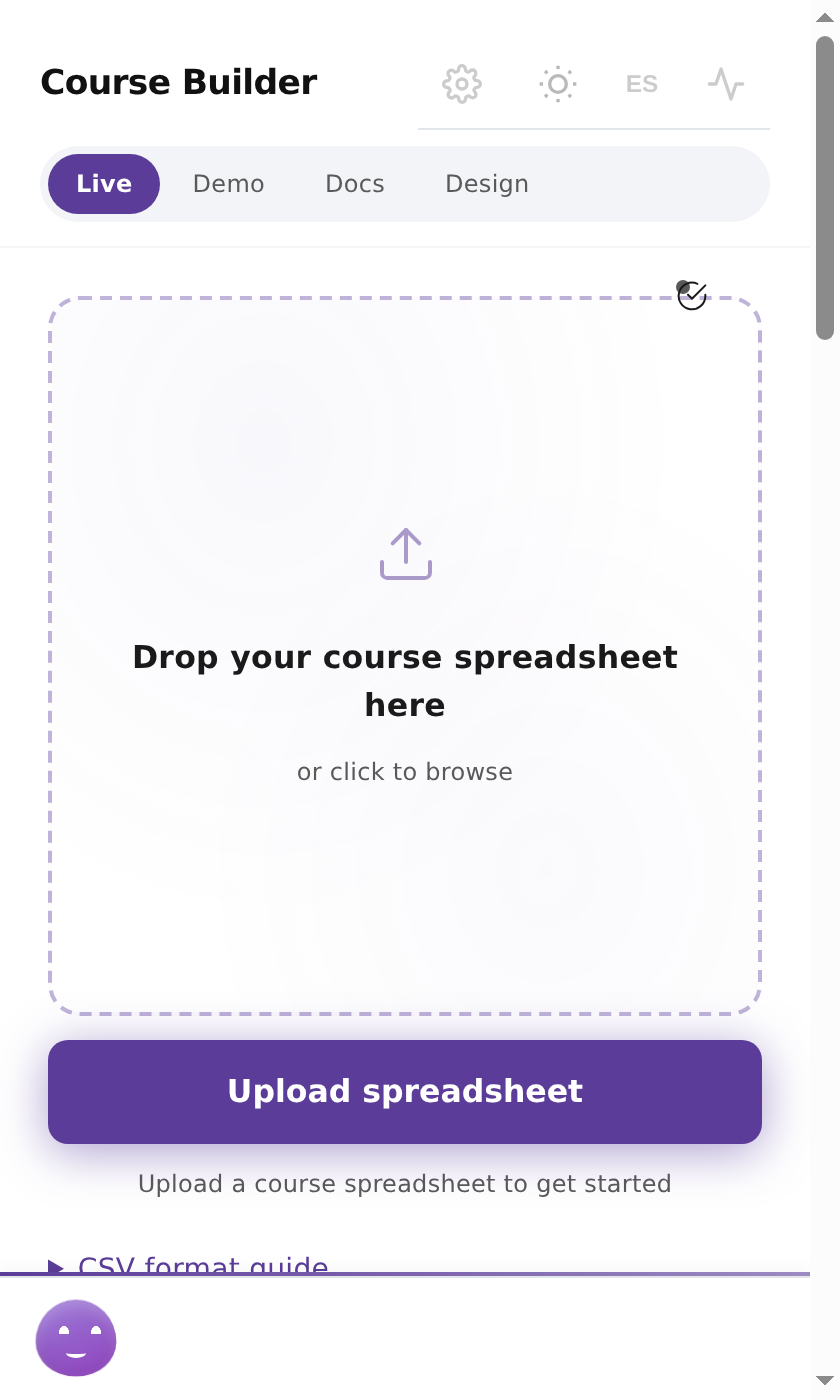
Click "go automate." The extension starts driving moodle's forms — renaming sections, creating lessons, populating quizzes with answers and feedback. All through the real DOM, no API shortcuts.
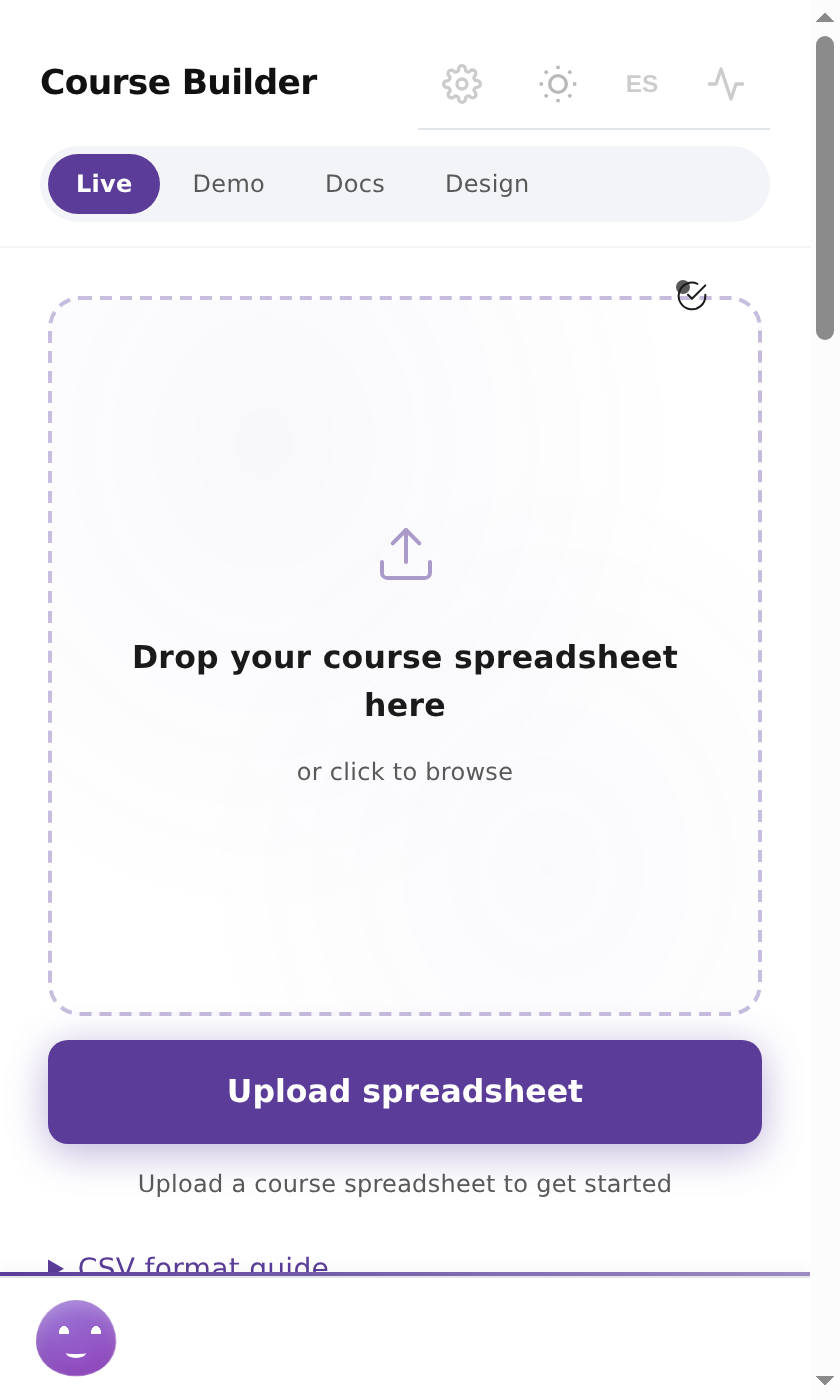
Real-time progress as sections appear in moodle. Quizzes fill with questions. Typical build time for 28 questions across 6 modules: 4-5 minutes.
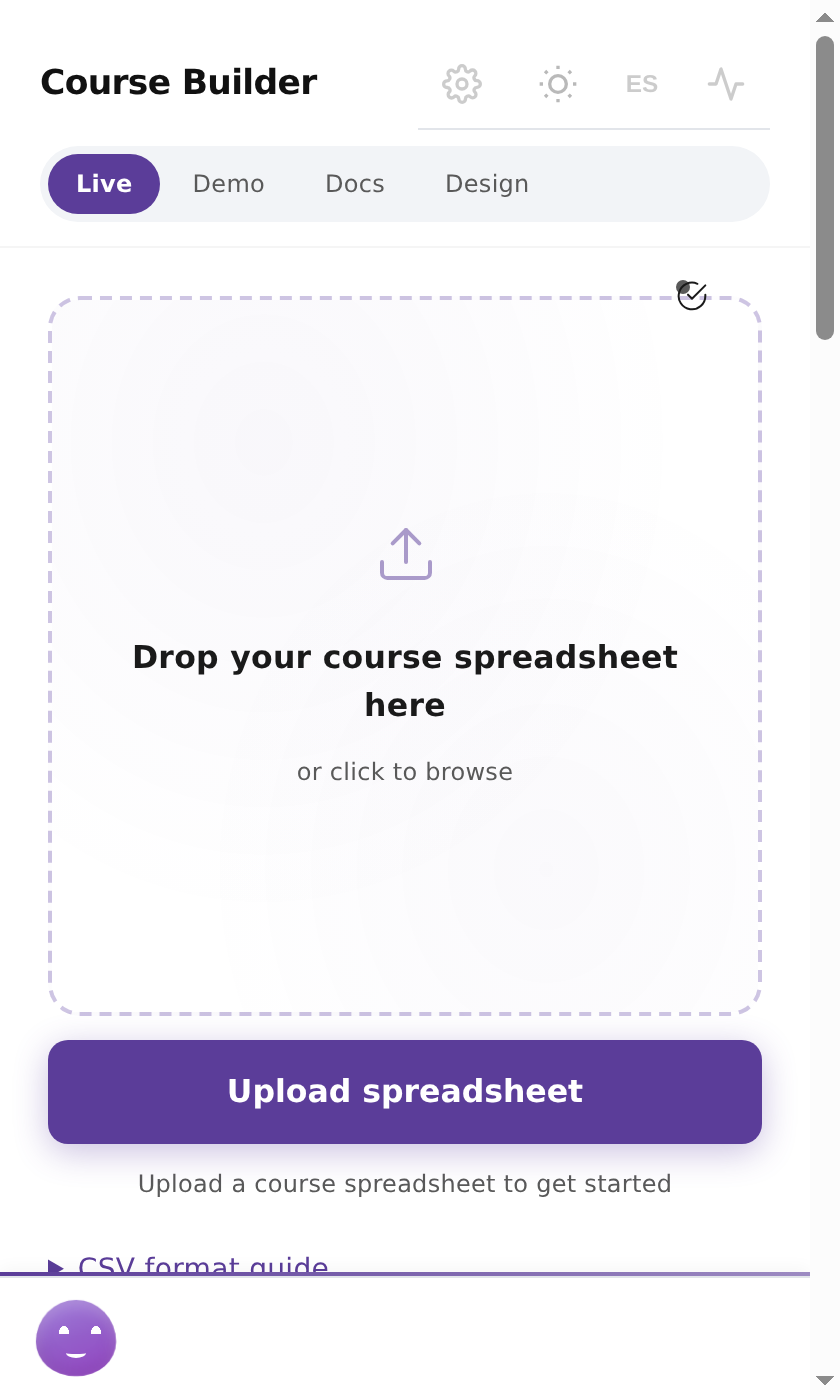
All steps succeeded, zero failed. The sidepanel shows a summary with a direct link to open the finished course.
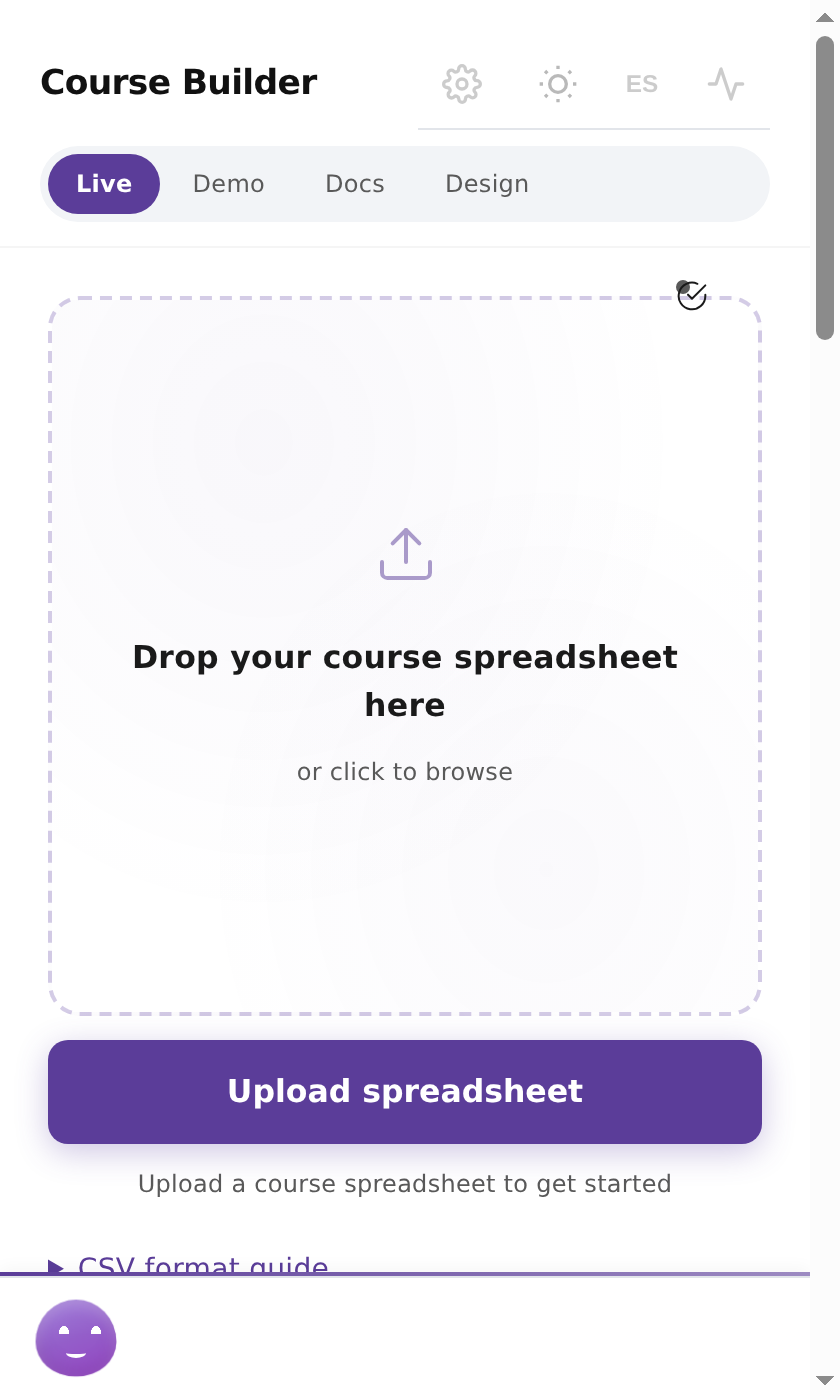
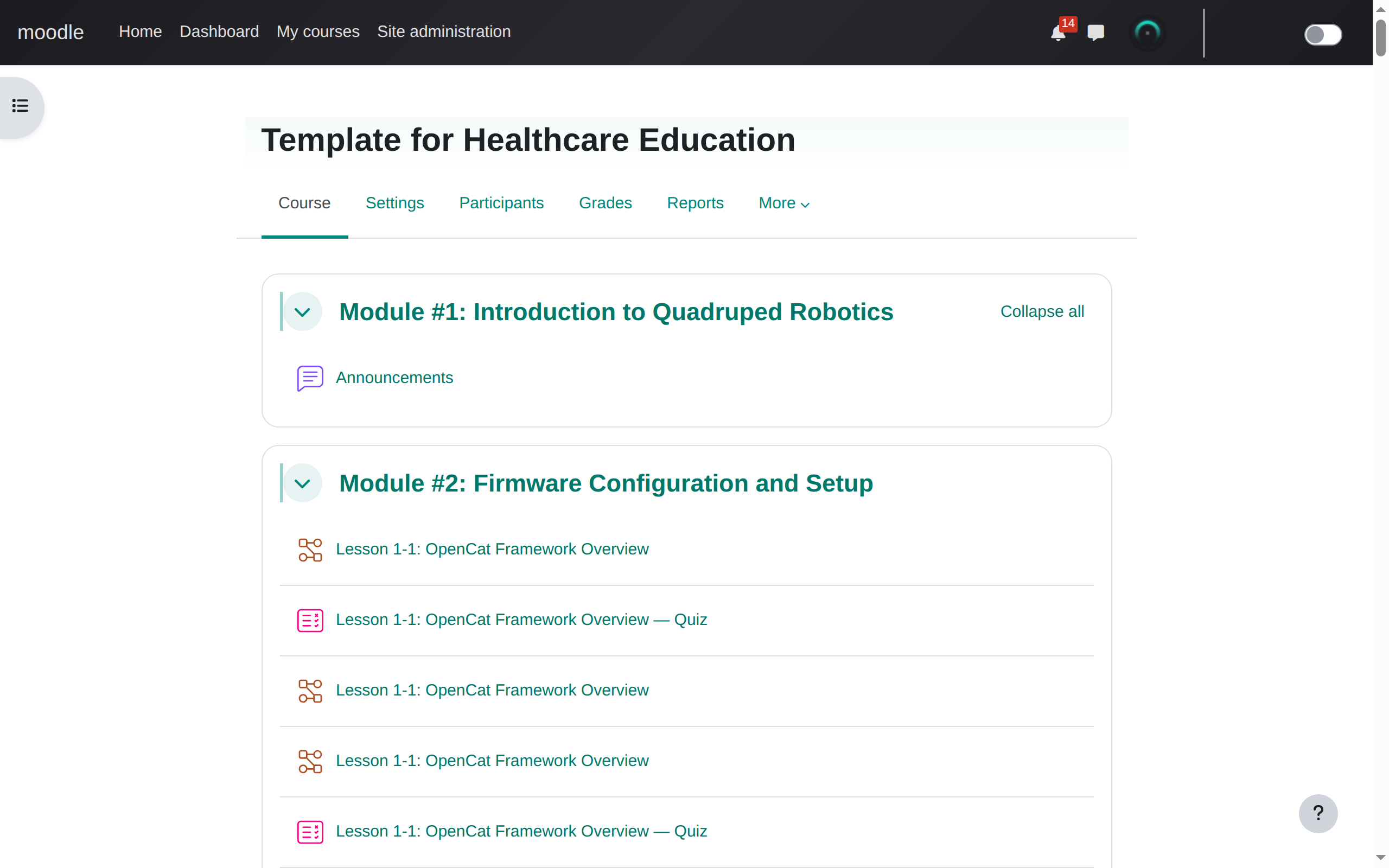
Click the course link to verify — all modules, lessons, and quizzes are live and ready for students. The populated course is indistinguishable from one built by hand.
Export from Google Sheets as CSV. The extension reads this structure directly.
| Module | Lesson | Questions | Options | Answer |
|---|---|---|---|---|
| Module #1: Assembly | ||||
| Servo Calibration | ||||
| What PWM value centers the servo? | A) 1000 B) 1500 C) 2000 D) 2500 | B) 1500: center position | ||
| Calculate servo travel range | 1000: PWM range in microseconds | |||
| Module #2: Firmware | ||||
| Flashing OpenCat | ||||
| USB baud rate for OpenCat? | A) 9600 B) 57600 C) 115200 D) 250000 | C) 115200: default serial speed |
Chrome 131+. Works with Moodle 4.x and 5.x. Any theme.